Menu
Import a menu
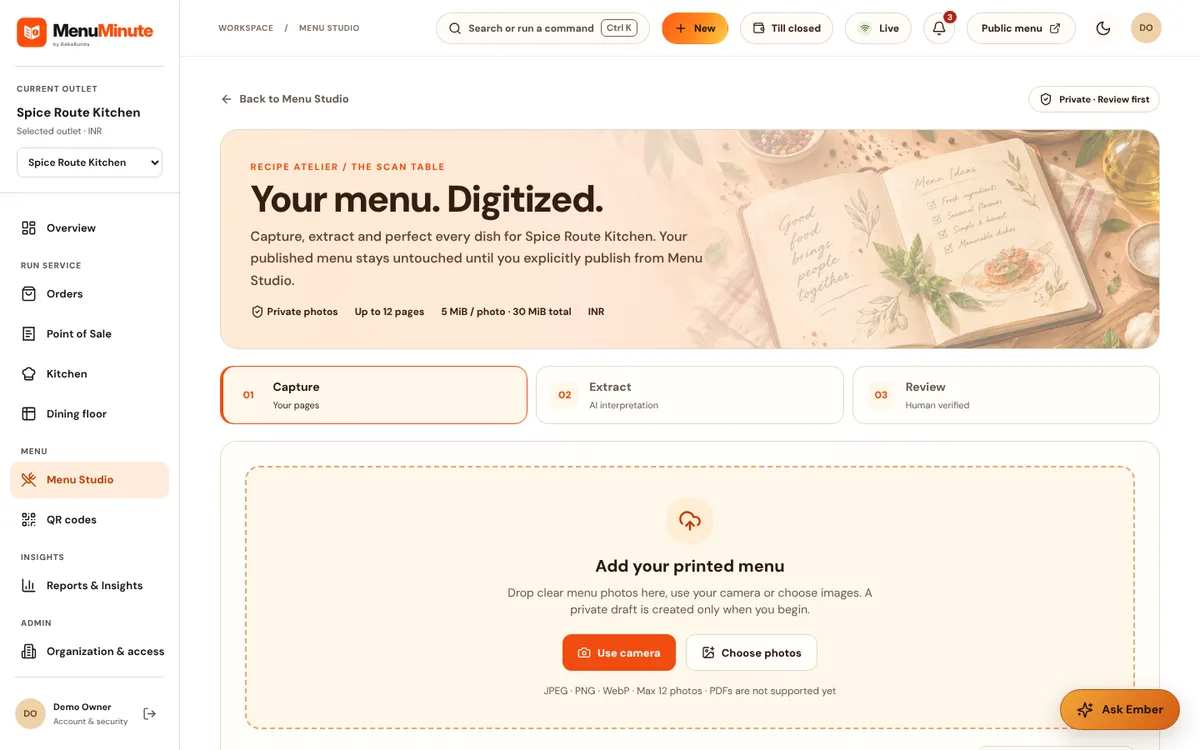
Start from an existing menu photo or document and review every suggestion before it is applied.
This feature is not available in the public demo.
What it does
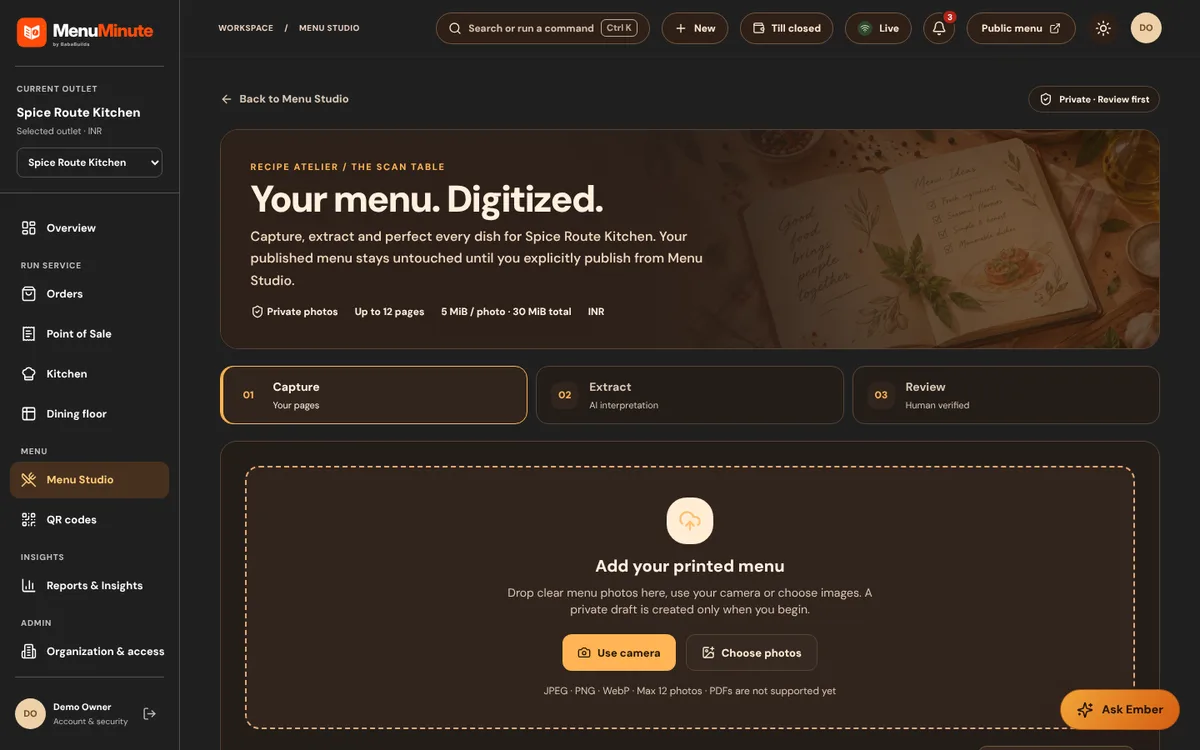
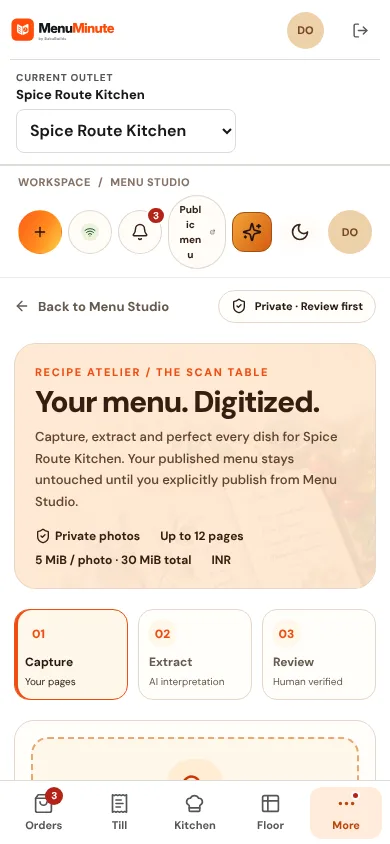
- Upload photos or documents of an existing menu. AI reads them and proposes categories, dishes and prices.
- Nothing is applied automatically. You review each candidate, correct it and then apply the reviewed result in one transaction.
How to use it
- 1Open Menu Import and add one or more source images.
- 2Start processing and wait for the review state.
- 3Check each dish, fix names or prices and apply the reviewed menu.
Good to know
- The public demo shows this screen but does not run imports, because they use a paid AI provider and uploads are disabled.
Try it yourself
Enter the demo first, then open this screen. No sign-up needed.