Menu
Menu Studio
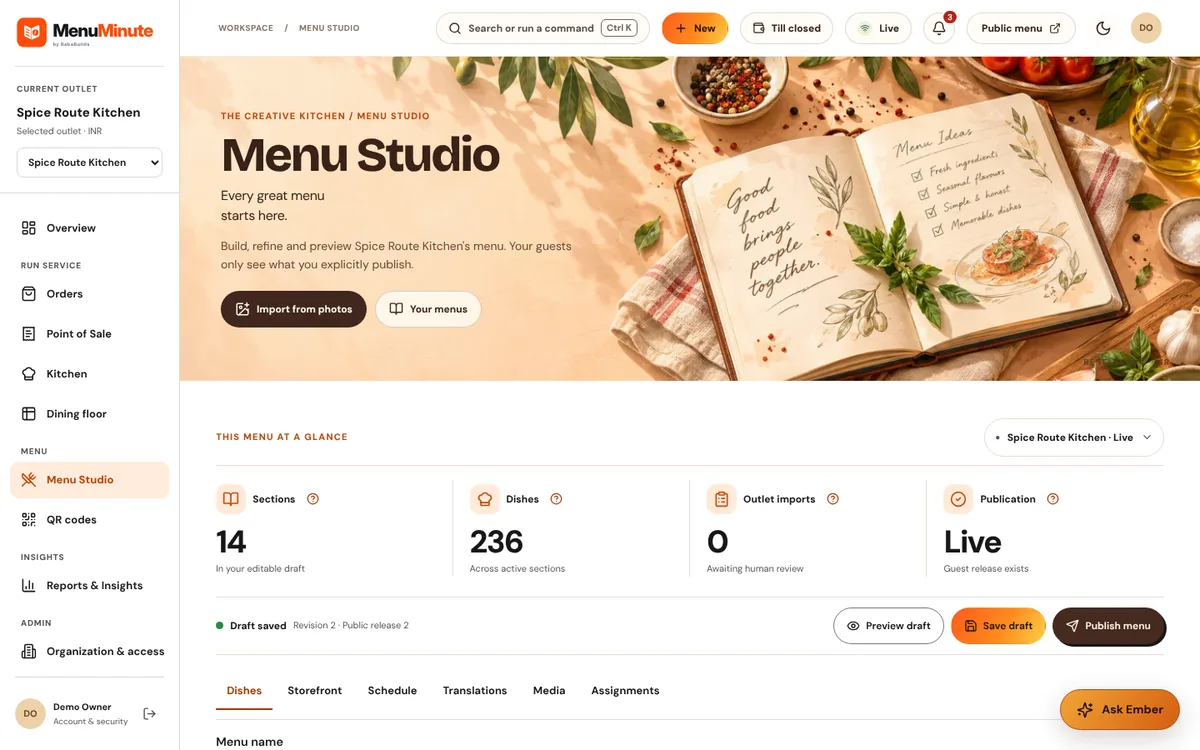
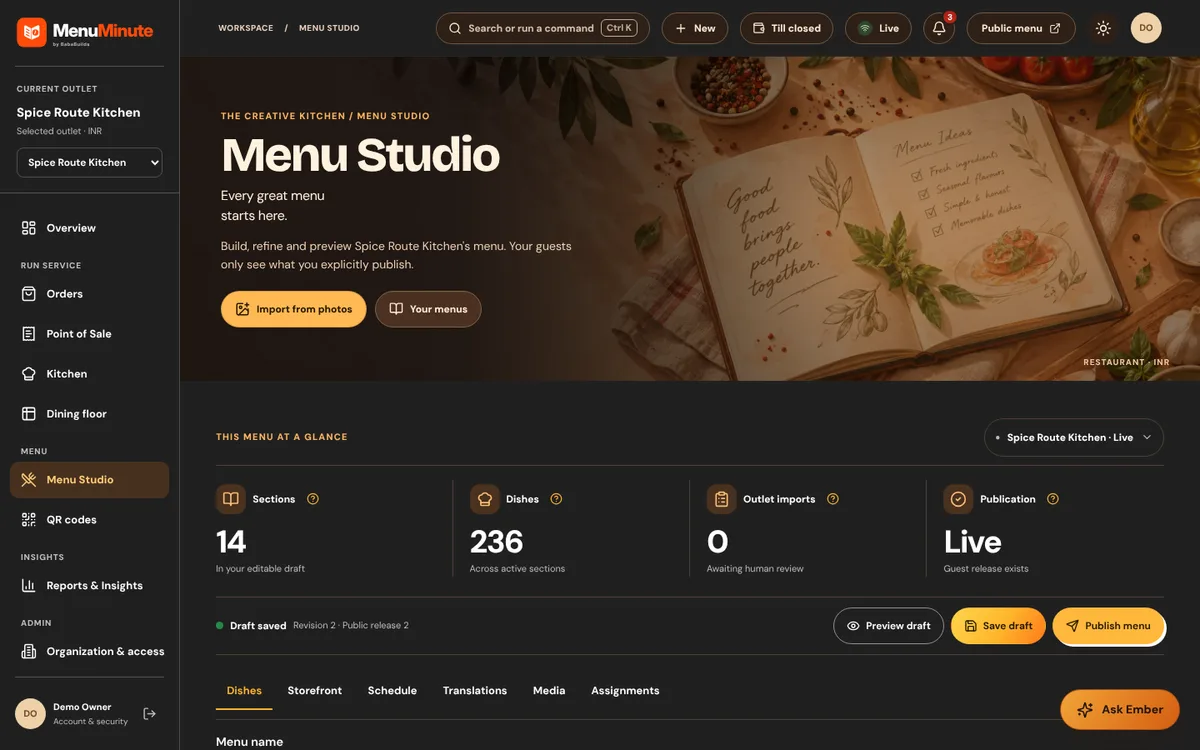
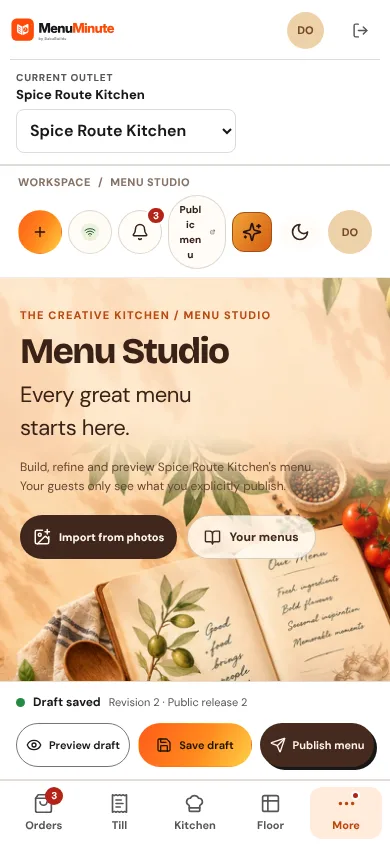
Build and publish your menu: categories, dishes, prices, variants, add-ons, dietary flags and images.
What it does
- Menu Studio keeps a private draft separate from what guests see. Nothing changes on the public menu until you publish.
- Each dish can have a description, price, variants such as Half and Full, add-on groups with minimum and maximum choices, dietary flags, spice level, a weekly schedule and an image.
- Images can be your own approved photograph or one of the bundled illustrations. Dishes without either show a neutral plate placeholder.
- Smart Composer helps you add many dishes at once from a catalogue of known dish names. Prices and sections are always confirmed by you.
How to use it
- 1Open Menu Studio and pick a category or use search to find a dish.
- 2Edit the dish details and add variants or add-on groups if needed.
- 3Review the preview, then publish. Guests see the new menu straight away.
Good to know
- Mark allergens and dietary information only from verified ingredient information. MenuMinute never invents allergen safety claims.
- Use quick availability for a one-tap sold-out toggle during service instead of editing the menu.
Try it yourself
Enter the demo first, then open this screen. No sign-up needed.