Menu
Menu translations
Offer the public menu in more than one language and keep each translation reviewed.
What it does
- Translations are stored per language alongside the published menu, tied to the revision they were written for.
- Guests choose a language on the public menu. Dishes without a translation fall back to the original text.
How to use it
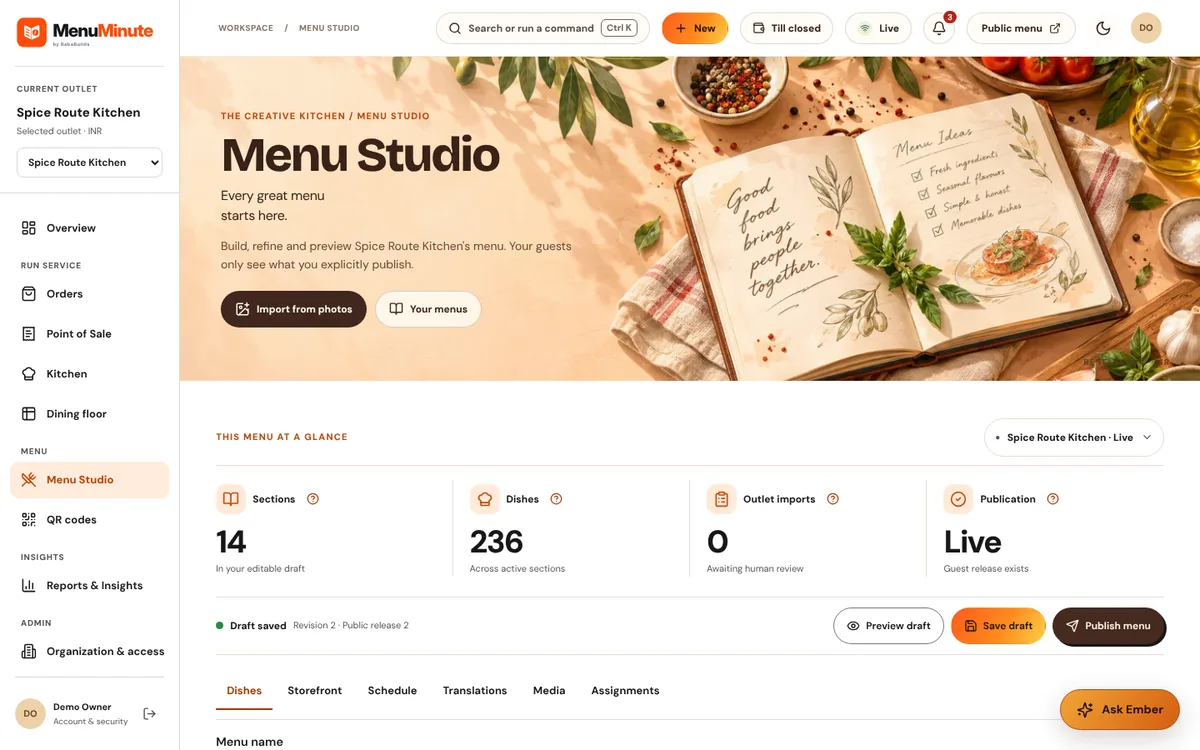
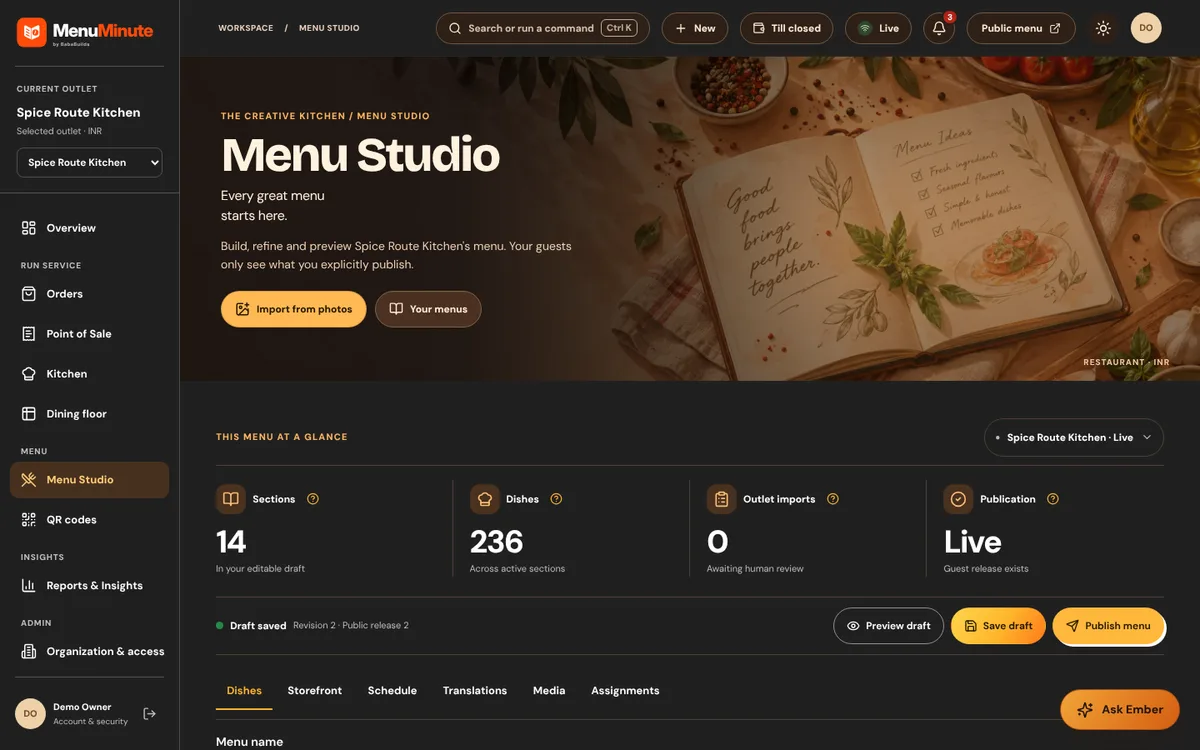
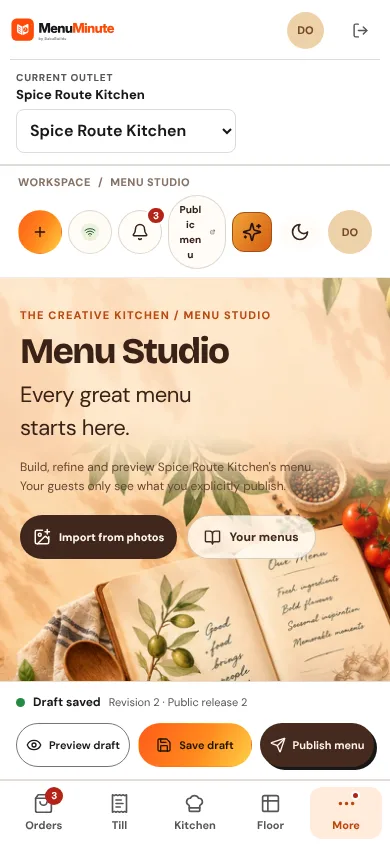
- 1Open Menu Studio and choose Translations for the menu.
- 2Add a language, enter or paste the translated names and descriptions and review them.
- 3Publish the menu so the translation goes live with the matching revision.
Good to know
- Re-review translations after you change prices or descriptions; a translation is linked to the revision it was written for.
Try it yourself
Enter the demo first, then open this screen. No sign-up needed.