Run service
Guest menu and ordering
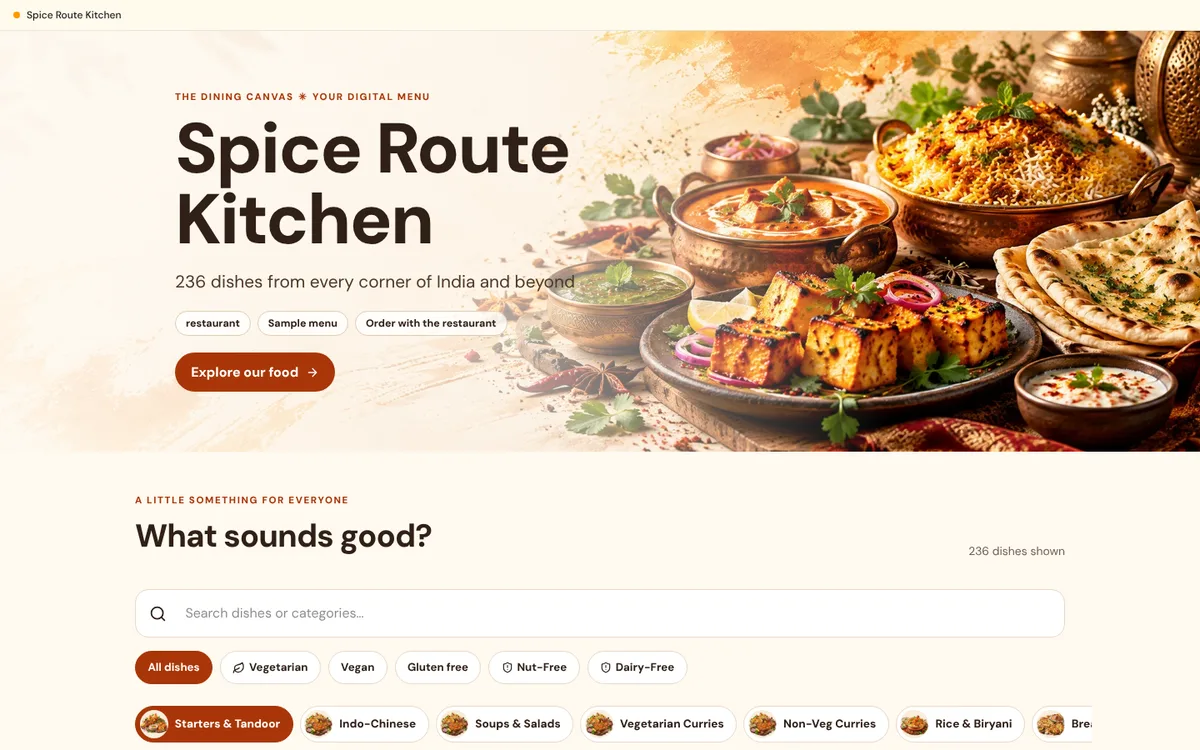
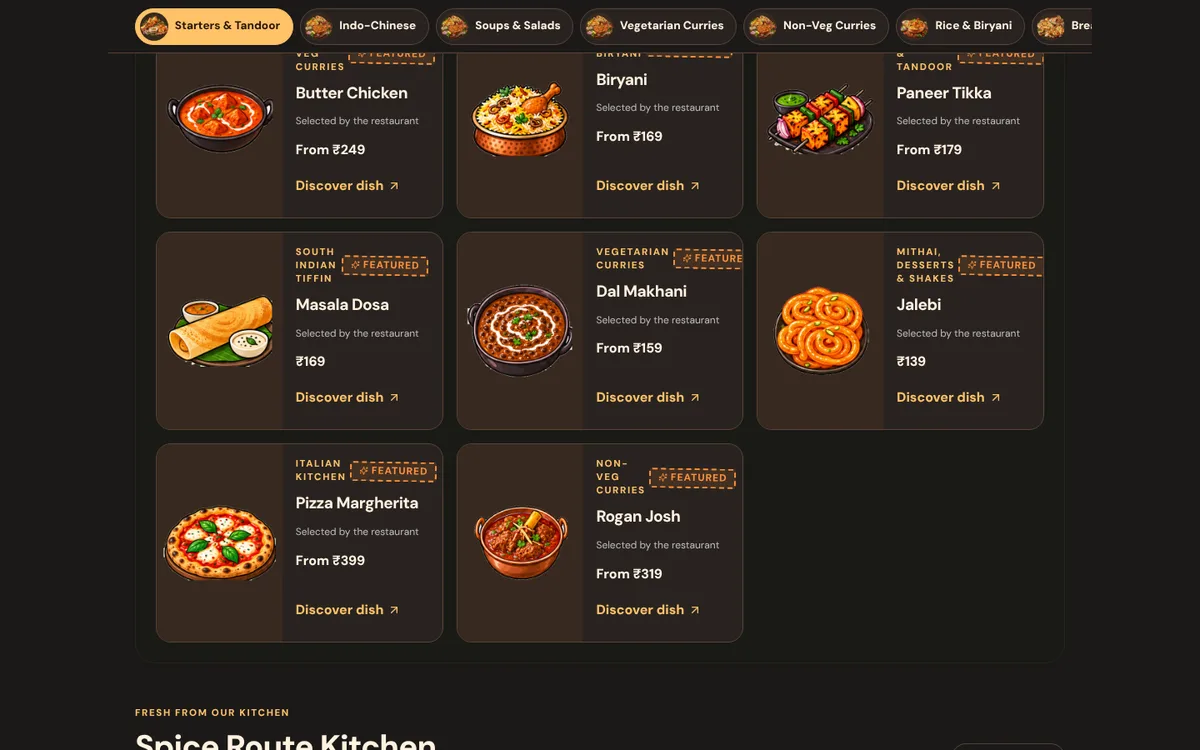
The page your guests see after scanning: browse, filter, choose options and send an order.
What it does
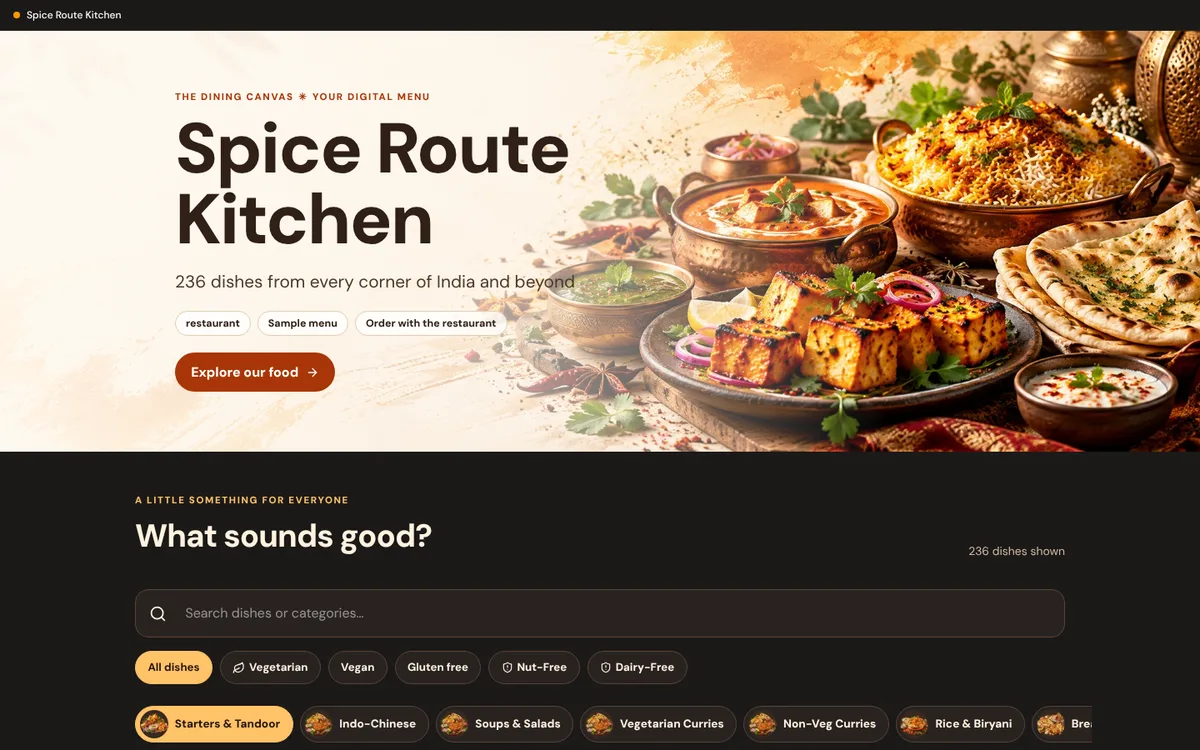
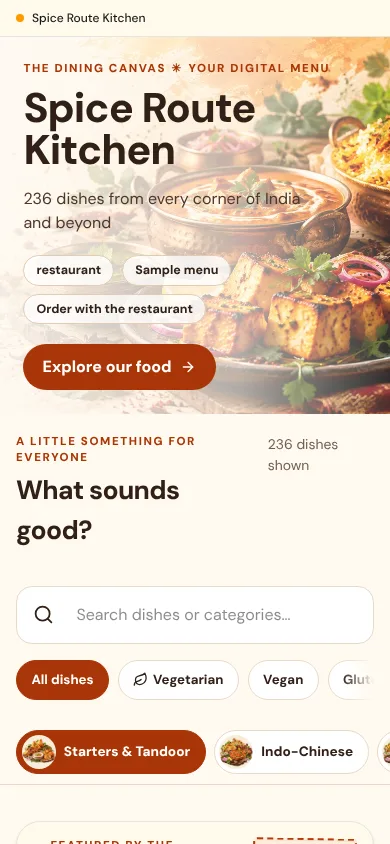
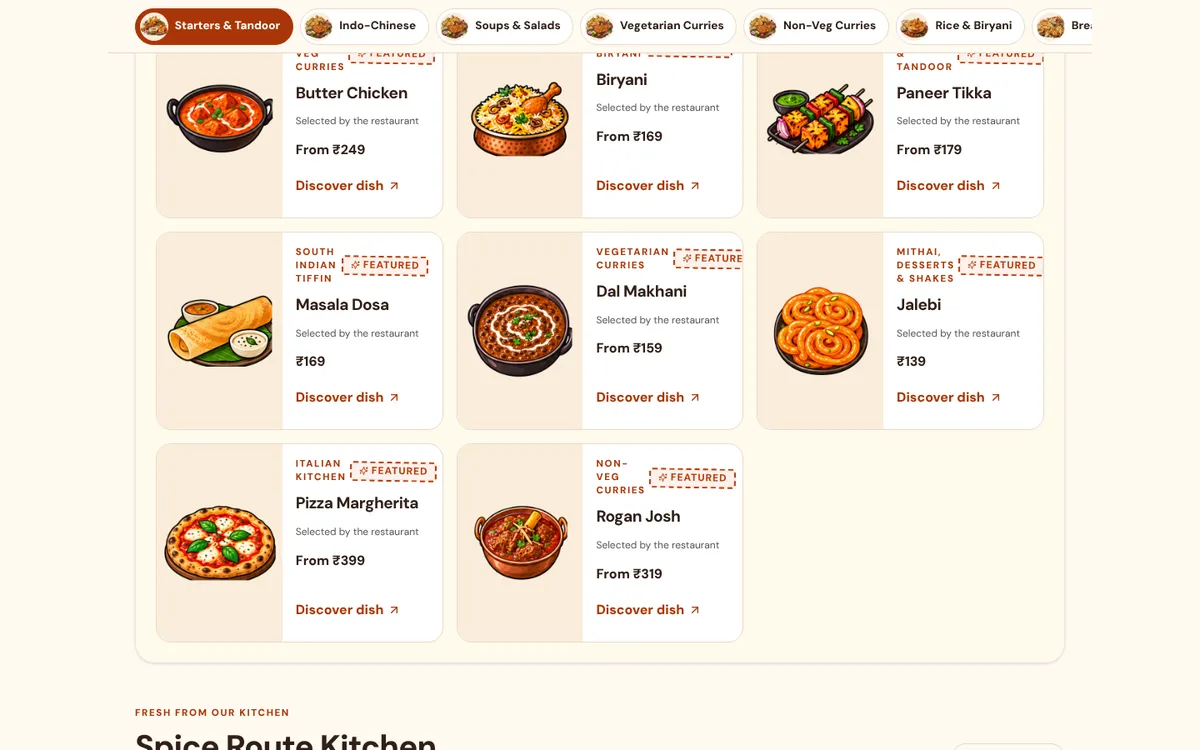
- A food-first cover, a sticky category navigator and responsive dish cards present your menu on any phone.
- Guests filter by dietary flags, open a dish for variants and add-ons, and see availability checked before they order.
- Prices are always calculated on the server, never trusted from the phone. Submitting an order is a request: the restaurant accepts it, and the guest follows its status on a tracking page.
How to use it
- 1Scan the QR code or open the menu link.
- 2Pick dishes and choose any required options.
- 3Review the cart and submit. Keep the tracking page open to follow the order.
Good to know
- Guests can order only while an Online Ordering entitlement is active for the outlet. The free QR menu works without it.
- Allergen and nutrition details in the demo are sample data.
Try it yourself
Opens in the live demo. No sign-up needed.