Run service
Orders
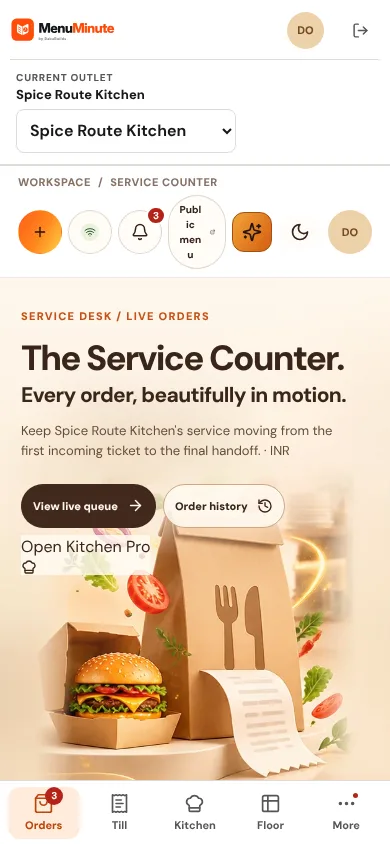
Accept, prepare and complete guest orders from one live queue.


What it does
- The Service Rail lists tickets by state: pending, accepted, preparing, ready and finished. The Service Pulse summarises the queue.
- Each action checks that you are looking at the latest version of the ticket, so two people cannot overwrite each other.
- A pending order that is not accepted in time expires automatically and shows as expired.
How to use it
- 1Open Orders and accept or reject each pending ticket.
- 2Move accepted tickets to preparing, then ready, then served or collected.
- 3Open a ticket to see its items, add-ons and history.
Good to know
- If the queue cannot refresh, the last verified tickets stay visible and read-only instead of showing an empty queue.
Try it yourself
Enter the demo first, then open this screen. No sign-up needed.