Run service
Dining floor
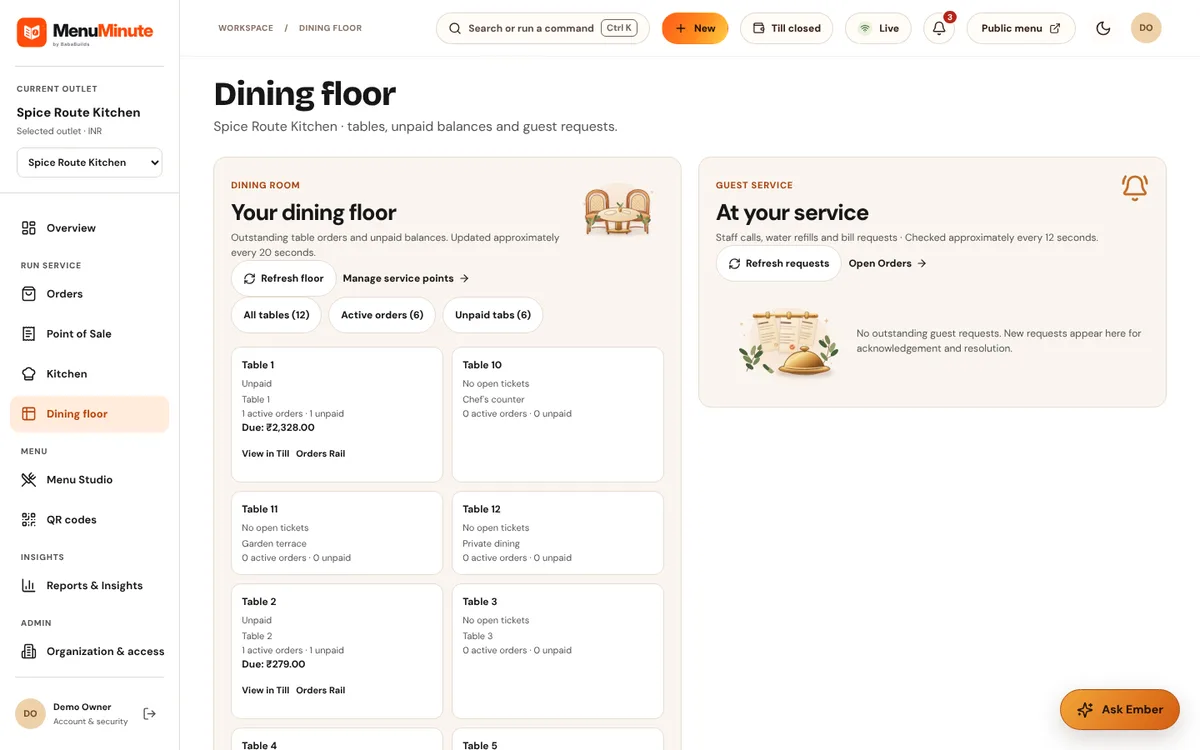
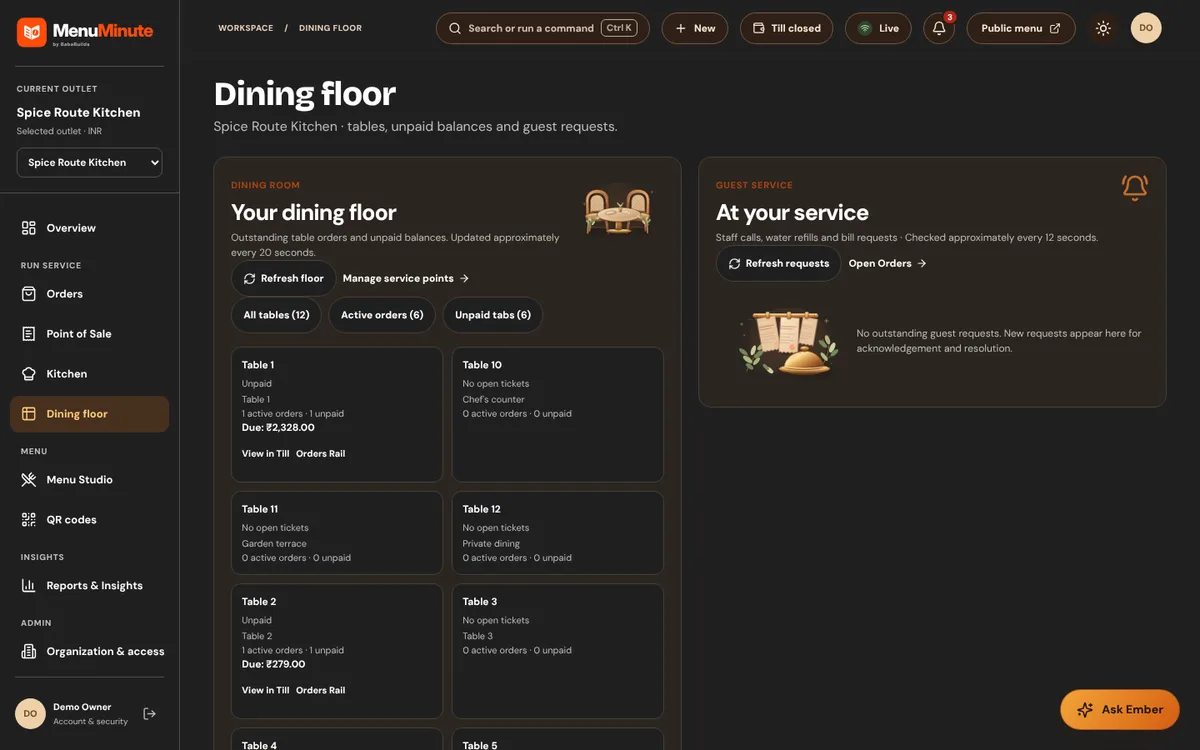
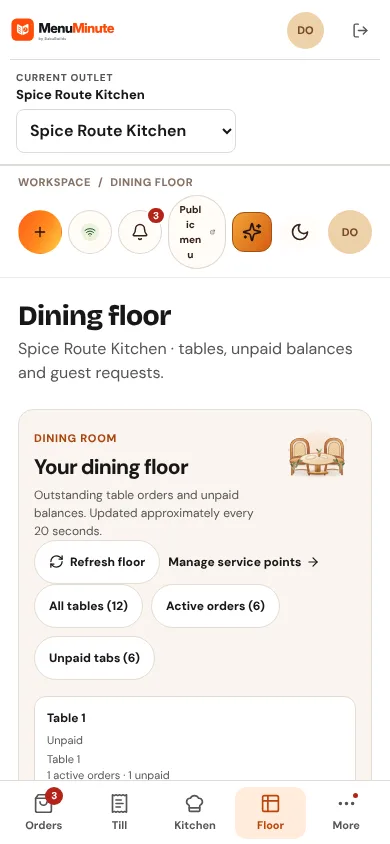
See every table, its open orders and guest service requests.
What it does
- The floor view shows the outlet's tables with the activity attached to each one.
- Guests who scan a table QR can ask for service; staff acknowledge and resolve those requests here.
How to use it
- 1Open the floor to see which tables have open orders.
- 2Acknowledge a service request and resolve it when done.
Good to know
- Table numbers and labels are managed with the outlet's dining layout.
Try it yourself
Enter the demo first, then open this screen. No sign-up needed.