Menu
QR Studio
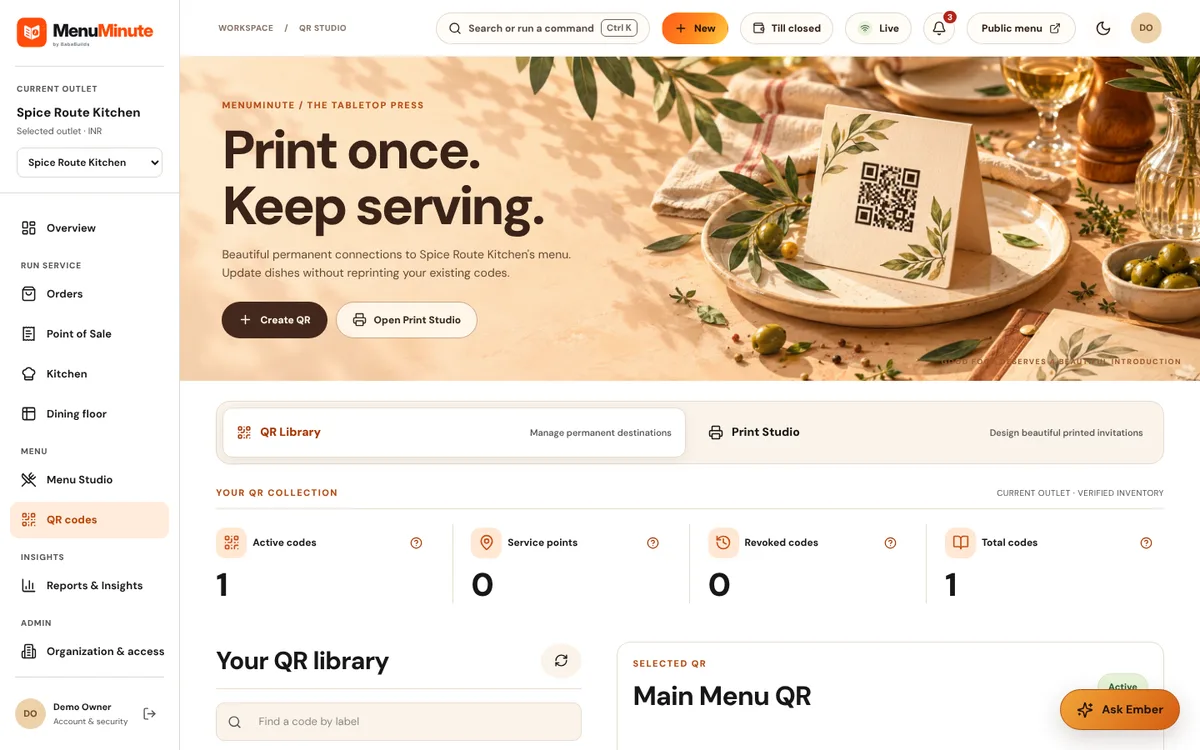
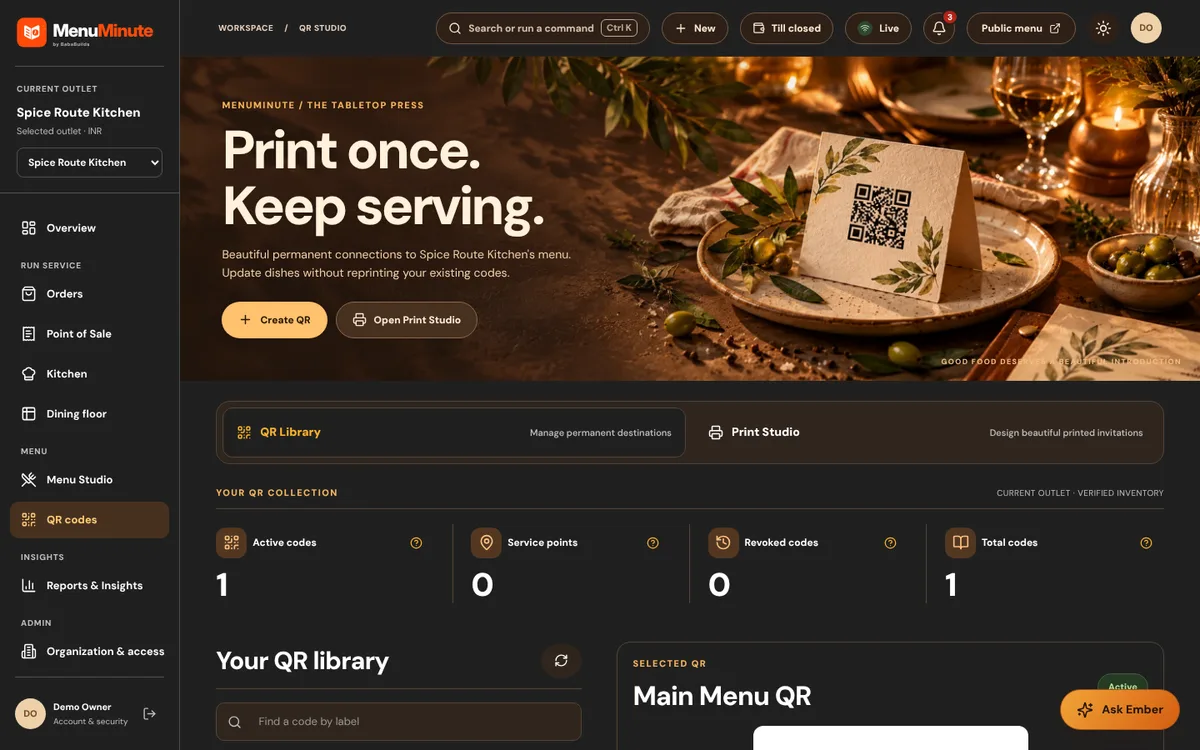
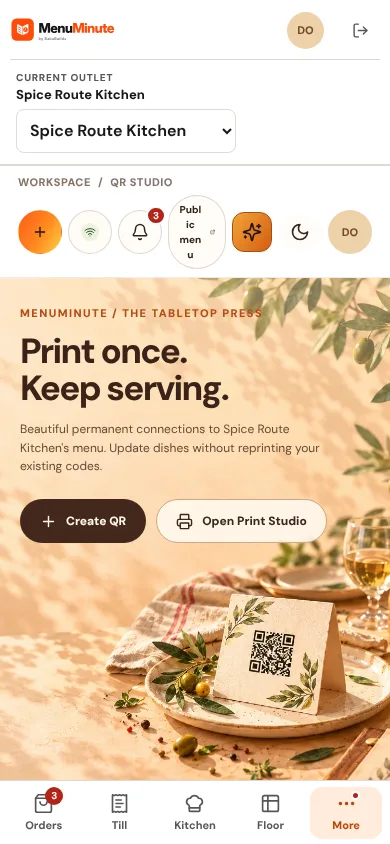
Create permanent QR codes for your menu and design materials to print.
What it does
- QR Library lists the QR codes for your outlet. Each code points at a permanent link, so printed materials keep working when the menu changes.
- Print Studio lays out printable materials, such as table cards, around a scannable code for your outlet.
- You can revoke a code deliberately if it is ever misused.
How to use it
- 1Open QR Studio and select the code you want to print.
- 2Choose a design in Print Studio and download it.
- 3Test the printed code with a phone before putting it on tables.
Good to know
- Copied QR codes are public. Orders are accepted by staff, not by table position alone.
Try it yourself
Enter the demo first, then open this screen. No sign-up needed.