Everything MenuMinute does, shown.
Short guides with real screenshots from the live demo. Each one links to the matching screen so you can try it yourself, no sign-up required.
Open the live demoGet started
Menu
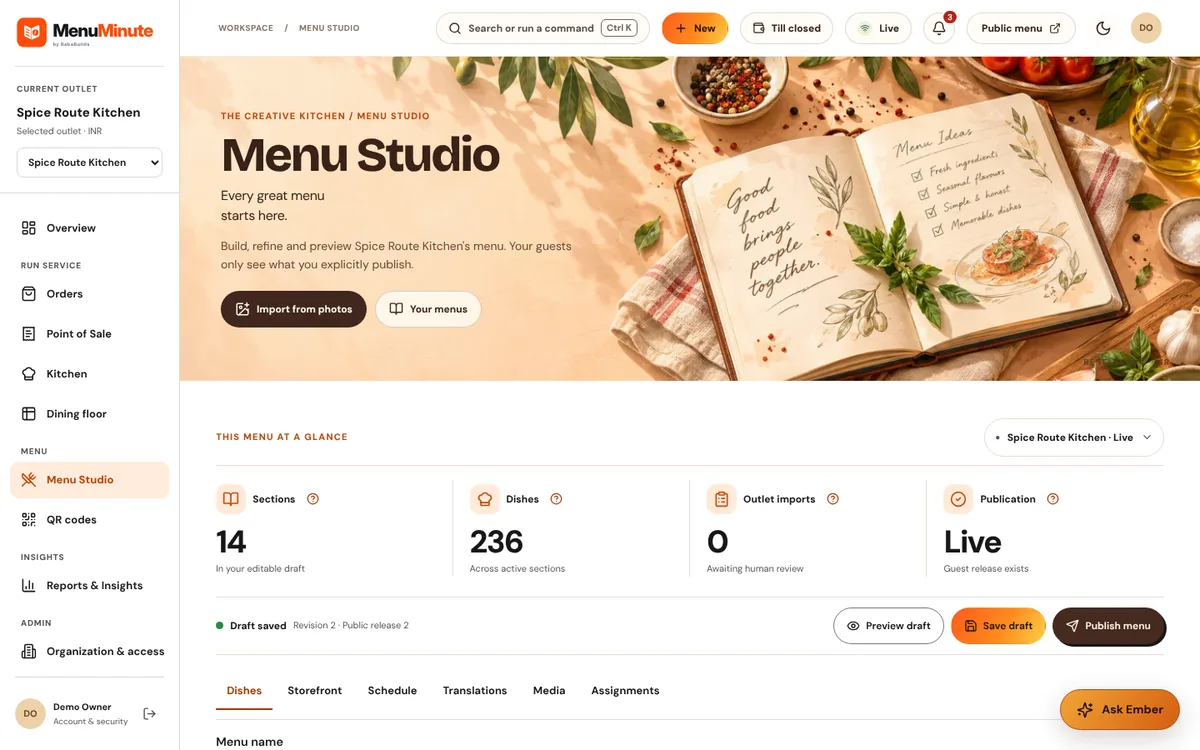
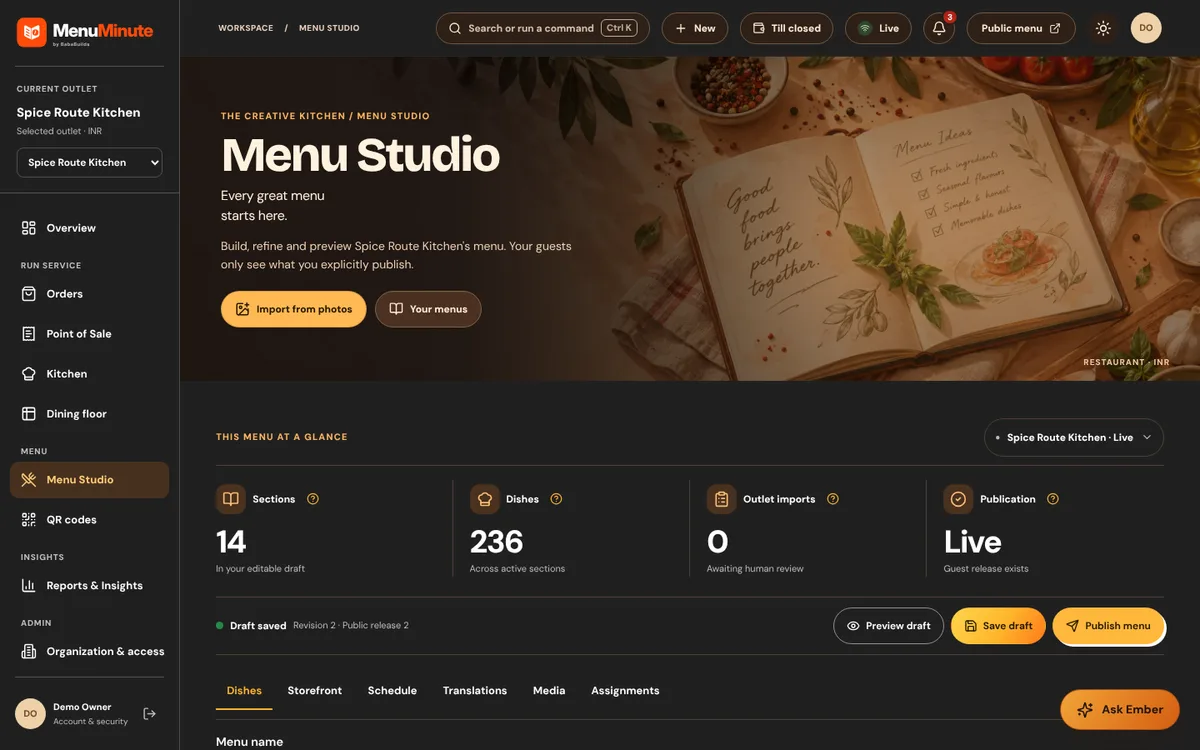
Menu Studio
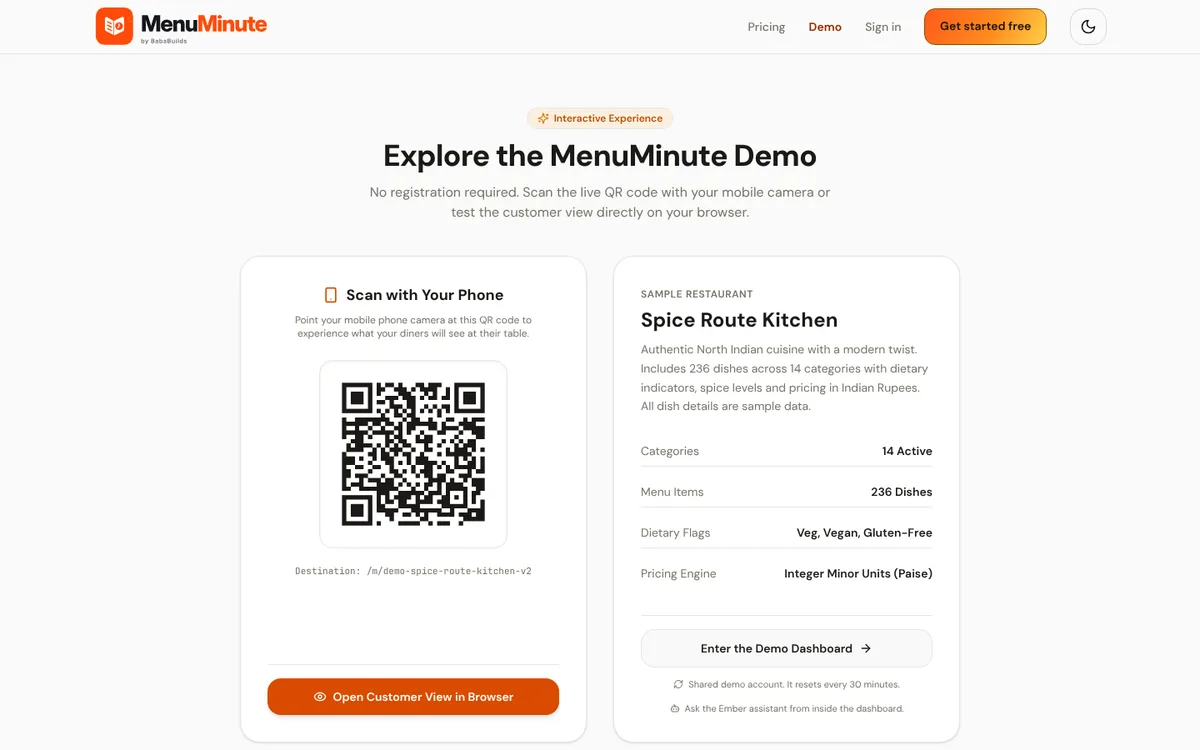
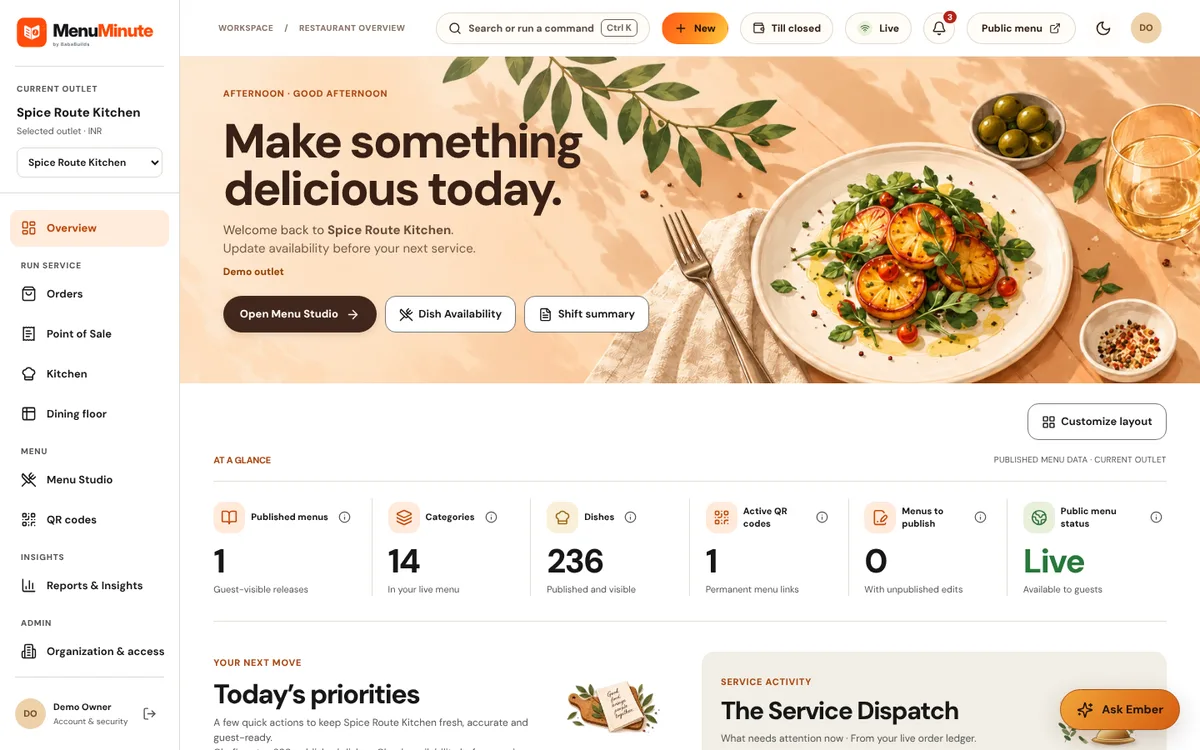
Build and publish your menu: categories, dishes, prices, variants, add-ons, dietary flags and images.
Read the guideMenu translations
Offer the public menu in more than one language and keep each translation reviewed.
Read the guide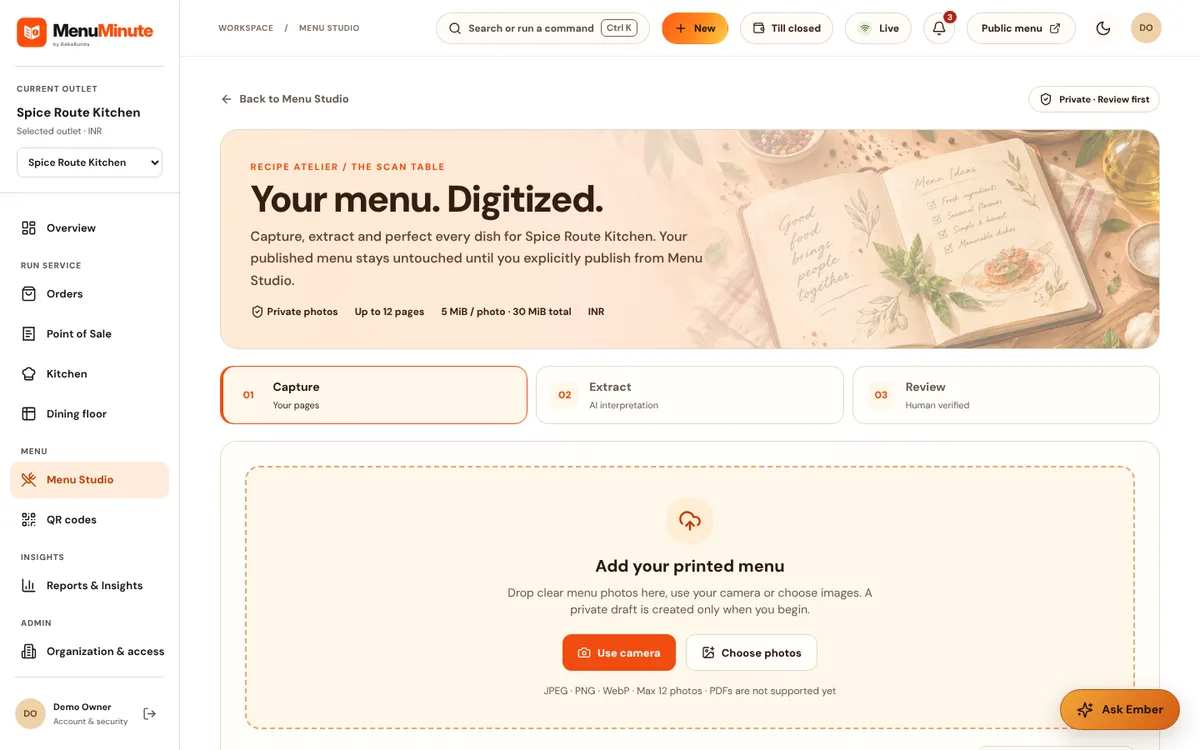
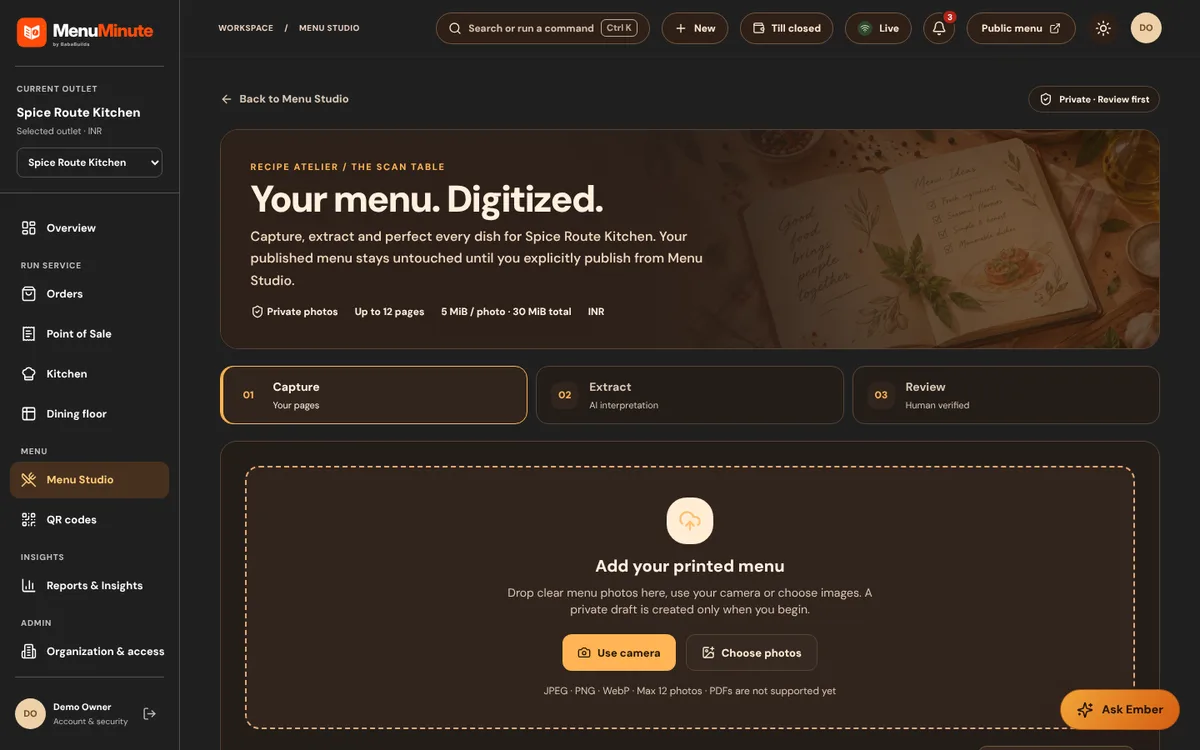
Import a menu
Start from an existing menu photo or document and review every suggestion before it is applied.
Read the guide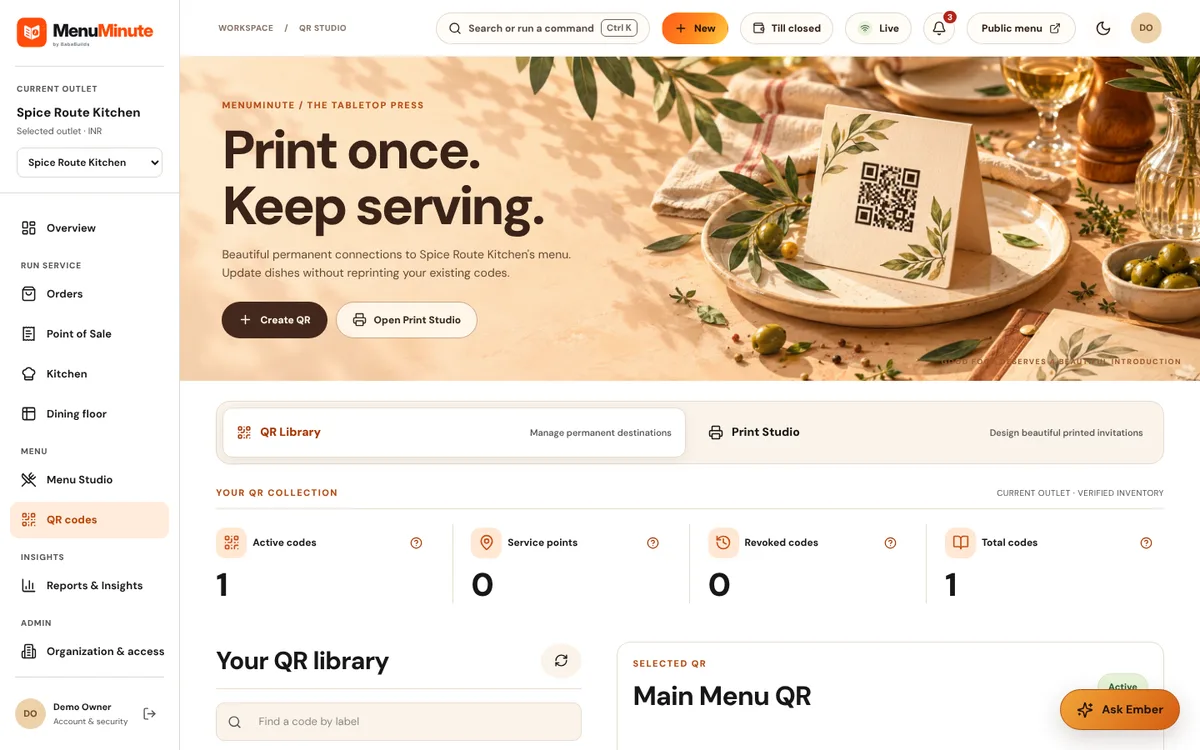
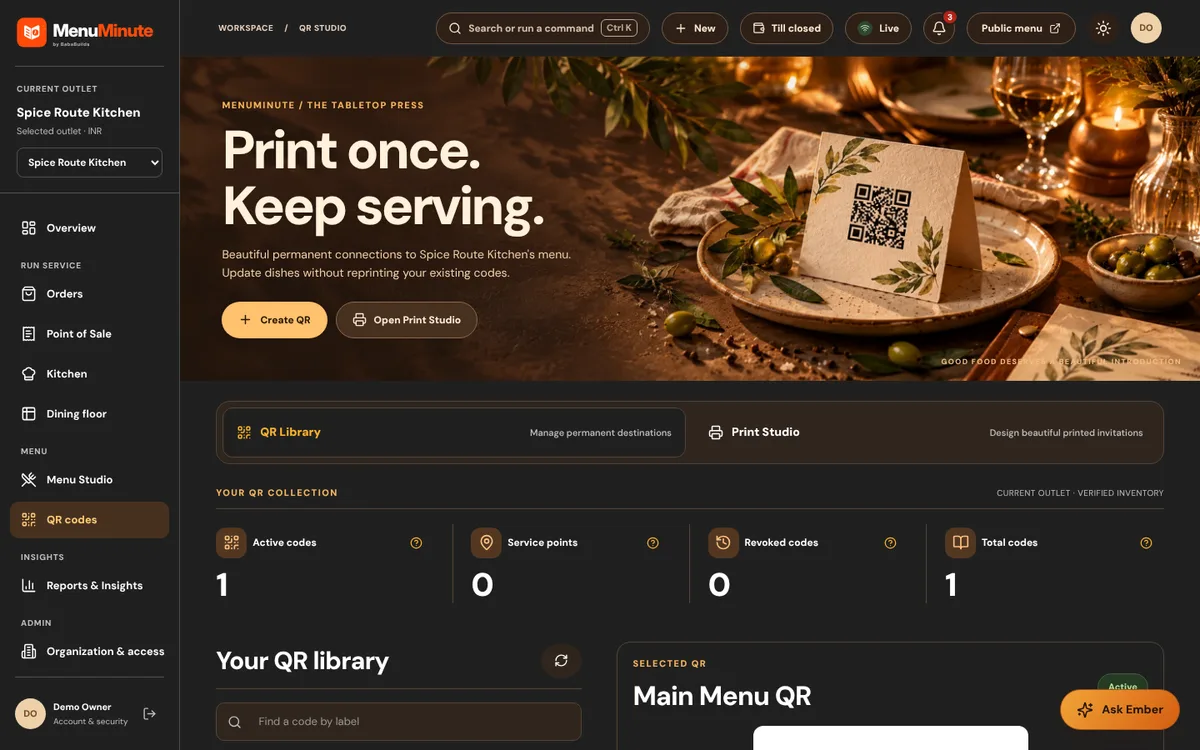
QR Studio
Create permanent QR codes for your menu and design materials to print.
Read the guide
Run service
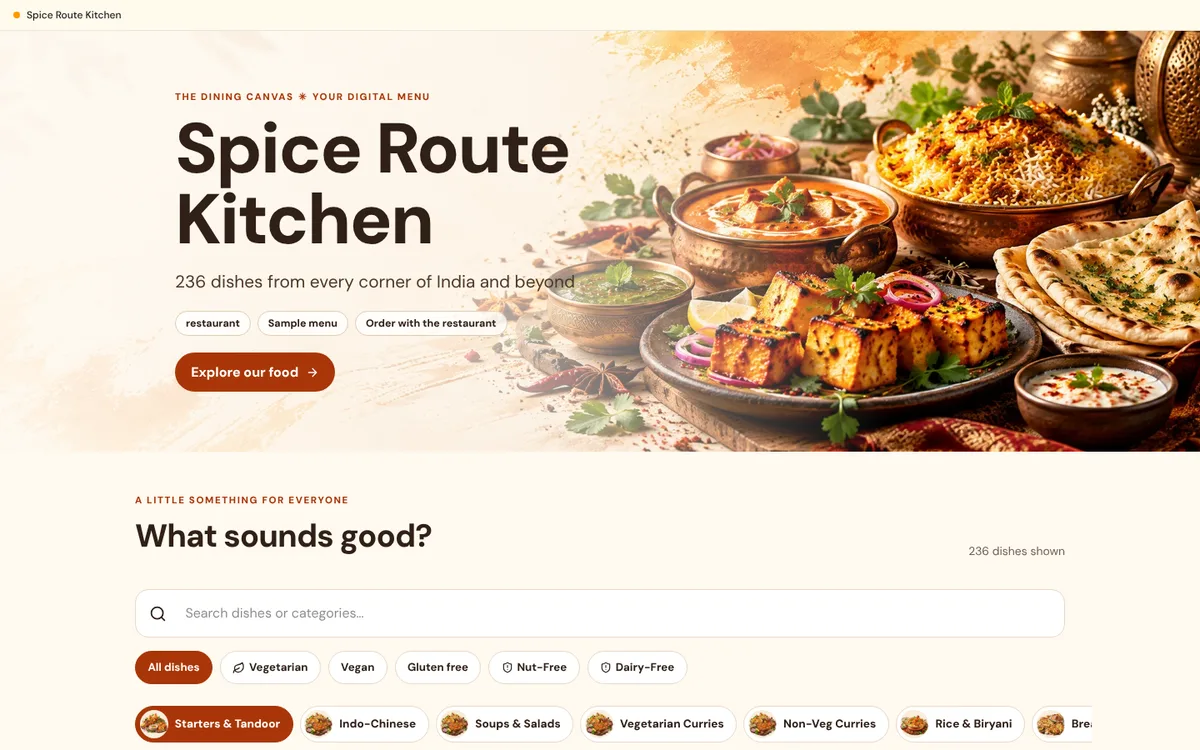
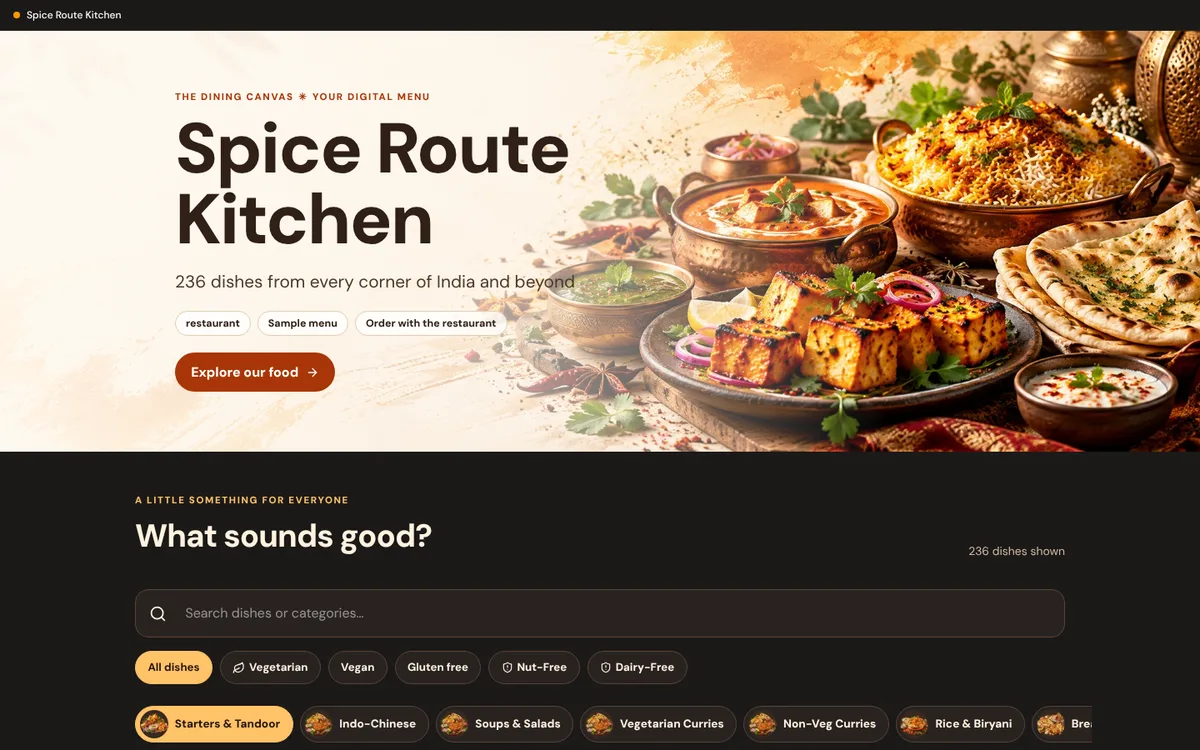
Guest menu and ordering
The page your guests see after scanning: browse, filter, choose options and send an order.
Read the guide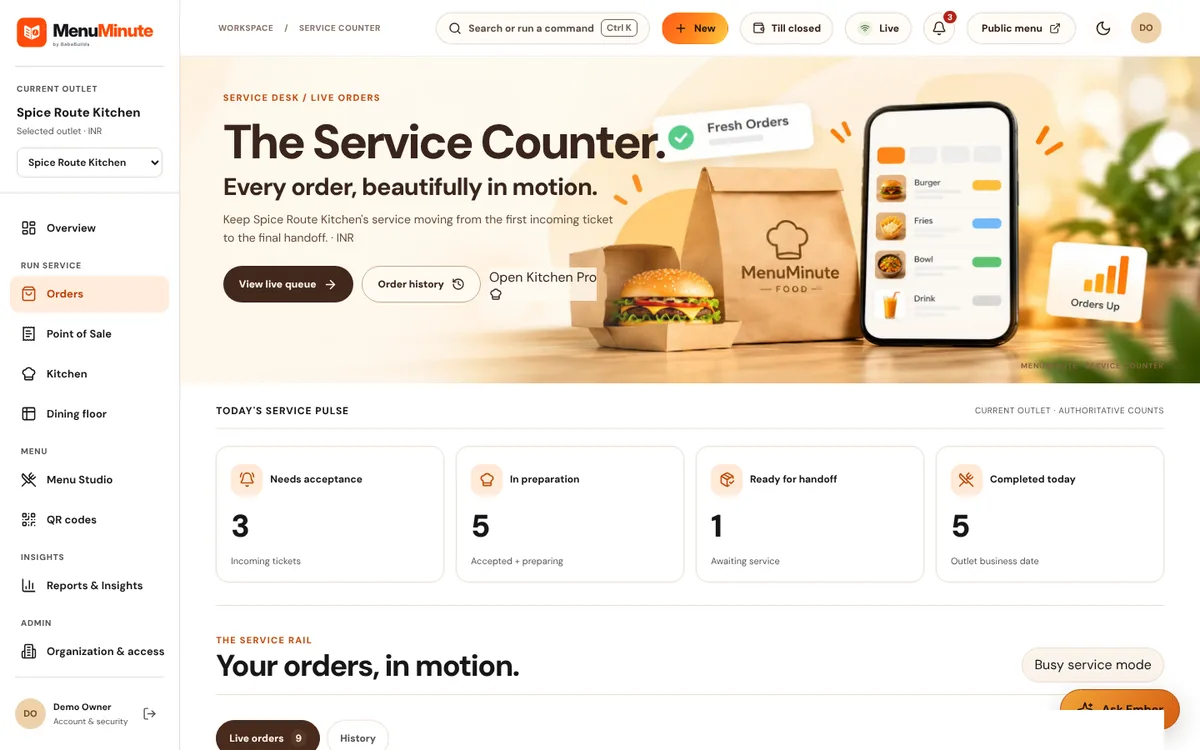
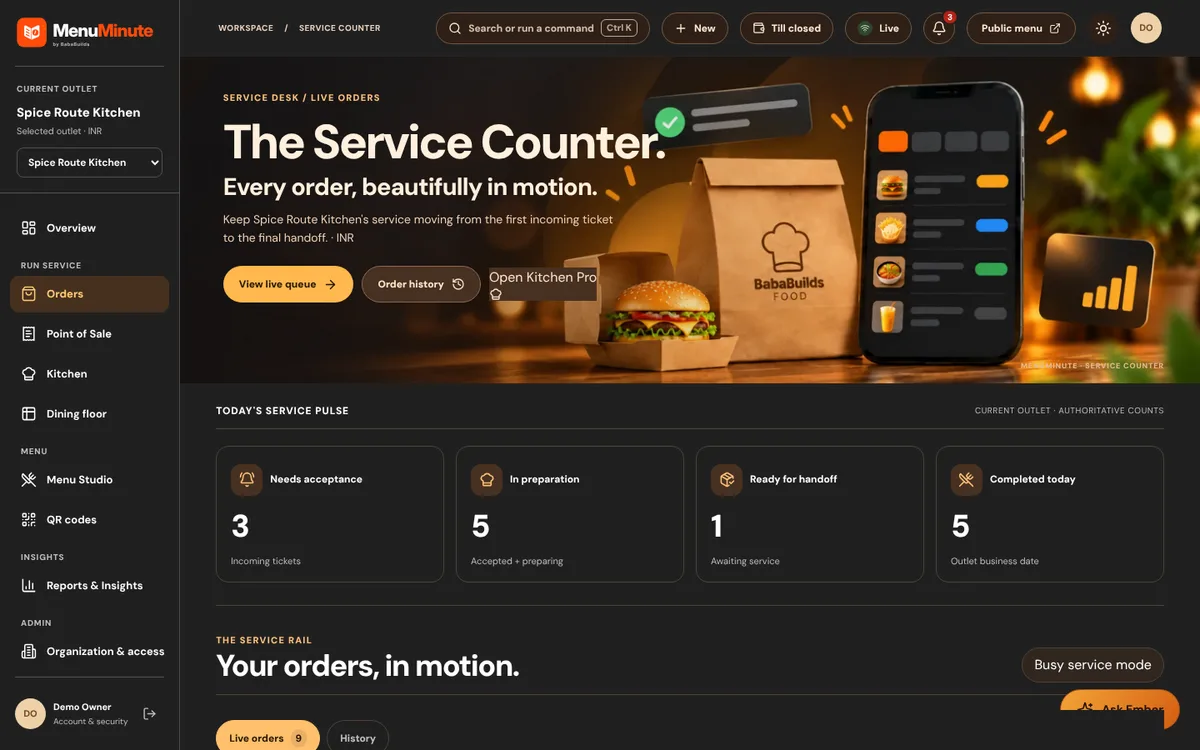
Orders
Accept, prepare and complete guest orders from one live queue.
Read the guide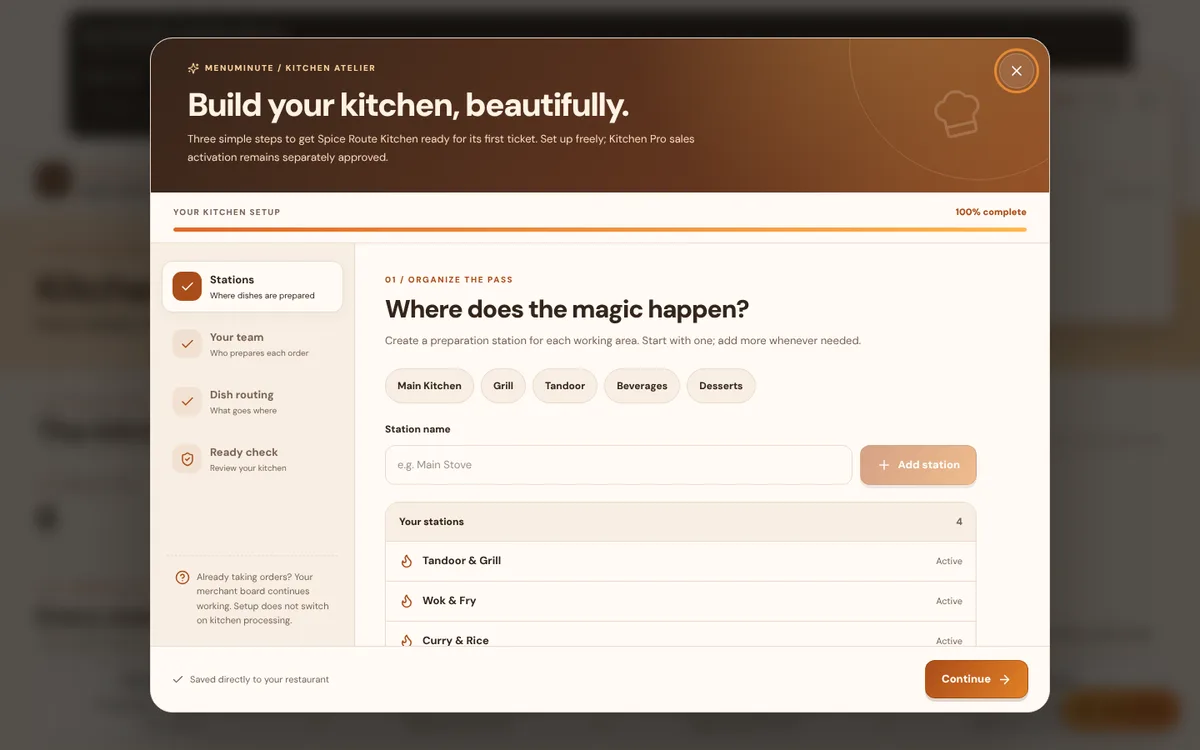
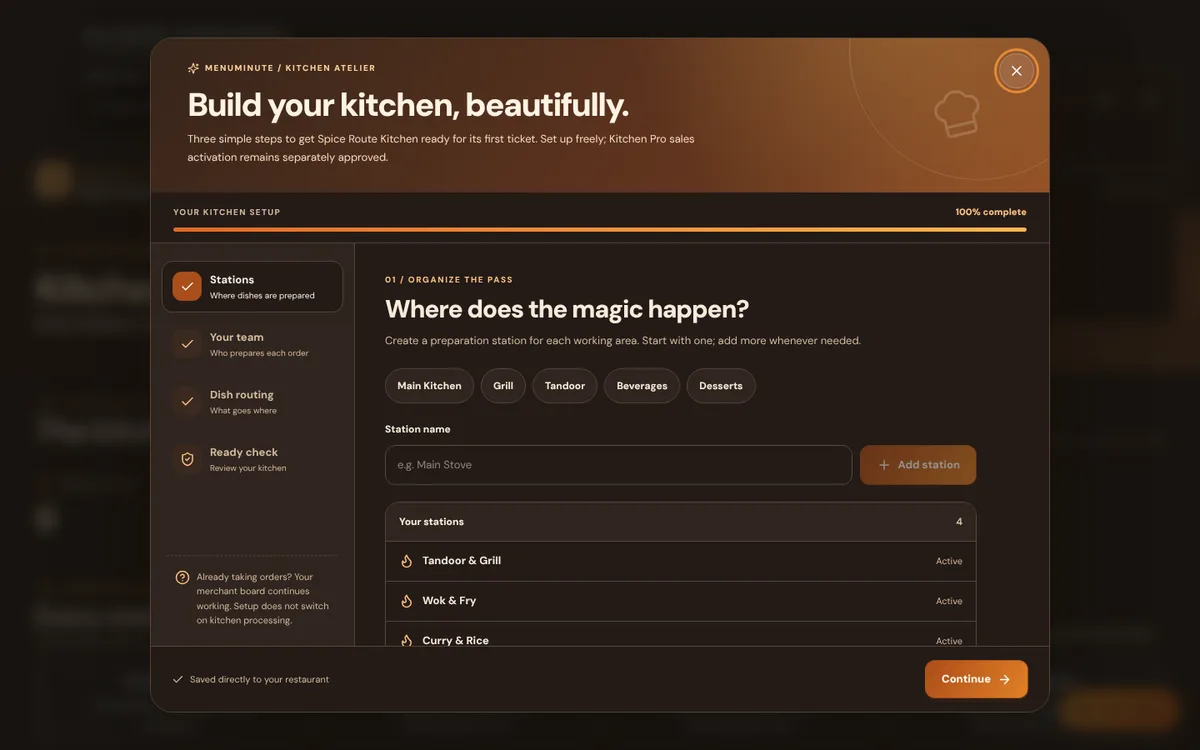
Kitchen display
Route each dish to a station and track preparation from queued to ready.
Read the guide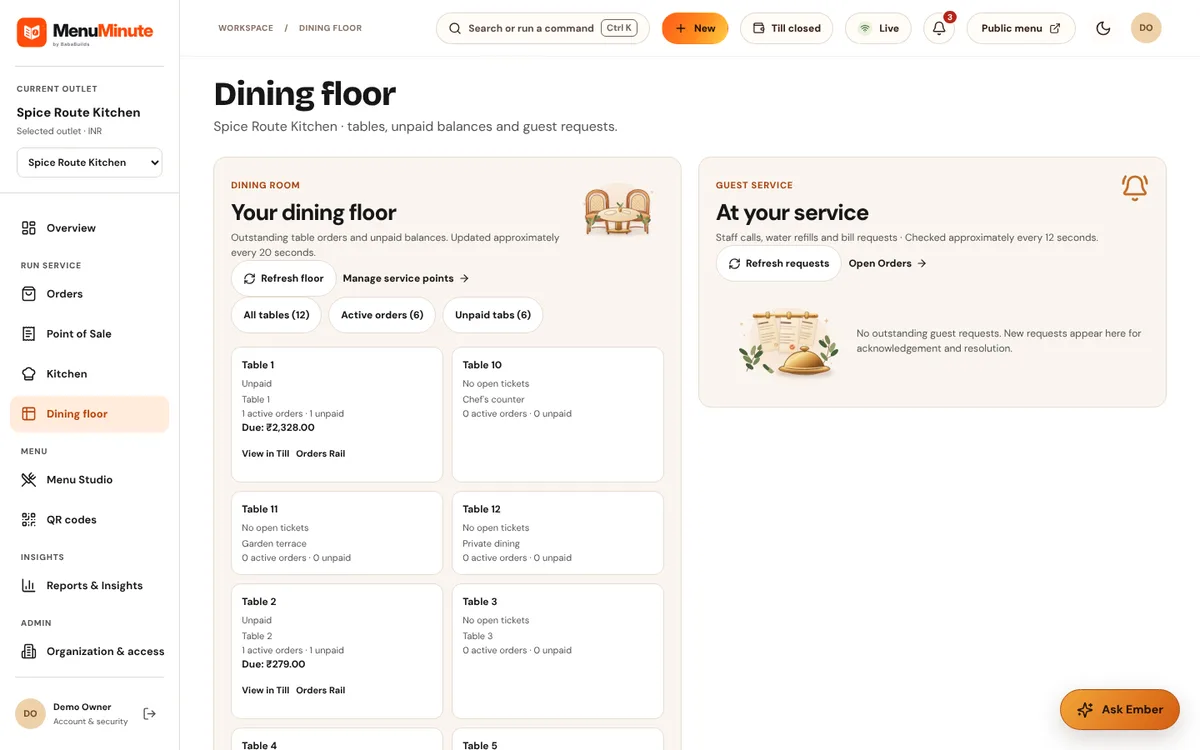
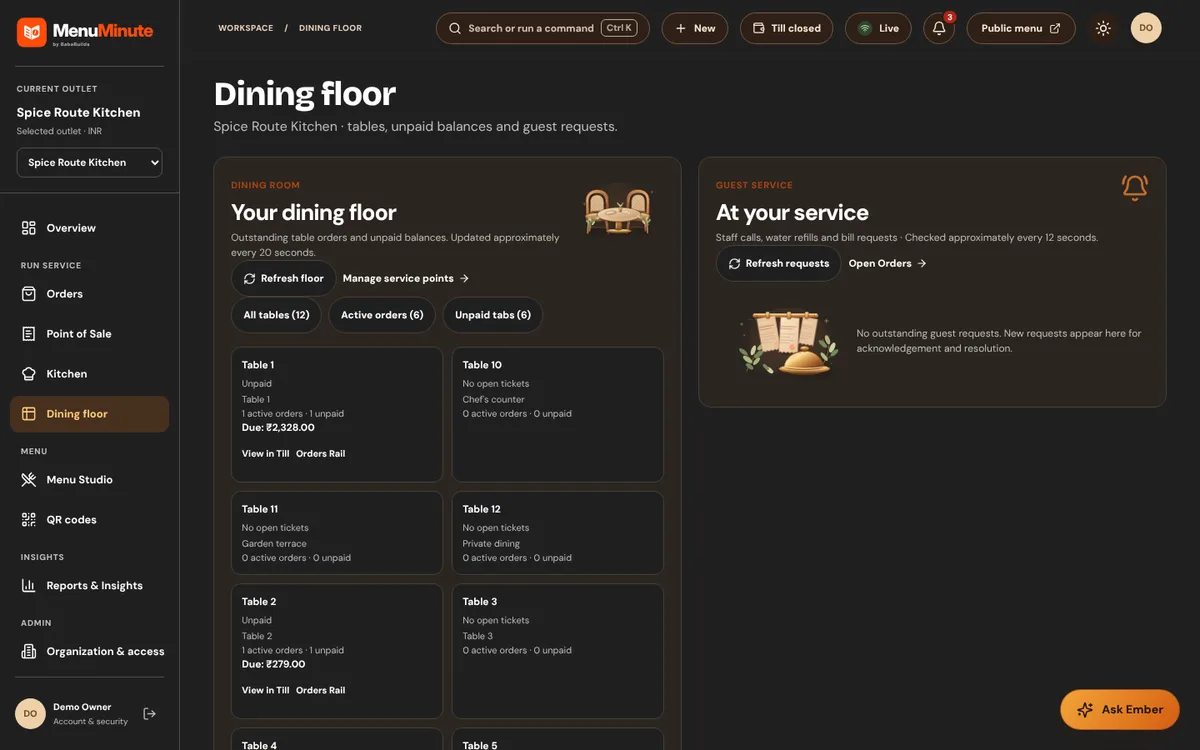
Dining floor
See every table, its open orders and guest service requests.
Read the guide- Not shown in the public demo
Point of Sale
Take counter orders, record payment, print receipts and close the till.
Read the guide