Insights & AI
Reports and insights
Order value, order counts and dish and kitchen insights for any date range, with CSV export.
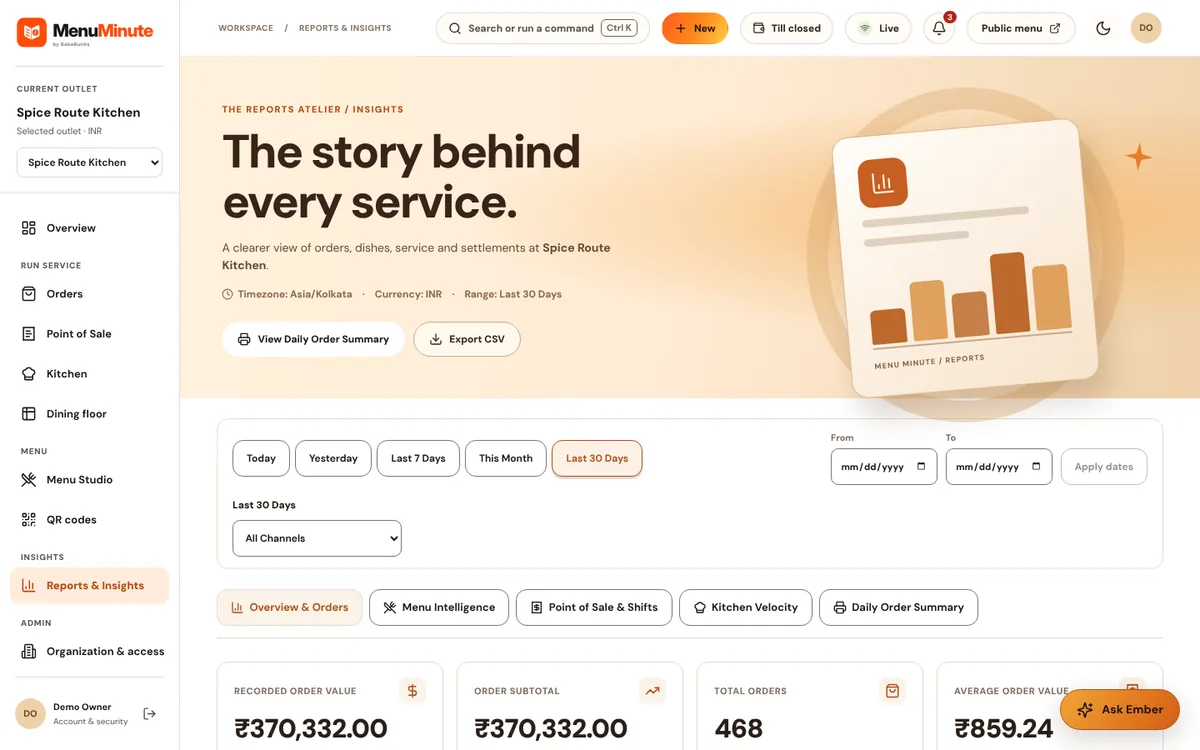
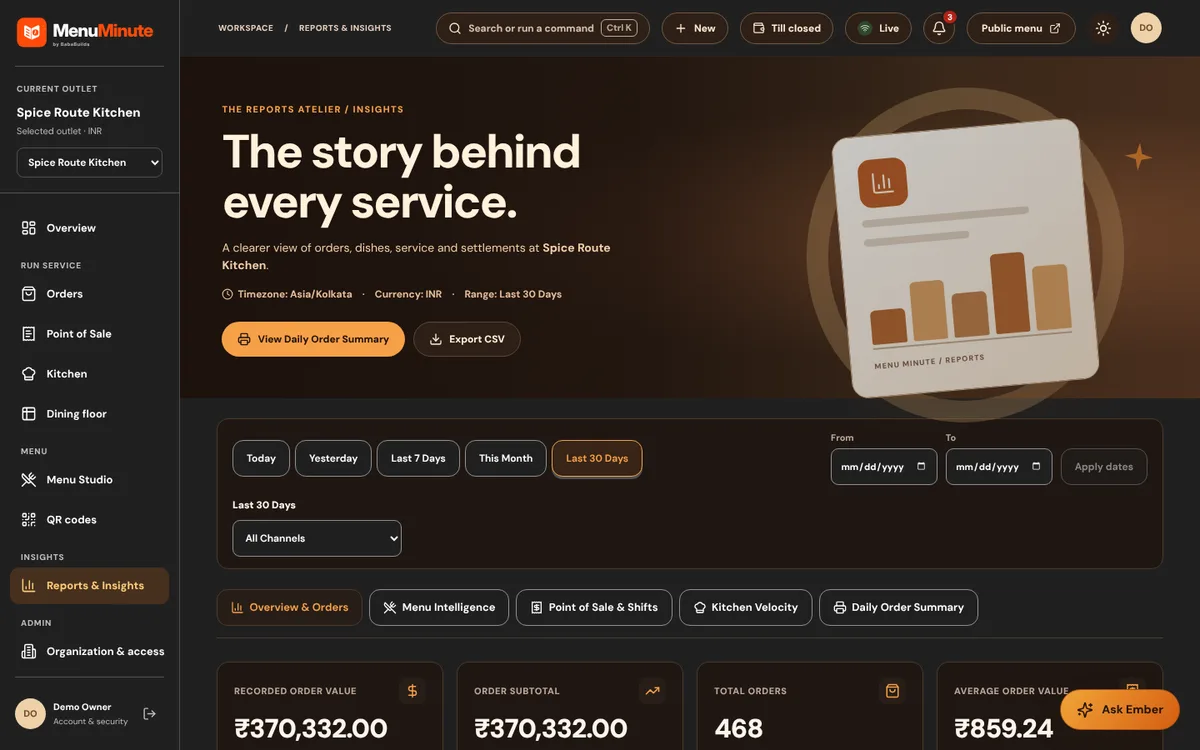
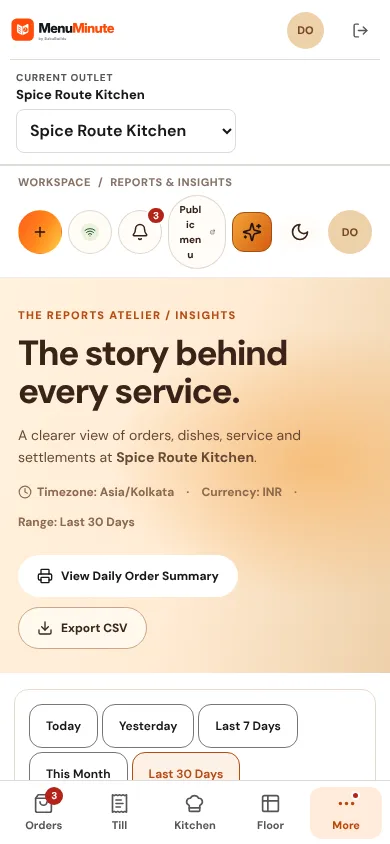
What it does
- Reports summarise recorded order value, order counts and average order value for Today, Yesterday, the last 7 or 30 days, this month or a custom range, with a comparison against the previous period.
- Separate tabs cover Menu Intelligence, Point of Sale and shifts, Kitchen Velocity and a Daily Order Summary. Export CSV downloads the data.
How to use it
- 1Open Reports and choose a date range such as Last 30 Days.
- 2Switch between Overview & Orders, Menu Intelligence and Kitchen Velocity.
- 3Use Export CSV for the data you need.
Good to know
- The demo contains 30 days of sample order history so charts are never empty.
Try it yourself
Enter the demo first, then open this screen. No sign-up needed.