Insights & AI
Ember assistant
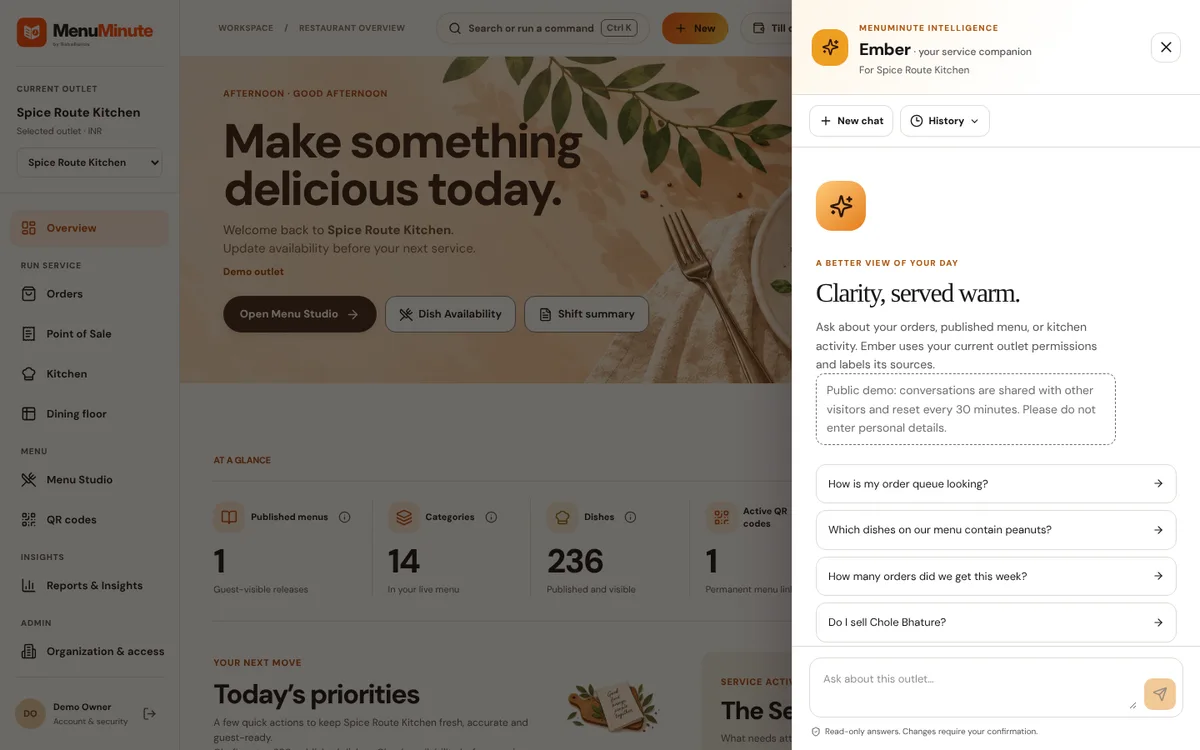
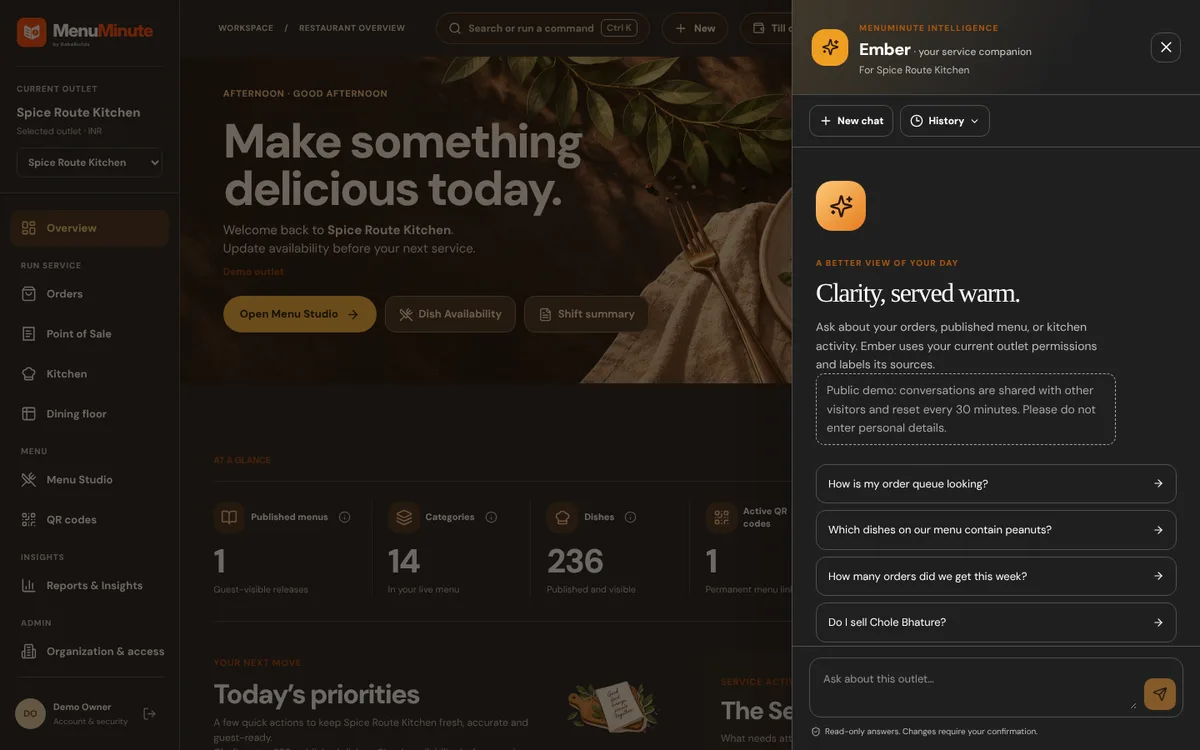
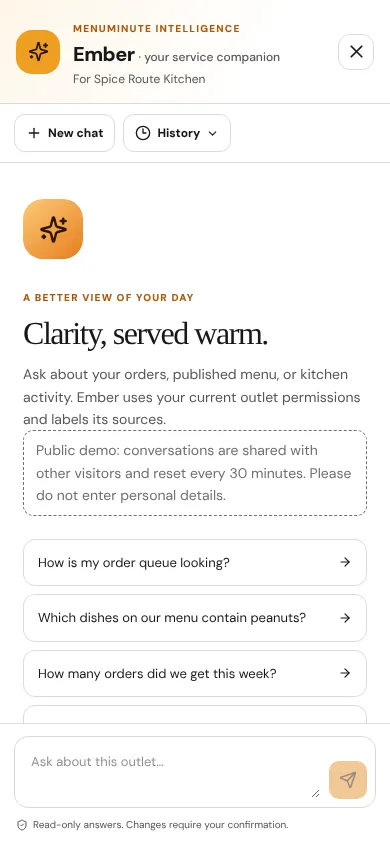
Ask plain-language questions about your orders, menu and kitchen. Answers cite their sources.
What it does
- Ember reads your current outlet data using only the permissions you already have and labels where each answer came from.
- It is read-only: it never changes the menu or orders on its own, and AI-written content is always a draft for you to review.
- In the public demo Ember has a small daily allowance shared by all visitors; when it is used up you will see clearly labelled sample answers instead.
How to use it
- 1Open Ember from the top bar.
- 2Ask a question such as How is my order queue looking?
- 3Check the sources shown beneath the answer.
Good to know
- Questions in the demo are limited to 280 characters. Do not enter personal information.
Try it yourself
Enter the demo first, then open this screen. No sign-up needed.