Get started
Try the live demo
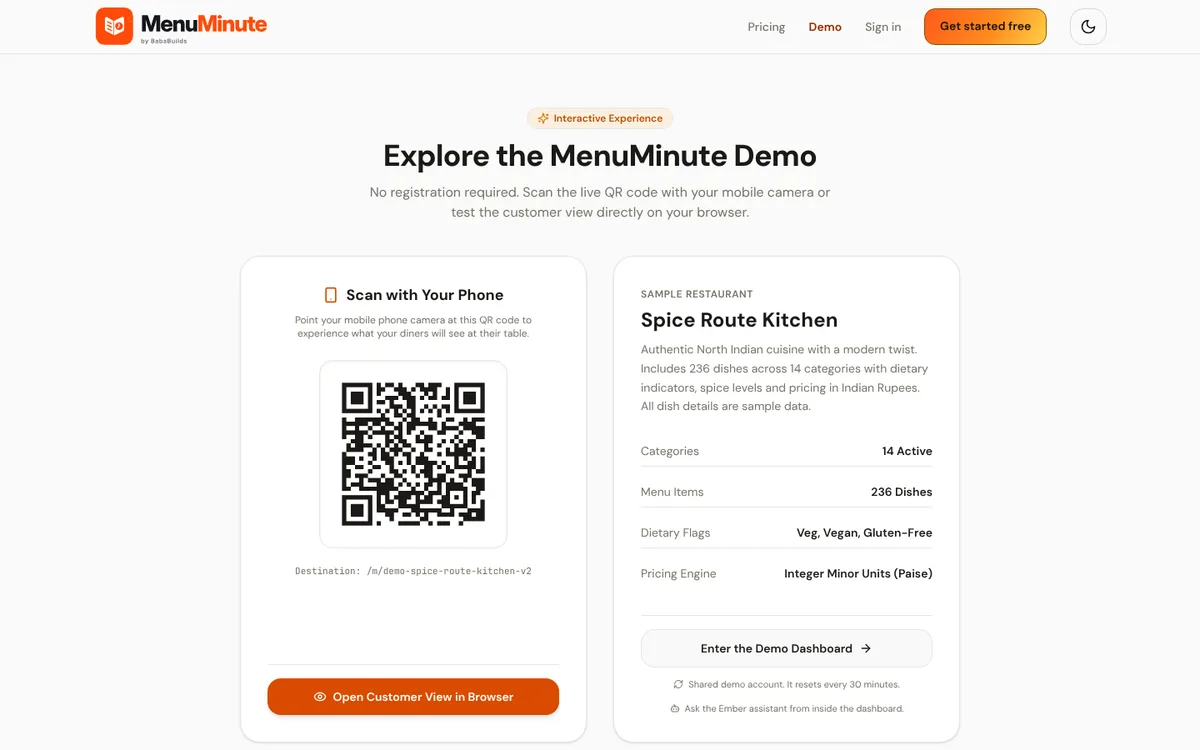
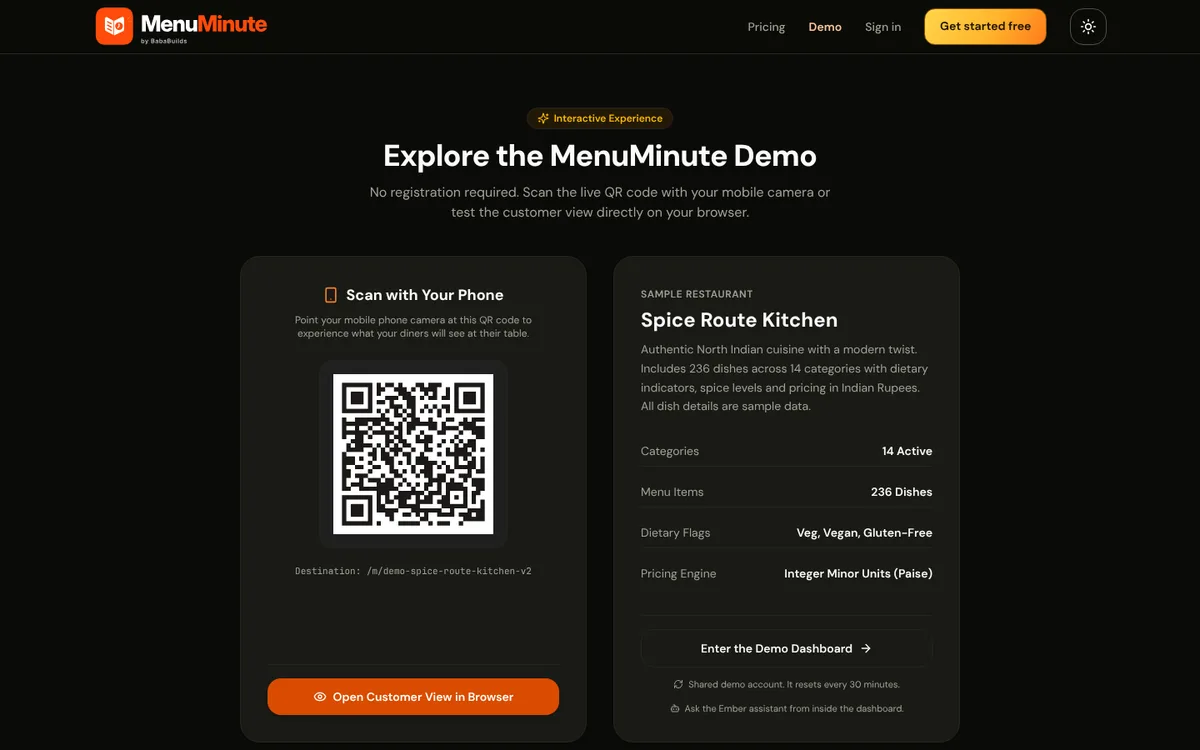
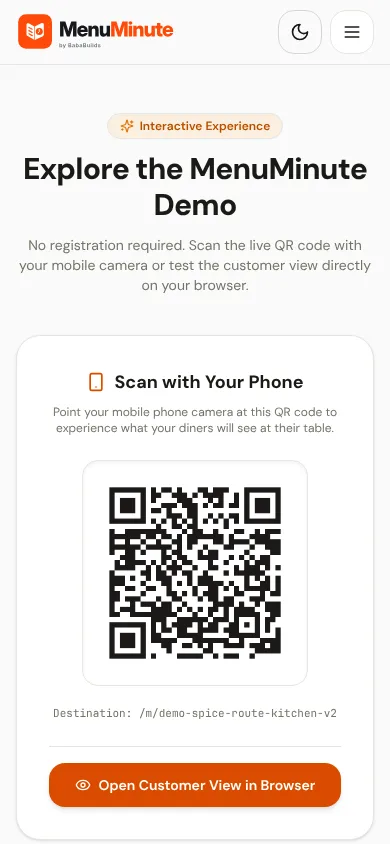
A shared sample restaurant with 236 dishes, live orders and a working kitchen. Everything resets every 30 minutes.
What it does
- Spice Route Kitchen is a sample outlet with a full 236-dish menu, 12 tables, a staffed kitchen with four stations and a month of order history.
- You can scan the guest QR code, place an order, accept it as the restaurant, watch it appear on the kitchen display and see reports update.
- The account is shared by all visitors and returns to its starting state every 30 minutes, so you can experiment freely.
How to use it
- 1Open the demo page and choose Enter the Demo Dashboard. No sign-up or password is needed.
- 2Open the customer menu in another tab (or scan the QR code with your phone) and place an order.
- 3Back in the dashboard open Orders, accept the order, then move it through the kitchen.
- 4Ask Ember a question about the orders you just created, if Ember is switched on for the demo.
Good to know
- Point of Sale, billing, team invitations, uploads and the outlet profile are switched off in the demo so the shared account stays safe.
- All dish details, prices, allergens and nutrition in the demo are sample data and are not verified. Never rely on them for real dietary advice.
Try it yourself
Opens in the live demo. No sign-up needed.