Business
Organization and access
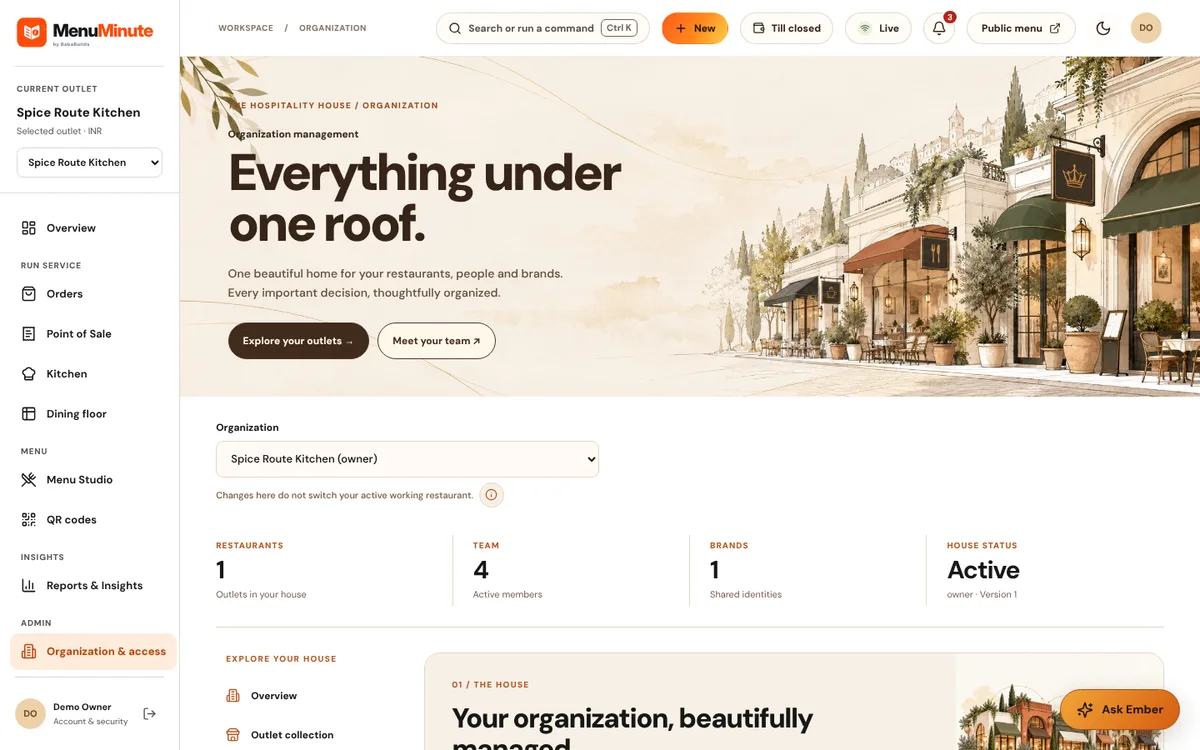
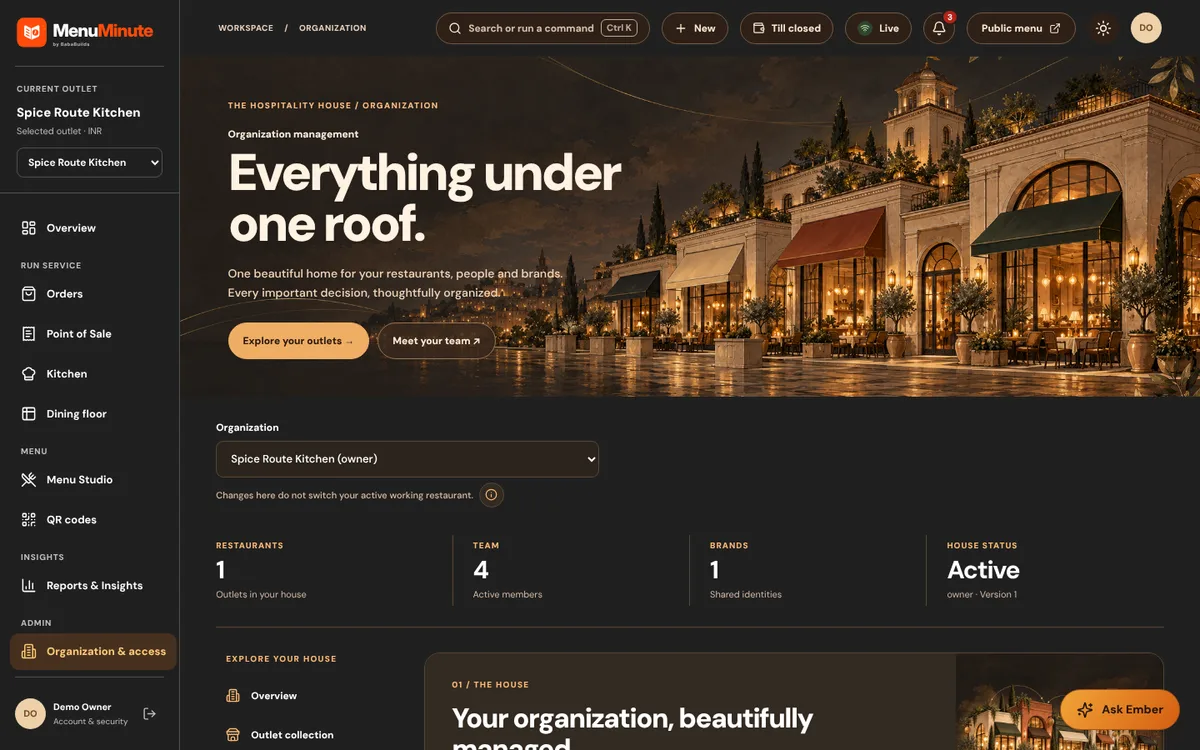
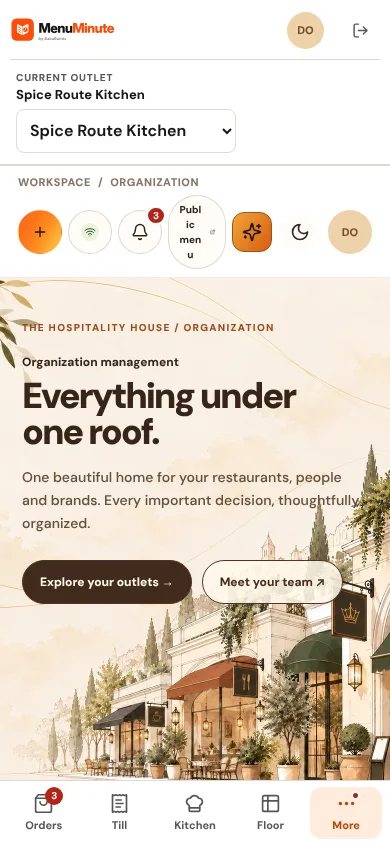
Manage outlets, team members and what each person is allowed to do.
What it does
- An organization owns one or more outlets. Owners and admins manage members; outlet roles such as manager, service, kitchen and menu editor limit what each person can see and do.
- Invitations bring people in by email and they accept before getting access. Sensitive actions ask for a recent second-factor confirmation.
How to use it
- 1Open Organization and review members and outlet roles.
- 2Invite a colleague and choose their role.
- 3Review access whenever someone changes role.
Good to know
- Inviting people and changing billing are disabled in the public demo.
Try it yourself
Enter the demo first, then open this screen. No sign-up needed.