Business
Outlet settings
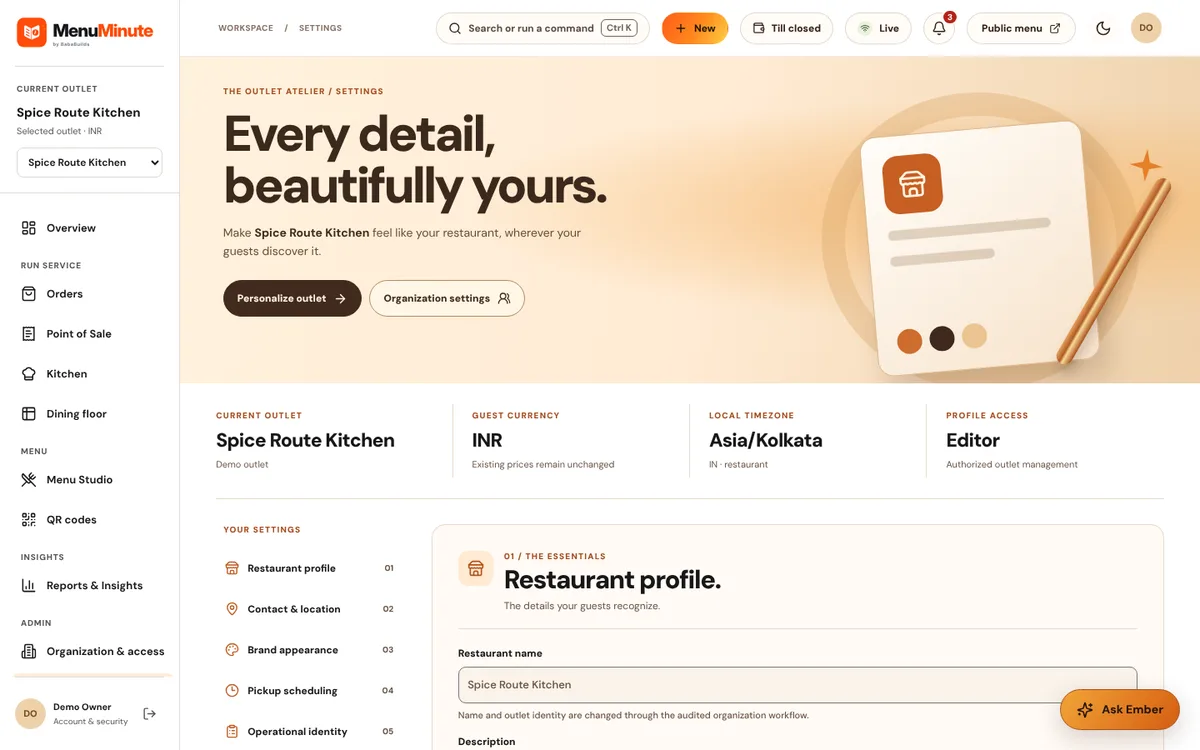
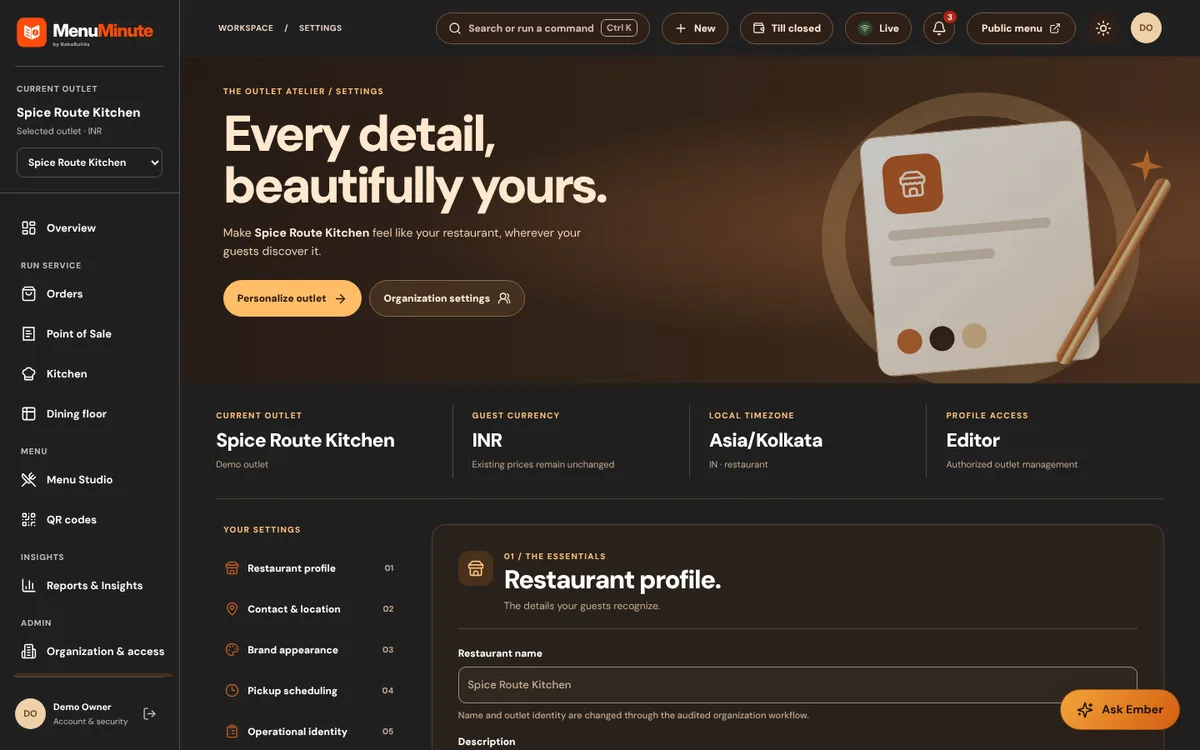
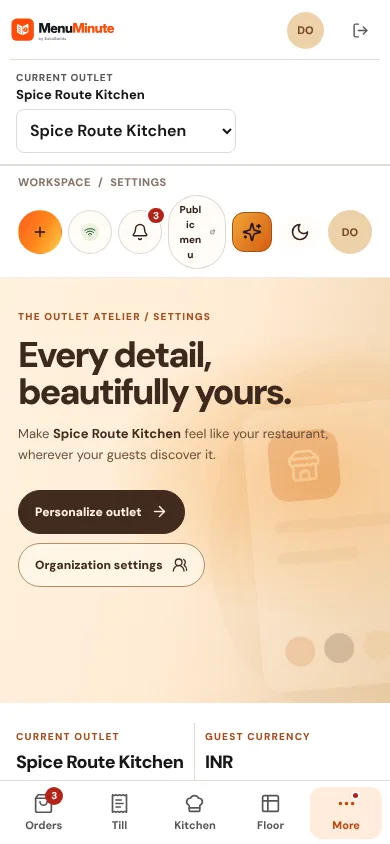
Outlet profile, hours, currency and ordering options in one place.
What it does
- Settings holds the outlet's public profile, service hours, timezone, currency and fulfilment options such as dine-in and scheduled pickup.
How to use it
- 1Open Settings and review each section.
- 2Save changes; the public menu uses them immediately.
Good to know
- Outlet profile changes are disabled in the public demo.
Try it yourself
Enter the demo first, then open this screen. No sign-up needed.