Reports, Analytics & Daily Shift Summaries
Understand your best-selling dishes, peak dining hours, order volumes, and export financial data.

Quick Steps Summary
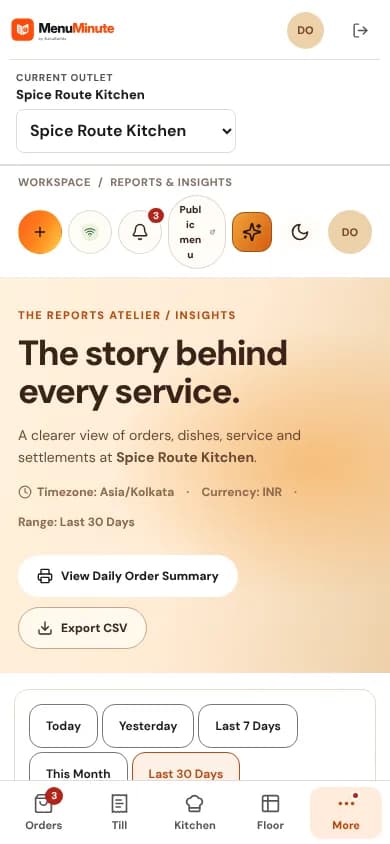
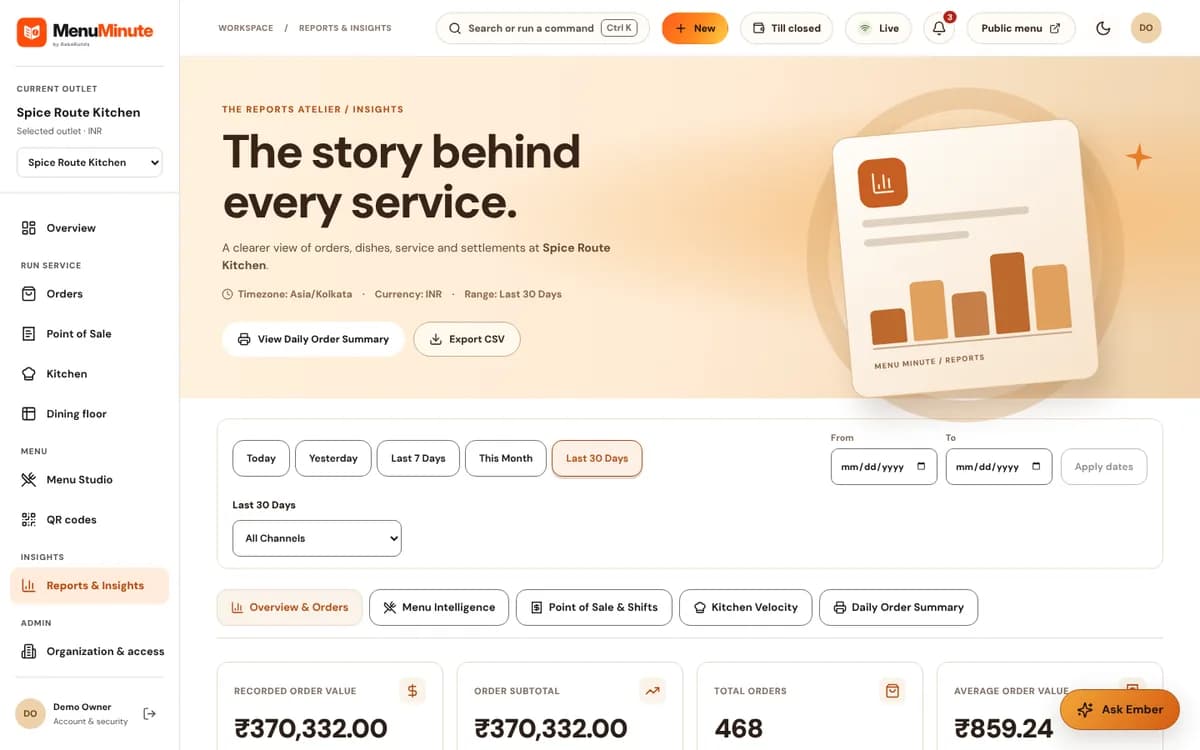
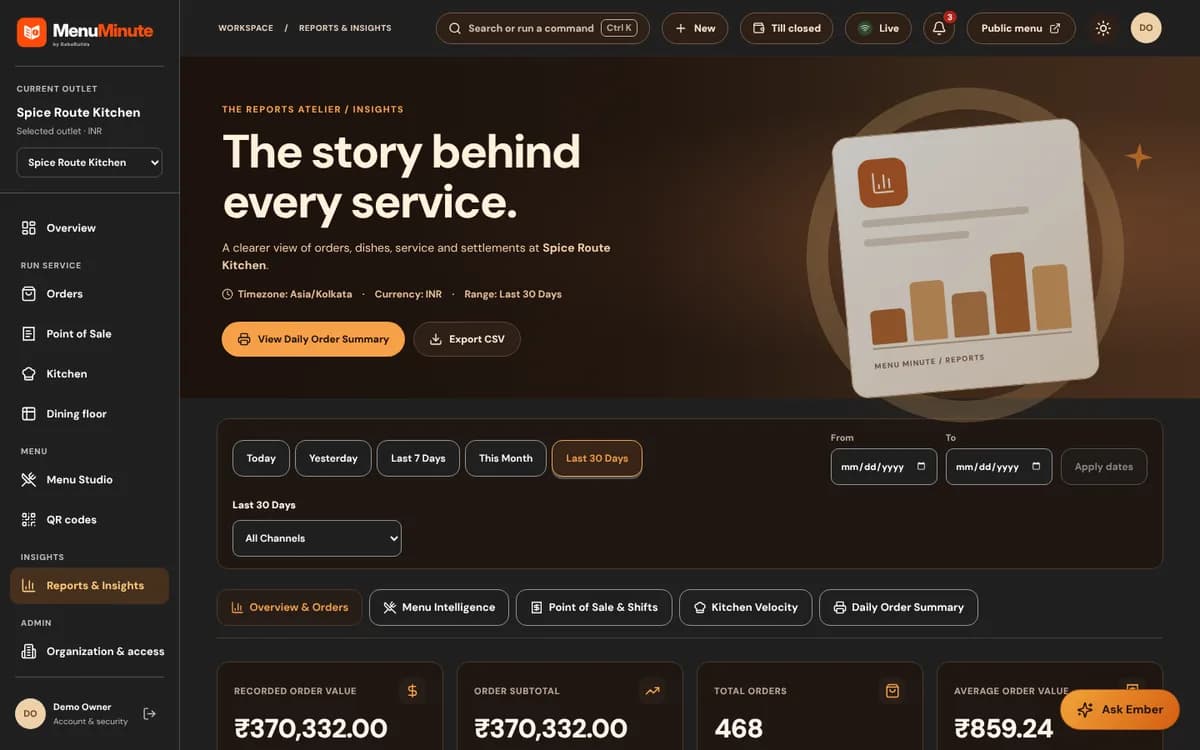
- 1Navigate to 'Reports' in your dashboard.
- 2Select your time range: Today, Yesterday, This Week, Last 7 Days, or This Month.
- 3Inspect the Shift Summary for order counts, completed tickets, and gross values.
- 4Review the Top-Selling Dishes leaderboard to see customer favorites.
- 5Click 'Export CSV' to download detailed records for spreadsheet analysis.
1. The Daily Shift Summary Dialog
At the end of each shift, click 'Shift Summary' on your main dashboard to review the day's highlights.
It summarizes total completed tickets, average order values, and highlights any milestones (e.g. '100th Order Celebrated Today!').
It is the perfect tool for shift managers to debrief before handing over to the evening team.
2. Identifying Best-Sellers & Low-Performing Items
Use the dish leaderboard to discover which items are driving your sales and which rarely get ordered.
High-volume dishes with good margins can be promoted to the 'Chef Recommendations' category in Menu Studio to boost revenue even further.
Data-Driven Menu Engineering
If a dish has high views but low orders, consider updating its photo or refining the description to make it more enticing.
Ready to put this guide into practice?
Jump into your MenuMinute dashboard and make changes directly.
Frequently Asked Questions
Can I export data for my accounting software (QuickBooks, Excel)?
Yes! Click the 'Export CSV' button to download an itemized spreadsheet compatible with Excel, Google Sheets, or your accounting software.
Still have a question?
If this guide does not answer your question about Reports, Analytics & Daily Shift Summaries, browse the common questions or ask a member of your restaurant team for help.
Related Restaurant Guides
Point of Sale (POS) & Payment Recording
Use Point of Sale to record orders and optionally note a payment received by staff. These records do not themselves capture card payments or prove bank settlement.
Ember AI Assistant, Team Roles & Security
Meet Ember, your in-dashboard restaurant assistant. Ask Ember everyday questions about today's orders, menu items, or kitchen status. Plus, learn how to invite staff members with safe, role-based access.