Ember AI Assistant, Team Roles & Security
Ask Ember questions about your restaurant operations, invite staff, and manage security settings.
Quick Steps Summary
- 1Click the Ember sparkle icon in your dashboard bottom bar or press Ctrl+K and ask a question.
- 2Ask things like: 'What dishes are sold out today?' or 'How many orders did we complete today?'.
- 3Invite your kitchen and floor staff under Settings > Team.
- 4Assign roles: Owner, Manager, Kitchen Staff, or Floor Staff.
- 5Enable Two-Factor Authentication (2FA) for extra account protection.
1. Chatting with Ember: What You Can Ask
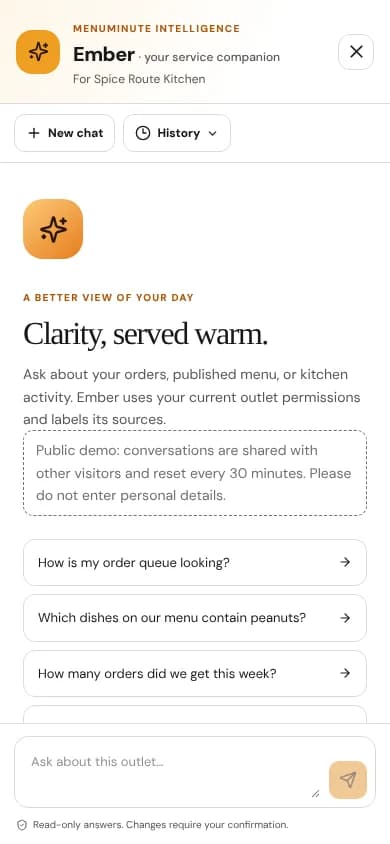
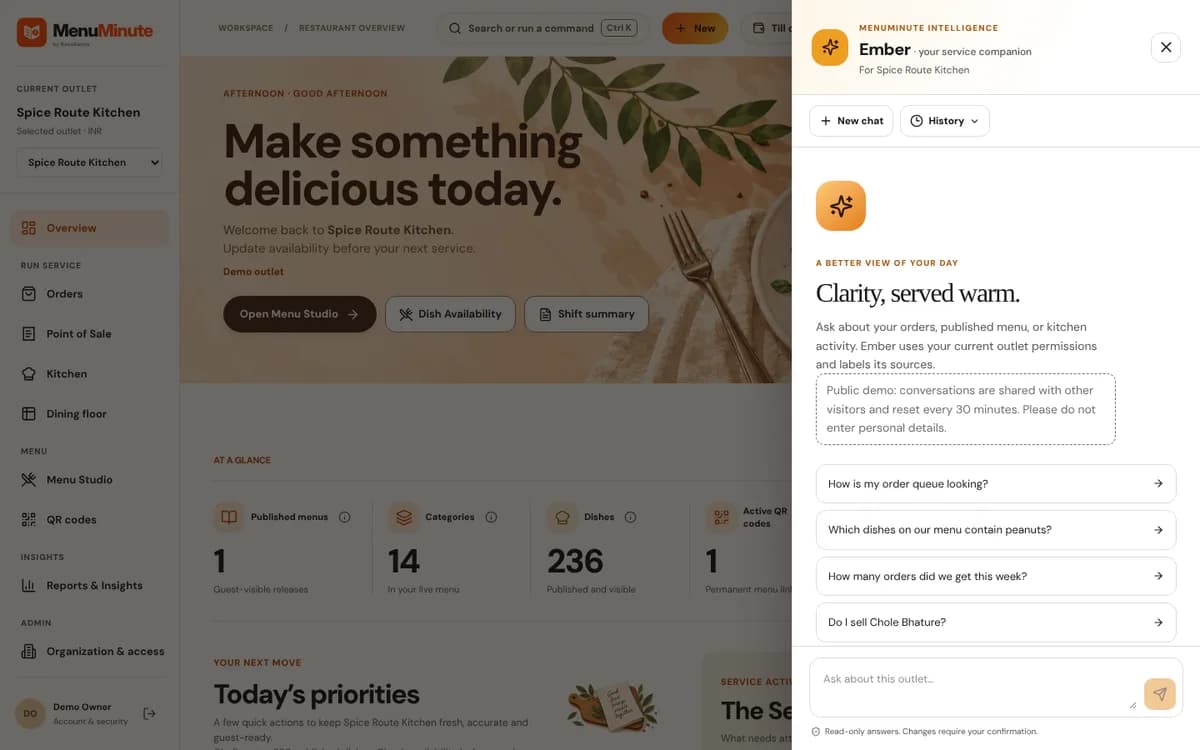
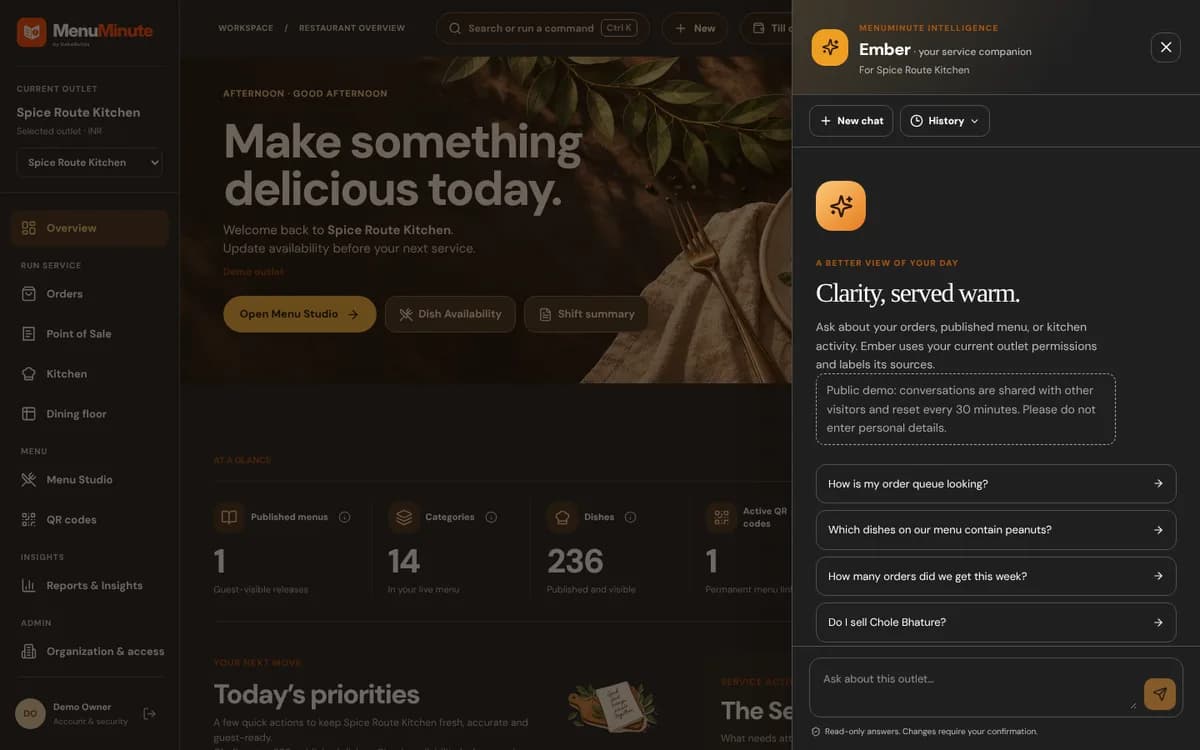
Ember speaks plain, human language and answers only using verified facts from your restaurant. You can ask:
'What were our top-selling dishes this week?'
'Are there any tickets waiting in the kitchen right now?'
'Do we sell Truffle Fries on our published menu?'
'How do I print table QR codes?'
Ember will answer directly and provide convenient shortcuts straight to the right screen.
Truthful & Grounded
Ember is designed to use verified information where available, but may still make mistakes. Check important prices, payments and operating decisions in your dashboard.
2. Inviting Staff & Role Permissions
Keep your restaurant secure by giving staff members only the access they need:
Owner: Full access to billing, settings, reports, menus, and staff invites.
Manager: Access to menu editing, orders, kitchen display, floor matrix, and reports.
Kitchen staff can use their assigned Kitchen Pro stations when permitted. Dish Availability uses separate access permissions.
Service / Waiter: Access to Floor Matrix, Live Orders, and service calls.
Ready to put this guide into practice?
Jump into your MenuMinute dashboard and make changes directly.
Frequently Asked Questions
Can staff members see our total subscription or billing information?
No. Billing and plan settings are strictly restricted to Organization Owners.
Is Ember trained on other restaurants' data?
Restaurant information is restricted by your account and outlet permissions. See the Privacy Policy for how configured AI providers handle submitted information.
Still have a question?
If this guide does not answer your question about Ember AI Assistant, Team Roles & Security, browse the common questions or ask a member of your restaurant team for help.
Related Restaurant Guides
Getting Started with MenuMinute in 5 Minutes
Welcome to MenuMinute! Setting up your dining room takes just five minutes. You do not need any special technical knowledge—just your restaurant name, your logo, and your love for great food.
Menu Studio: Crafting & Publishing Digital Menus
Menu Studio gives you total creative control over your dishes. Organize your items into categories, add mouthwatering photos, configure add-ons, and publish updates instantly without ever re-printing paper menus.
Reports, Analytics & Daily Shift Summaries
Transform your dining data into smarter business decisions. See your top-selling items, compare lunch vs dinner order volumes, celebrate daily milestones, and export reports for your accountant.