

1
Structure your food clearly
Group menu items into sensible categories and give each dish a name, description and price so customers find what they want.
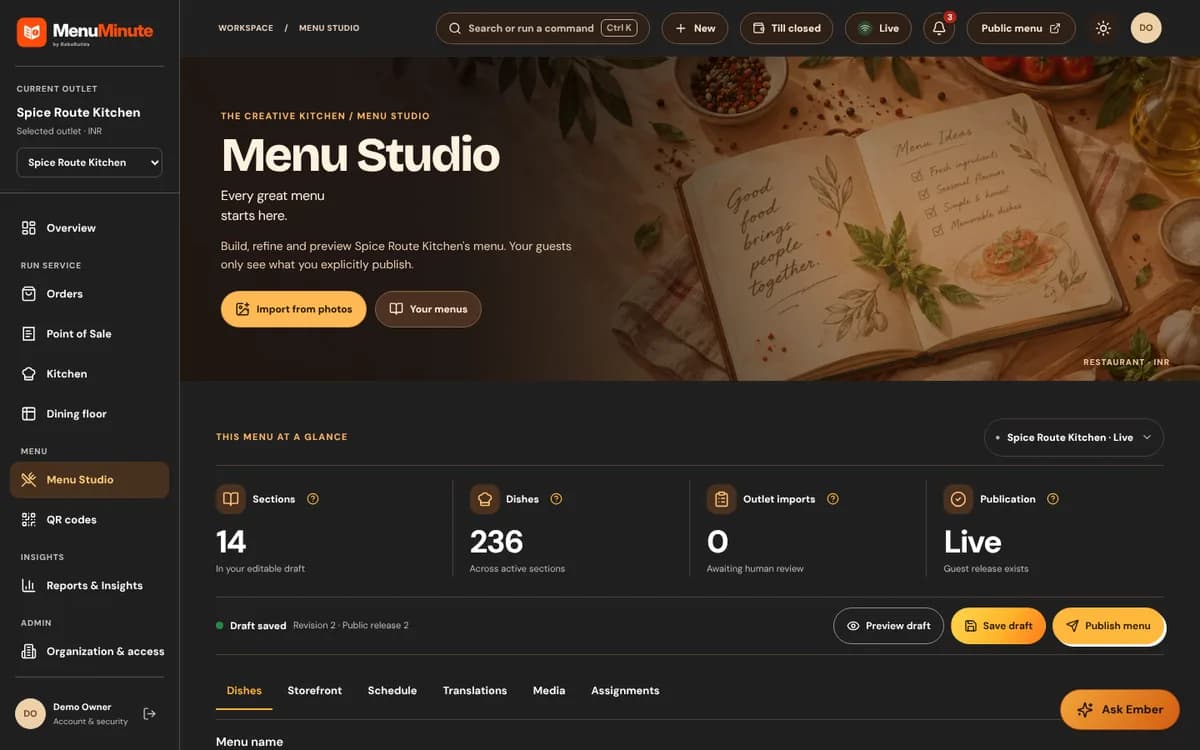
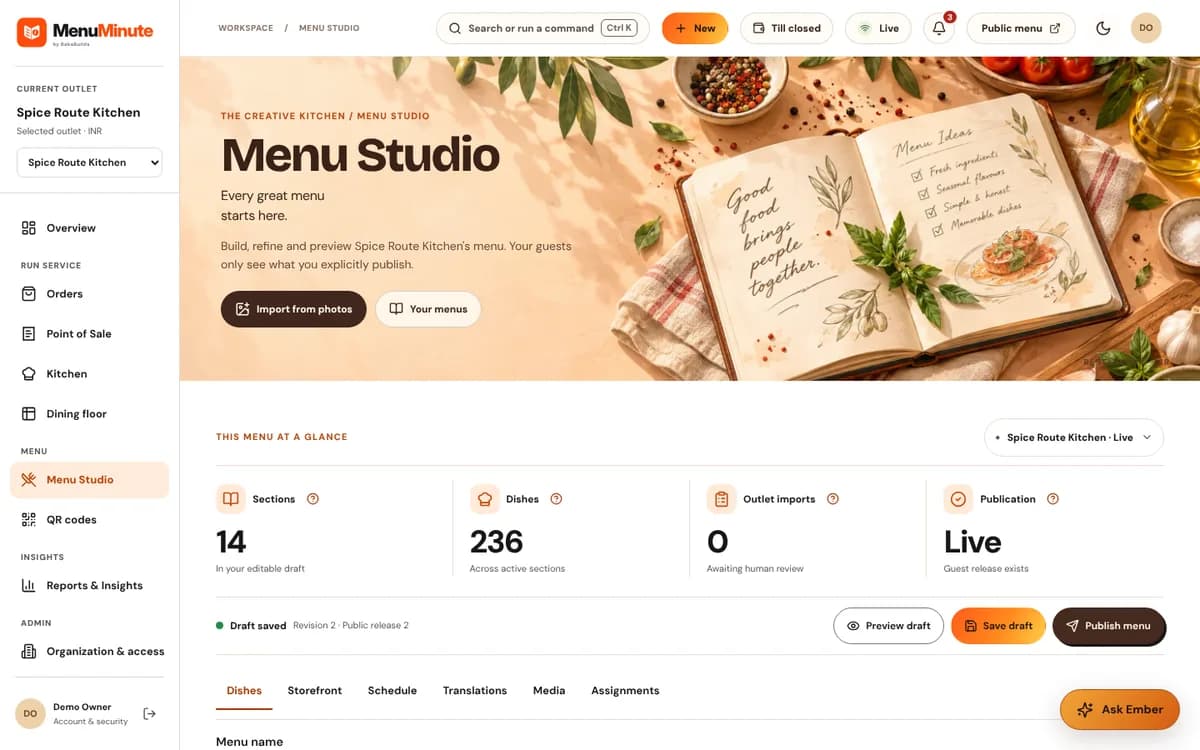
Arrange categories, dishes, variants and prices in one menu workspace. Keep your live restaurant menu current without redesigning printed pages.
Core digital menu editing and publishing are included in the free QR menu plan. Some enhancements are separately enabled.


Made for real service
Capabilities depend on the plan and outlet. Explore the benefits and check the availability note for this feature.
Group menu items into sensible categories and give each dish a name, description and price so customers find what they want.
Configure supported variants and availability controls instead of leaving guests guessing when a dish is unavailable.
Work on your restaurant menu from the dashboard and check the public menu presentation before sharing it.
A practical restaurant story
Restaurant menus change throughout the week: seasonal dishes appear, portion options change and some ingredients run out. Updating one controlled menu is simpler than rebuilding a file and sending it everywhere.
Manage categories, item names, descriptions, prices and available variants in Menu Studio. Review your public menu as a guest would, then publish the right version.
Guests get a consistent browser-based menu while your team keeps control of edits and publishing.
The workflow
Start with the groups your guests expect: starters, mains, drinks, desserts or your own sections.
Enter prices, descriptions and supported variants. Add photos if you have them.
Open your public menu and share its QR code from the QR Studio.
Yes. Edit menu content from Menu Studio and publish changes without making a new QR code.
Yes. Supported sold-out controls allow you to reflect availability in the menu.
Yes. Published guest menus are designed to be viewed in a phone browser without customer registration.
Your restaurant, your next step
Core digital menu editing and publishing are included in the free QR menu plan. Some enhancements are separately enabled.