AI Menu Import: Turn Paper Menus into Digital Catalogs
Snap a photo of your existing paper menu or upload a PDF to create your digital menu automatically.

Quick Steps Summary
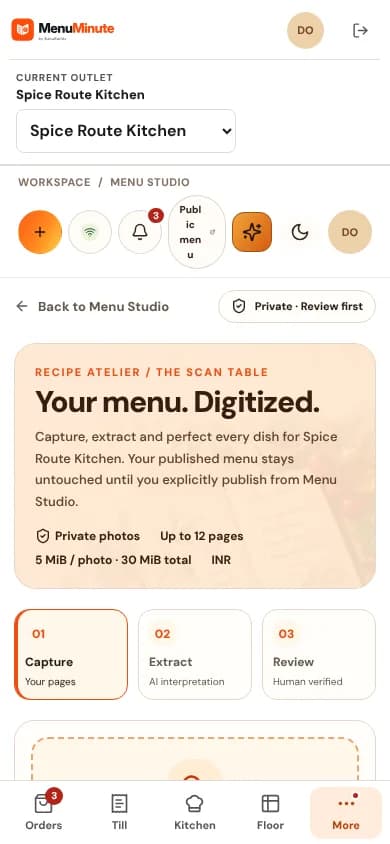
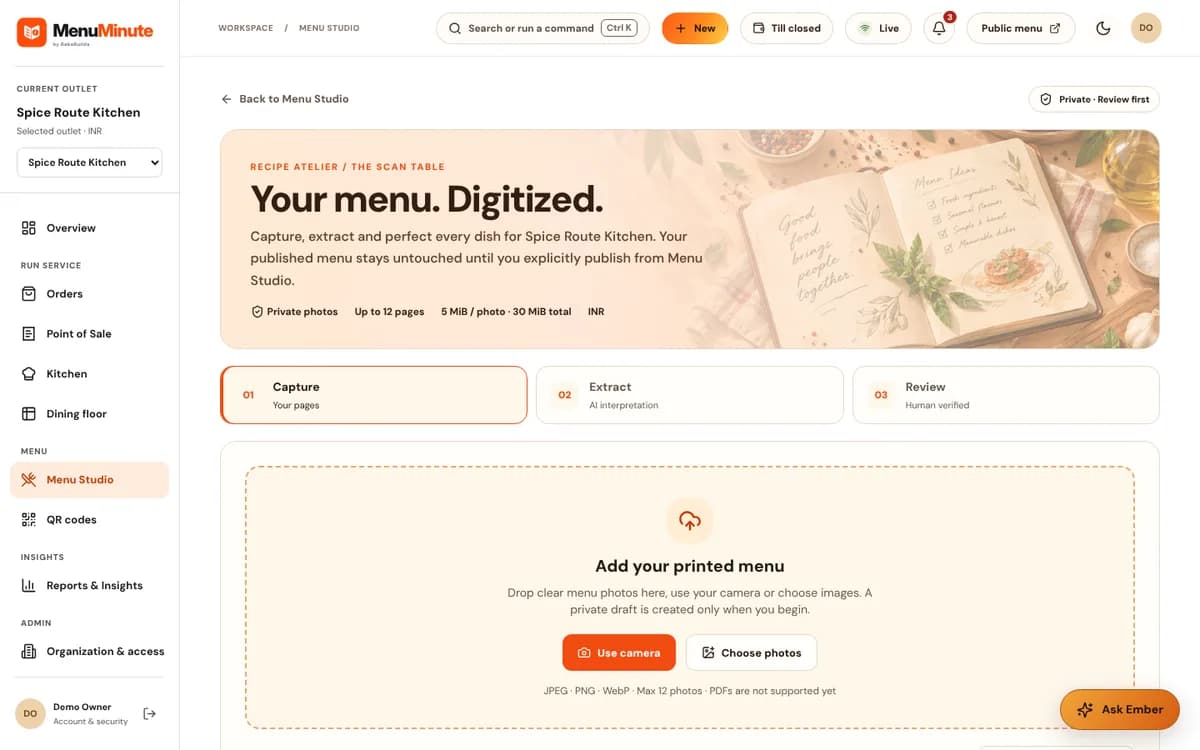
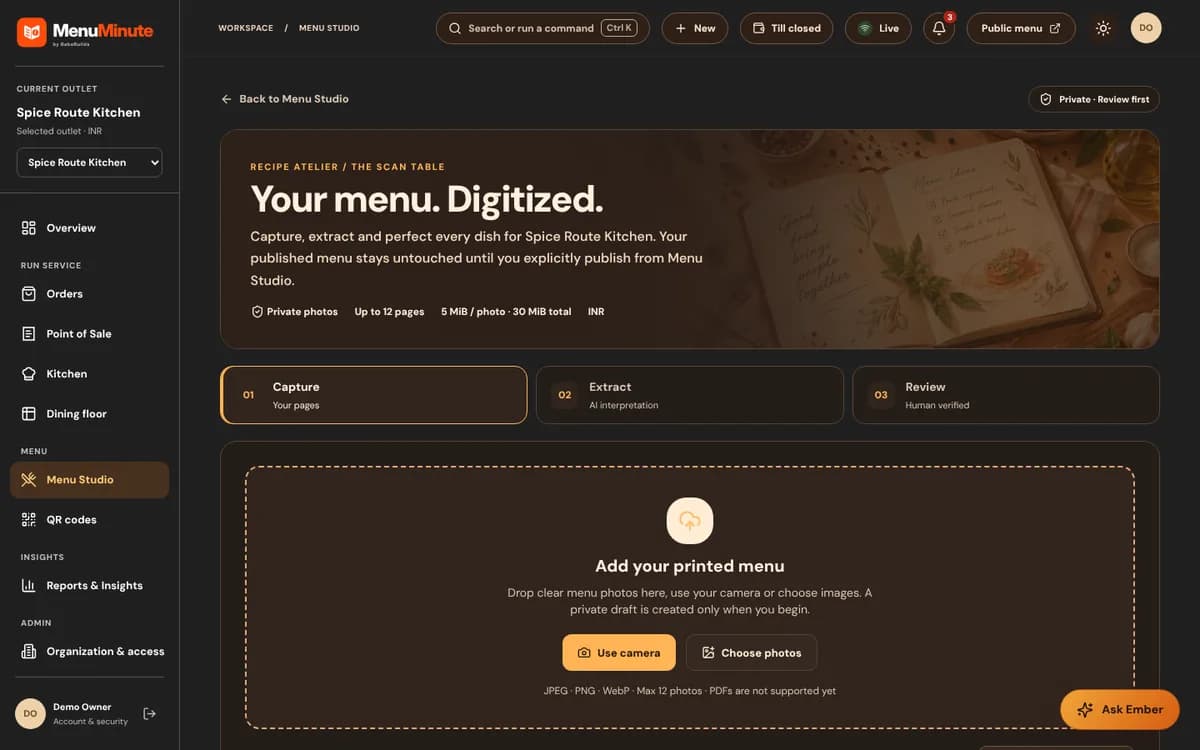
- 1Navigate to Menu Studio and click 'Import Menu'.
- 2Upload high-quality photos or a PDF of your existing paper menu.
- 3Wait for the import to finish. Larger or harder-to-read menus may take longer.
- 4Review the parsed items in the visual side-by-side editor.
- 5Accept and merge the items into your draft menu with one click.
2. Reviewing the Parsed Candidate Draft
MenuMinute never publishes imported items automatically. Your restaurant reputation is paramount, so the scanner always prepares a private Candidate Draft for your review.
In the review screen, you can verify dish names, adjust any prices, reassign categories, and confirm dietary tags.
Once you are satisfied, click 'Accept Items' to import them directly into your Menu Studio draft.
Ready to put this guide into practice?
Jump into your MenuMinute dashboard and make changes directly.
Frequently Asked Questions
Does the AI scanner understand multi-column menus and handwritten specials?
It handles multi-column layouts very well. For handwritten specials, neat handwriting is usually recognized, but you can easily correct any unrecognized words in the review screen.
Can I import a menu in a non-English language?
Yes! The scanner supports menus in numerous languages including Spanish, French, German, Italian, Arabic, Hindi, Japanese, and more.
Still have a question?
If this guide does not answer your question about AI Menu Import: Turn Paper Menus into Digital Catalogs, browse the common questions or ask a member of your restaurant team for help.
Related Restaurant Guides
Menu Studio: Crafting & Publishing Digital Menus
Menu Studio gives you total creative control over your dishes. Organize your items into categories, add mouthwatering photos, configure add-ons, and publish updates instantly without ever re-printing paper menus.
QR Studio & Tabletop Press: Printing Permanent QR Codes
MenuMinute's QR Studio lets you create table-specific or whole-restaurant QR codes. Customize colors, add your restaurant name, and download print-ready sheets for table tents, stickers, or acrylic standees.