1
Publish once, update anytime
Change descriptions, prices and availability in Menu Studio. Your existing QR code continues pointing to the same published menu.
Build your restaurant's menu, publish it online and share a permanent QR code. Guests browse dishes on their phones without an app download or an account.
The core QR menu is free permanently. Premium ordering and kitchen features are separate.
Made for real service
Capabilities depend on the plan and outlet. Explore the benefits and check the availability note for this feature.
Change descriptions, prices and availability in Menu Studio. Your existing QR code continues pointing to the same published menu.
Organize dishes into categories and add variants, descriptions and images where available. Give guests a familiar menu instead of an unstructured PDF.
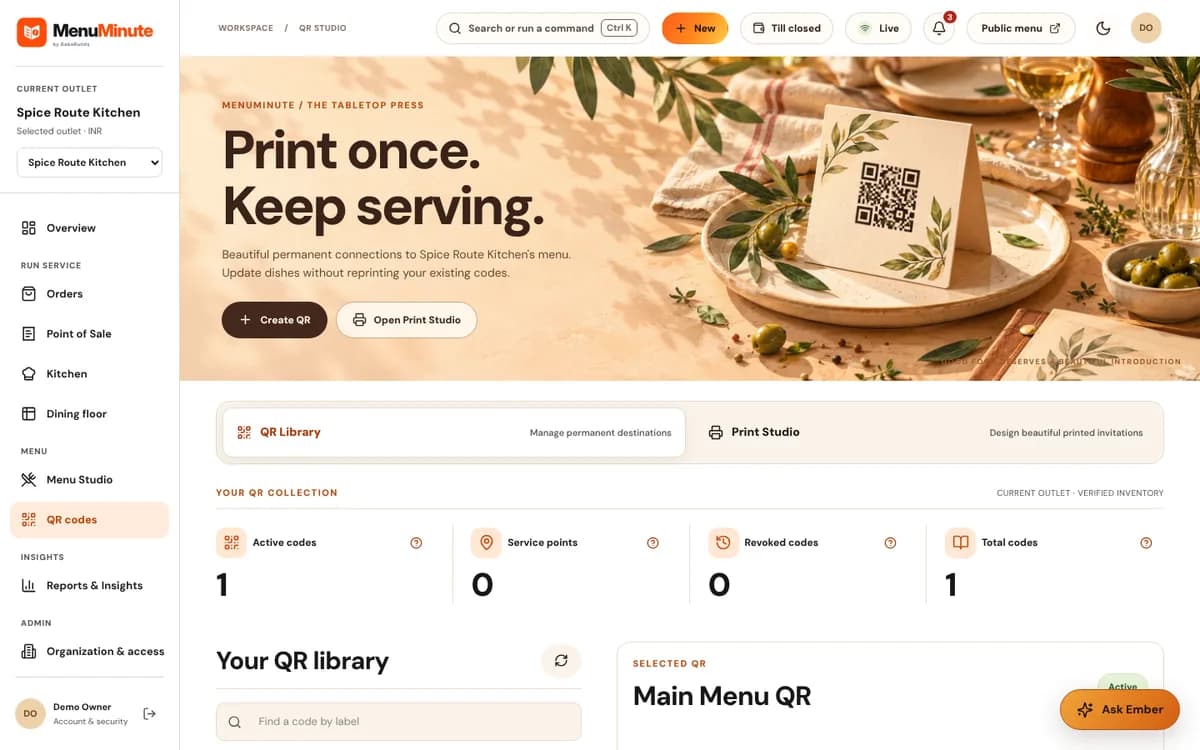
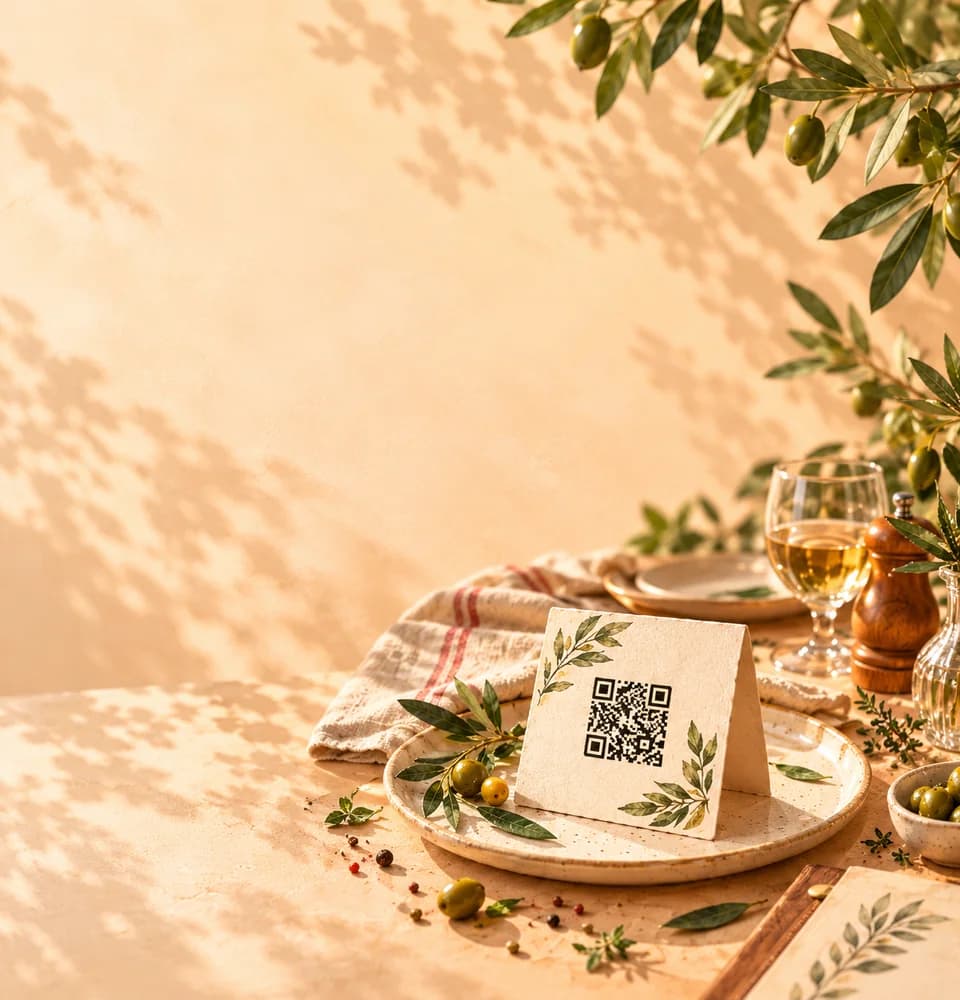
Download your QR code in supported formats or print it for tables and counters. Test the customer view before sharing.
A practical restaurant story
When prices change or a dish sells out, printed menus and static PDF files can quickly become inconsistent. A QR menu gives guests a single page that can reflect the restaurant’s latest published information.
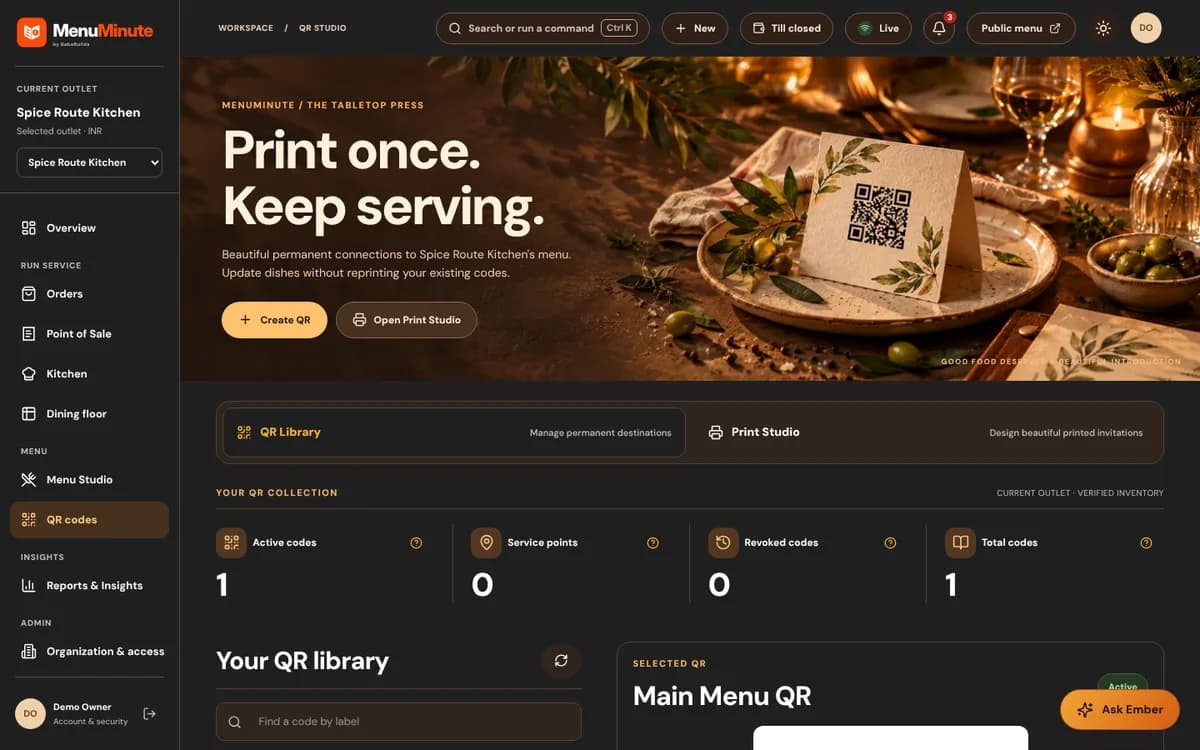
Build dish categories in Menu Studio, publish the public menu, and create a permanent QR code from QR Studio. Download it for table cards and check the guest view on your own phone.
The same QR code can continue to work while the menu behind it evolves. Online ordering and Kitchen Pro are separate, optional capabilities.
The workflow
Register and set up your first outlet. You can complete optional details later.
Organize your menu with categories, prices, descriptions and optional imagery.
Publish your menu and download its permanent QR code for your tables, packaging or counter.
Yes. MenuMinute's core QR menu plan is free permanently. Ordering, Kitchen Pro and optional AI tools have different eligibility and access conditions.
No. A permanent QR code points to your published menu. You can update the menu content without reprinting the code.
No. Guests can scan the QR code with their phone camera and view the published menu in a browser.
Your restaurant, your next step
The core QR menu is free permanently. Premium ordering and kitchen features are separate.