How to Scan & Open the Digital Menu in Seconds
No app downloads, no account registration—just point your phone's camera and explore.
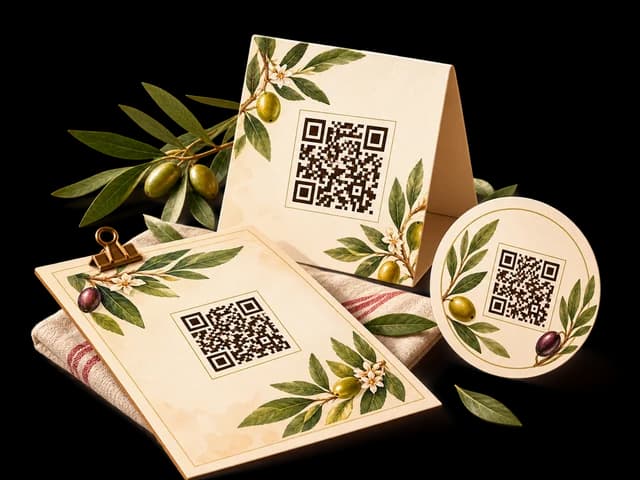
Quick Steps Summary
- 1Open the default Camera app on your iPhone or Android phone.
- 2Hold your phone steadily a few inches above the tabletop QR code.
- 3A yellow or colored notification link will pop up on your screen.
- 4Tap the notification to open the restaurant's menu directly in your browser.
- 5Enjoy exploring dishes, ingredients, and photos!
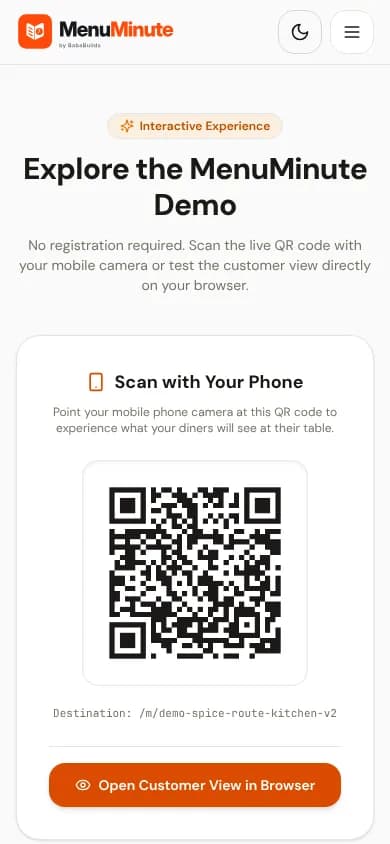
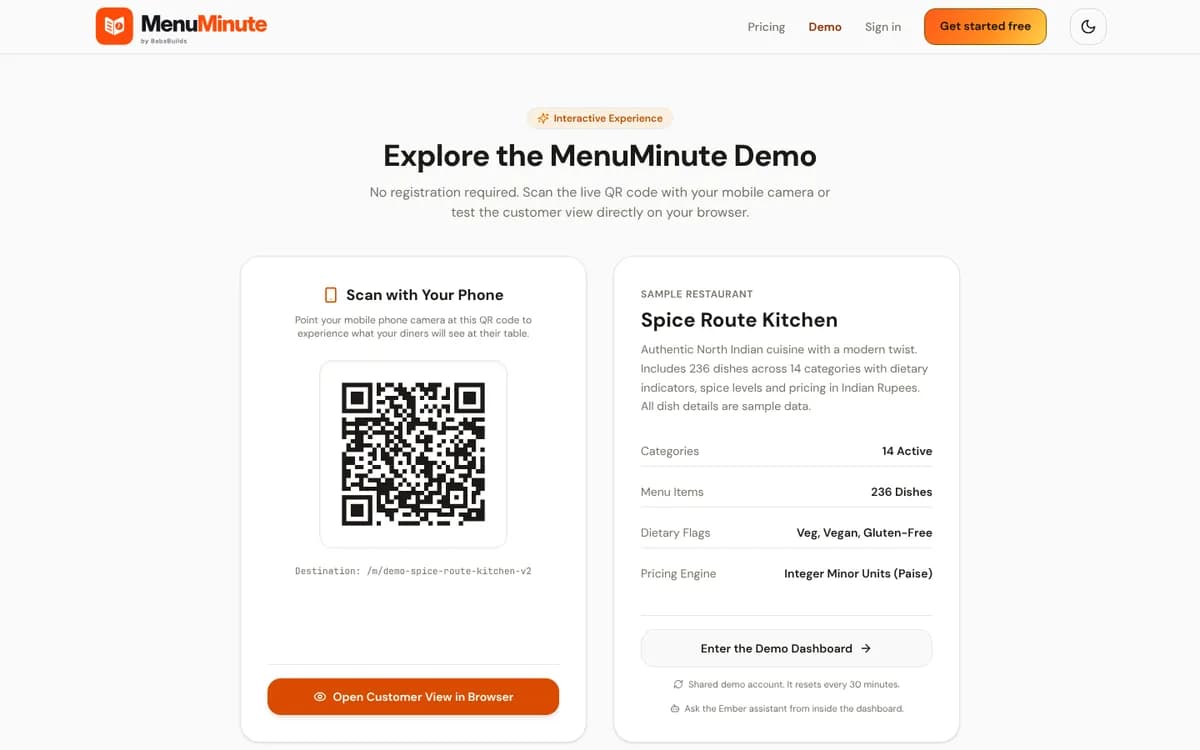
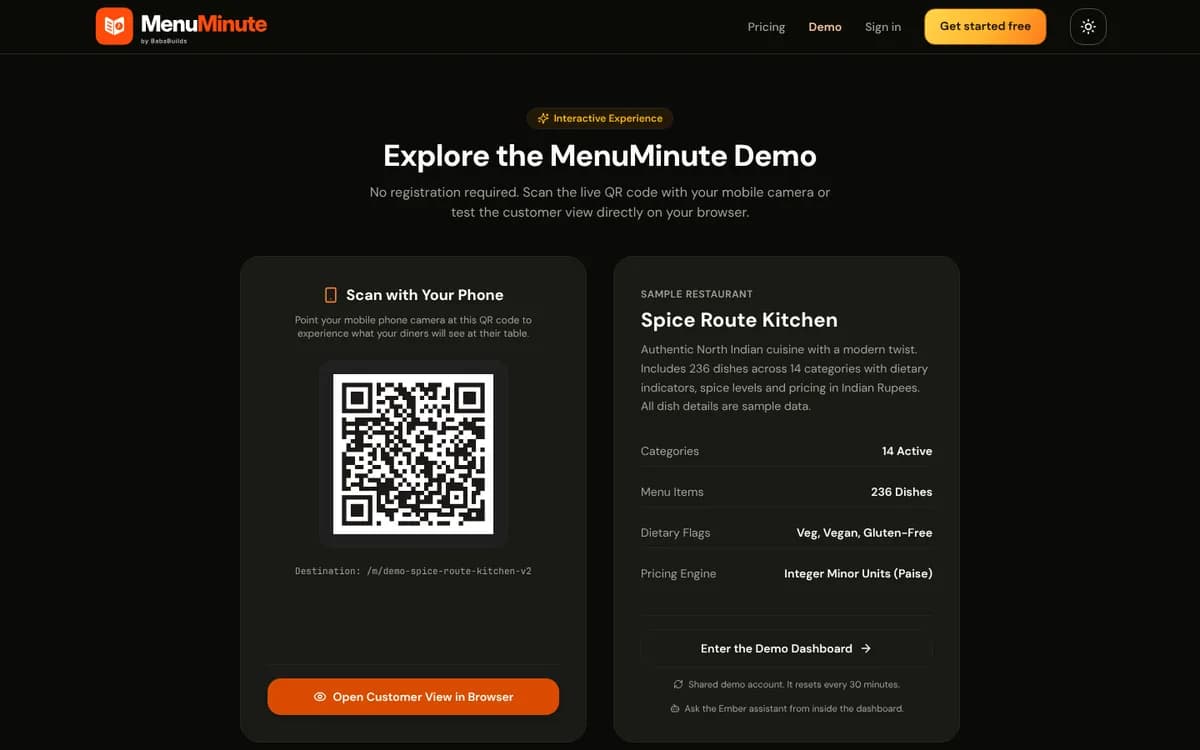
1. Scanning on an iPhone (iOS)
Open your native Camera app from your lock screen or home screen.
Point the rear camera at the QR code so the code is centered in the camera viewfinder.
Tap the yellow banner labeled with the restaurant name or web address.
Safari will open the menu instantly. No app installation or sign-in is required!
2. Scanning on an Android Phone
Open your default Camera app or Google Lens.
Aim the camera at the QR sticker on your table.
A pop-up pill with a link will appear. Tap it to open the menu in Chrome or your default web browser.
If your camera does not scan automatically, swipe down from the top of your screen to open Quick Settings and tap 'Scan QR Code'.
Dimly Lit Dining Rooms
If the table is dimly lit, you can turn on your phone's camera flashlight using the lightning bolt icon in your camera app.
3. Privacy You Can Trust
You can browse the menu completely anonymously. MenuMinute never asks you to create an account, enter a password, or download an application just to read food descriptions and prices.
Safe & Frictionless
No annoying sign-up walls or email prompts—just great food and simple ordering.
Frequently Asked Questions
Do I have to download an app from the App Store or Google Play?
No! MenuMinute runs 100% in your mobile web browser (Safari, Chrome, Firefox, Samsung Internet).
What if my camera won't focus on the code?
Hold your phone about 15–20 cm (6–8 inches) away from the sticker. Wiping your camera lens with a napkin can also help remove any smudges.
Still have a question?
If this guide does not answer your question about How to Scan & Open the Digital Menu in Seconds, browse the common questions or ask a member of your restaurant team for help.
More Diner Guides
Browsing Dishes, Categories & Allergen Filters
Whether you are looking for vegan delights, gluten-free options, or just the chef's signature pasta, MenuMinute's menu viewer makes it fun and easy to find exactly what you are craving.
Customizing Dishes, Portion Sizes & Modifiers
Craving extra parmesan, less ice in your beverage, or a specific spice level? Tapping a dish opens the customization sheet where you can tailor your meal before adding it to your order.
Placing Your Order: Dine-In & Scheduled Pickup
Once you have selected your dishes, placing your order takes just one tap. Review your order in the cart drawer, verify your table number, and send your ticket straight to the kitchen.