

1
Get an editable starting point
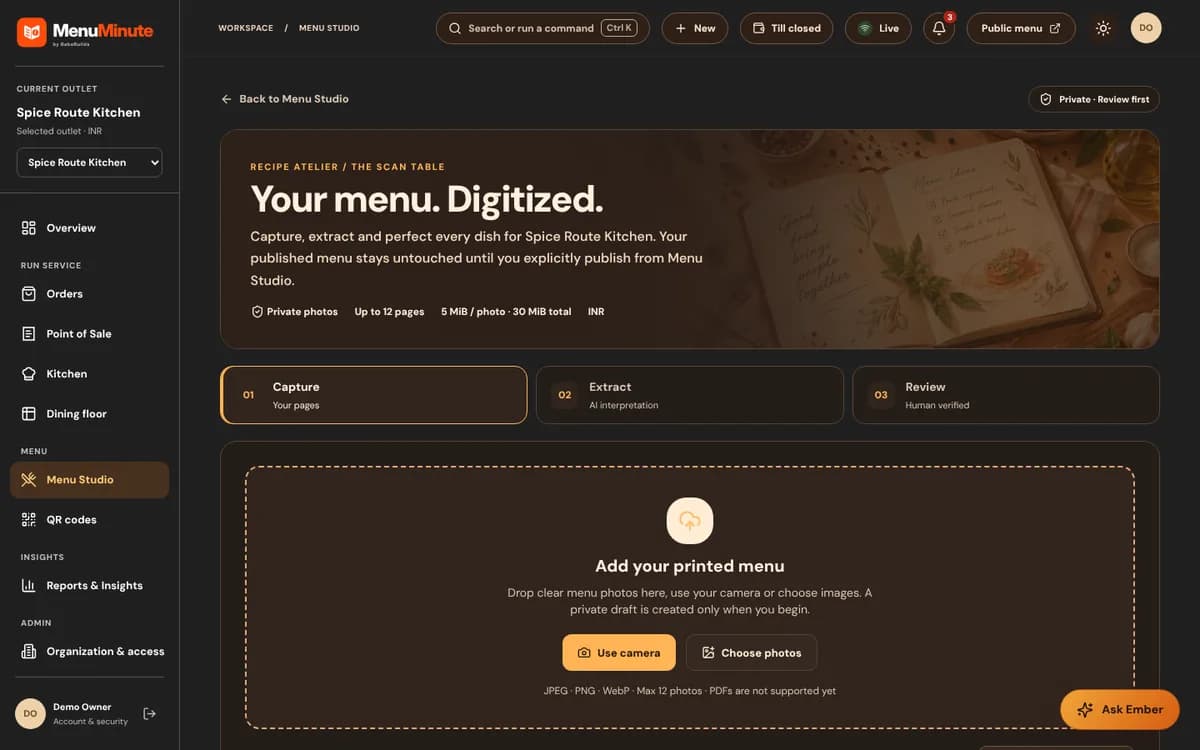
Where enabled, AI-assisted extraction can propose a structured menu from an image instead of requiring every item to be typed manually.
Capture a printed menu, review AI-extracted suggestions and correct details before applying them. Keep a human in control of your published dishes and prices.
AI photo extraction is optional and needs a configured, supported provider and explicit approval. It is not always available on the free QR menu plan.
Email us about AI Menu Import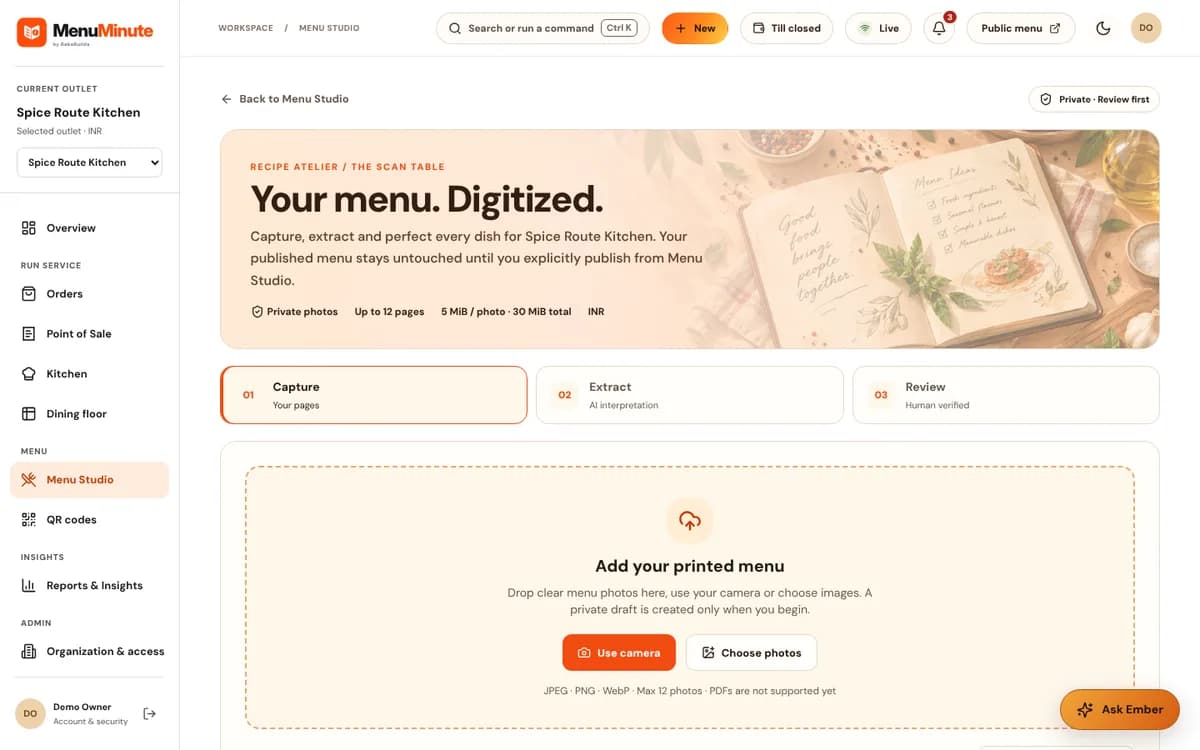


Made for real service
Capabilities depend on the plan and outlet. Explore the benefits and check the availability note for this feature.
Where enabled, AI-assisted extraction can propose a structured menu from an image instead of requiring every item to be typed manually.
Review candidate dishes and prices against the original before you apply any changes.
The import workflow supports human corrections and approval; extraction is not automatic publication.
A practical restaurant story
Typing a long printed menu can be repetitive. AI-assisted extraction may help prepare candidates, but printed prices, headings and images can be misread.
Where a supported provider is configured and the feature is approved, upload a clear image, review the extracted candidates beside the original, correct each important detail and apply the approved changes to Menu Studio.
Restaurant staff remain responsible for accuracy. No AI-generated price or dish should silently publish to the guest menu.
The workflow
Upload a readable image or follow the capture guidance in your workspace.
Check dish names, descriptions and prices carefully. Fix anything the AI misunderstood.
Accept reviewed changes into Menu Studio and publish when you are ready.
Not automatically. It needs a supported, configured AI provider and separate approval.
No. You review and correct the extracted candidates before applying changes.
No. Images and printed menus vary, so the owner should confirm every item and price before applying changes.
Your restaurant, your next step
AI photo extraction is optional and needs a configured, supported provider and explicit approval. It is not always available on the free QR menu plan.