An organized pastry display
Make simple categories for bread, slices, whole cakes and drinks, with optional photos and short descriptions.
See menu categoriesMake it easy to discover today's bread, cakes, pastries and treats, even when the display changes faster than the printed price list.
Start with MenuMinute’s free QR menu. Advanced service features are activated separately.

Bakeries, patisseries and dessert counters
The working day
Illustrative example: an artisan bakery starts with croissants, sells out of one item and adds an afternoon batch.
This is an illustrative scenario, not a customer testimonial or measured result.
Morning bake
Group bread, pastries, cakes and savoury bakes so guests can see what is offered today.
After the first rush
Use the available sold-out controls for items that have run out, instead of promising stock you do not have.
The next batch
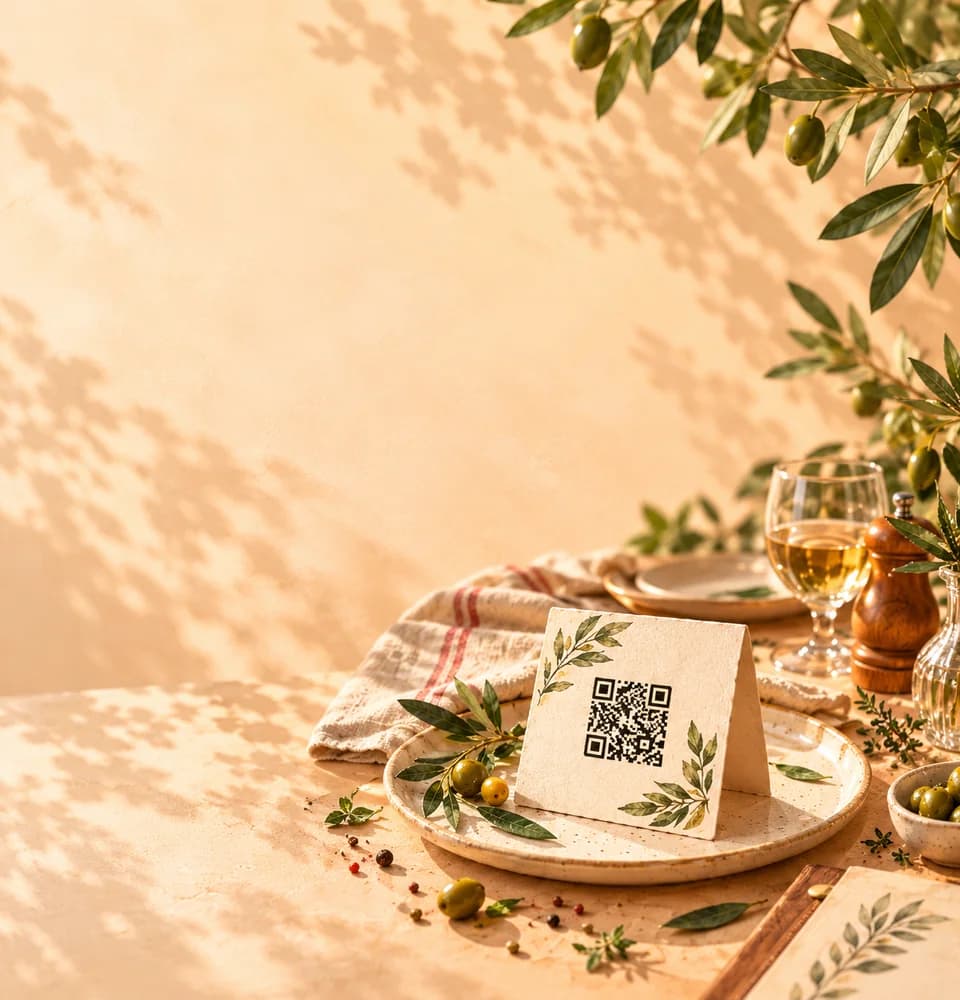
Edit the menu and publish verified prices or seasonal descriptions. The permanent counter QR still leads to your menu.
Inside the product
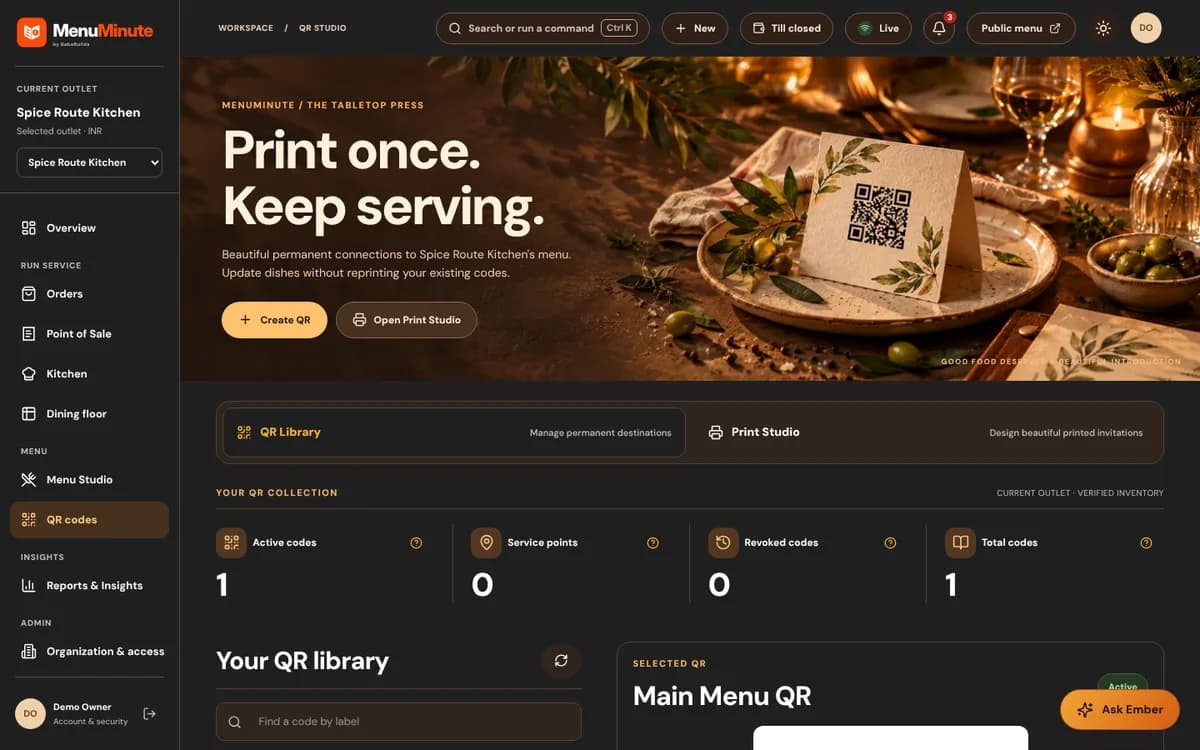
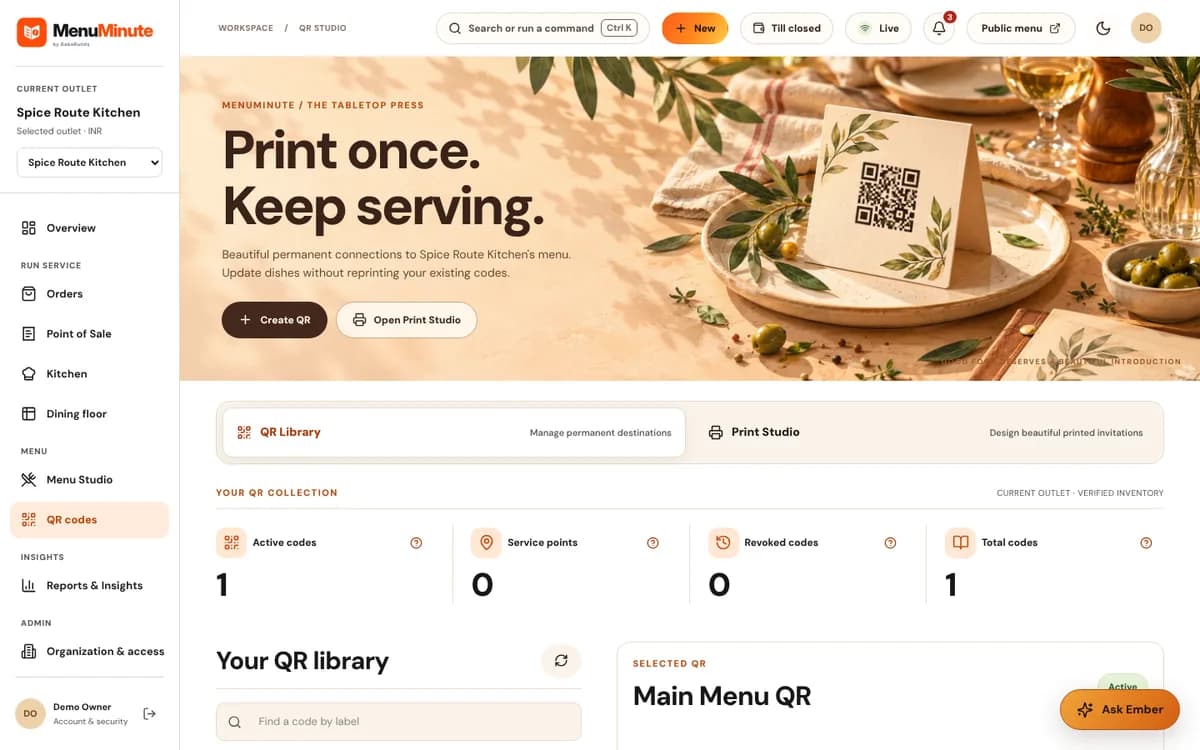
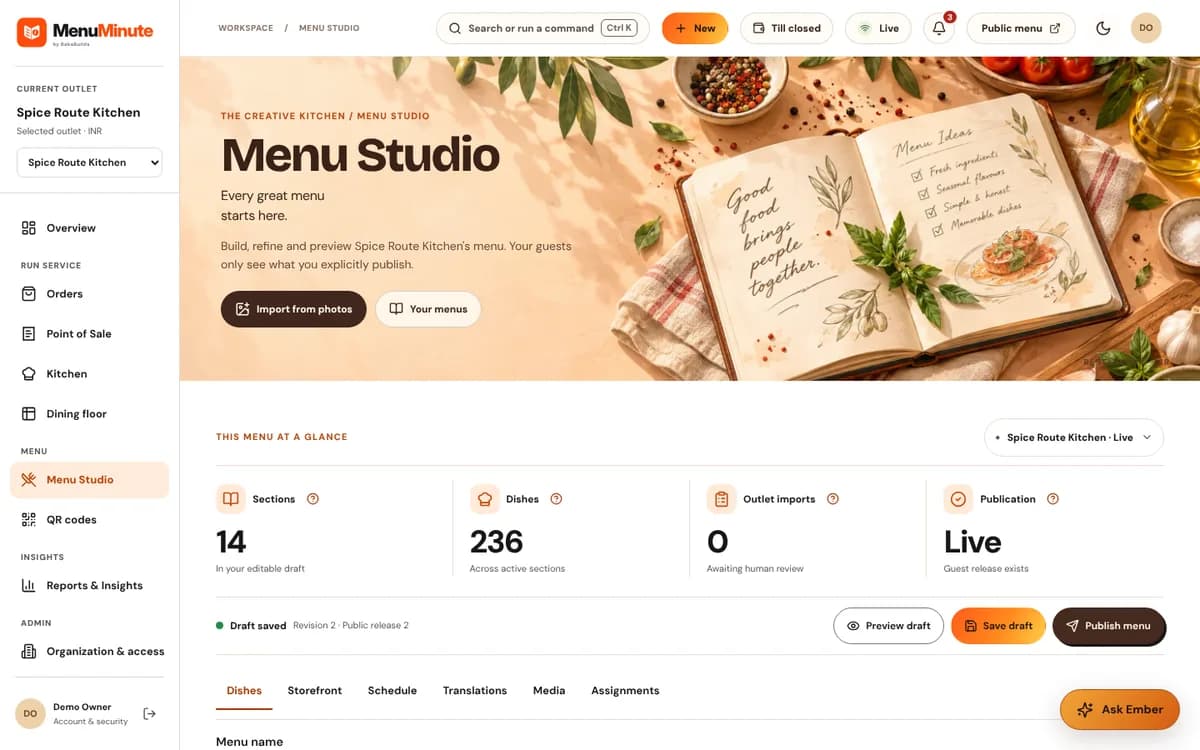
These screenshots come from the actual MenuMinute demonstration and documentation. The sample restaurant is illustrative; the screenshots do not indicate that every feature is active on every plan.
A fit for your workflow
Make simple categories for bread, slices, whole cakes and drinks, with optional photos and short descriptions.
See menu categoriesReflect sold-out dishes without deleting them from your menu library.
Explore availability controlsGenerate codes that customers can scan at the display or from a takeaway bag.
Explore QR StudioFrom idea to published menu
Enter products and prices, including optional seasonal items and supported variants.
Verify ingredient and allergen information from actual recipes before publishing any dietary claims.
Display the permanent QR code and keep the published menu current as stock changes.
Important: MenuMinute's free QR menu is not inventory management, a stock reservation system or an automatic preorder promise. Paid service features, such as ordering and the kitchen display, are separate plans.
Good to know
Need help choosing a setup? Ask our team, or explore pricing and access.
Supported availability controls let you show when an item is sold out. MenuMinute does not infer stock levels from your oven or cash register.
Yes. Menu Studio can display approved product images, where provided, alongside menu descriptions and prices.
Do not assume so. The free plan provides public menu browsing; order acceptance and any scheduling require a separately supported, activated workflow.
Start with the free QR menu, experience the demo, or contact MenuMinute about separately enabled tools for your outlet.