Menu that stays current
Edit descriptions, categories, prices and supported variants in Menu Studio, then publish the reviewed changes.
Explore Menu StudioFrom the first scan to the last course, MenuMinute helps you present a clear menu, keep dish availability up to date and explore connected table-service workflows.
Start with MenuMinute’s free QR menu. Advanced service features are activated separately.

Full-service restaurants and casual dining
The working day
Illustrative example: a neighborhood restaurant revises specials while guests are already seated.
This is an illustrative scenario, not a customer testimonial or measured result.
Before the doors open
Publish clear starters, mains, drinks and desserts, including any verified dietary information and current prices.
During the rush
Mark an item sold out through the supported availability controls, so guests do not keep choosing a dish you cannot serve.
At the table
Guests scan a permanent QR code and browse the live menu. Add the Ordering plan to take orders and let guests follow their status.
Inside the product
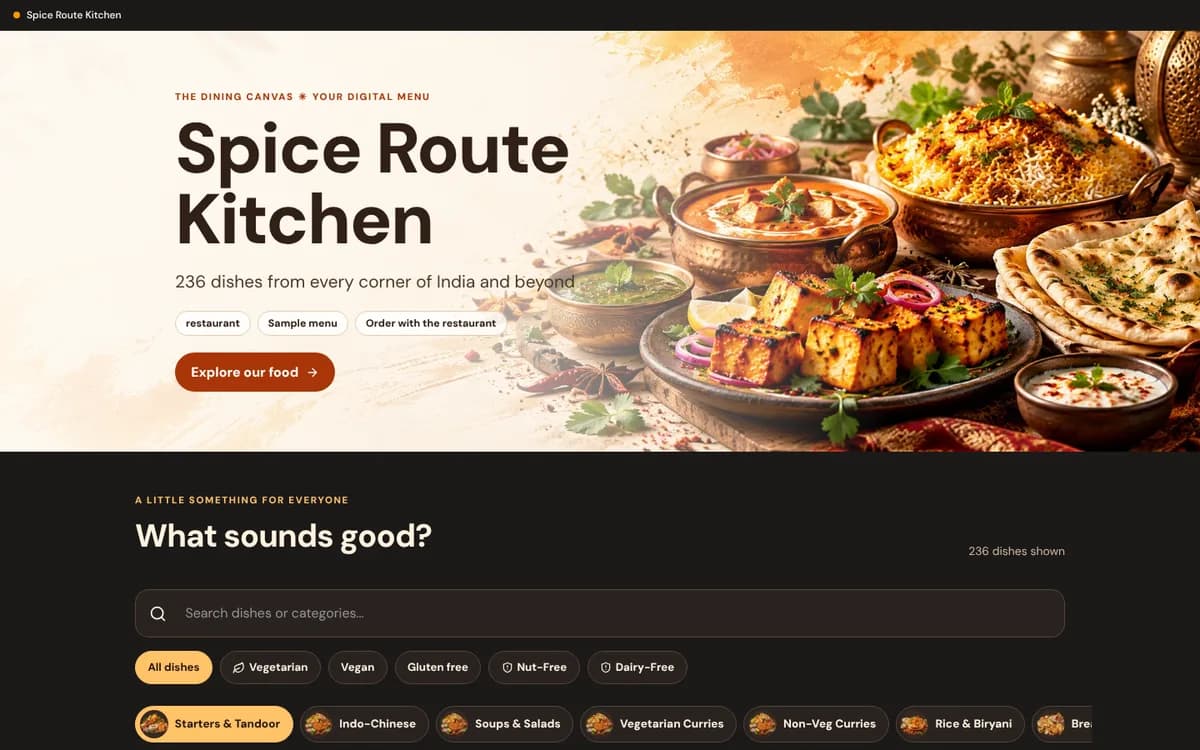
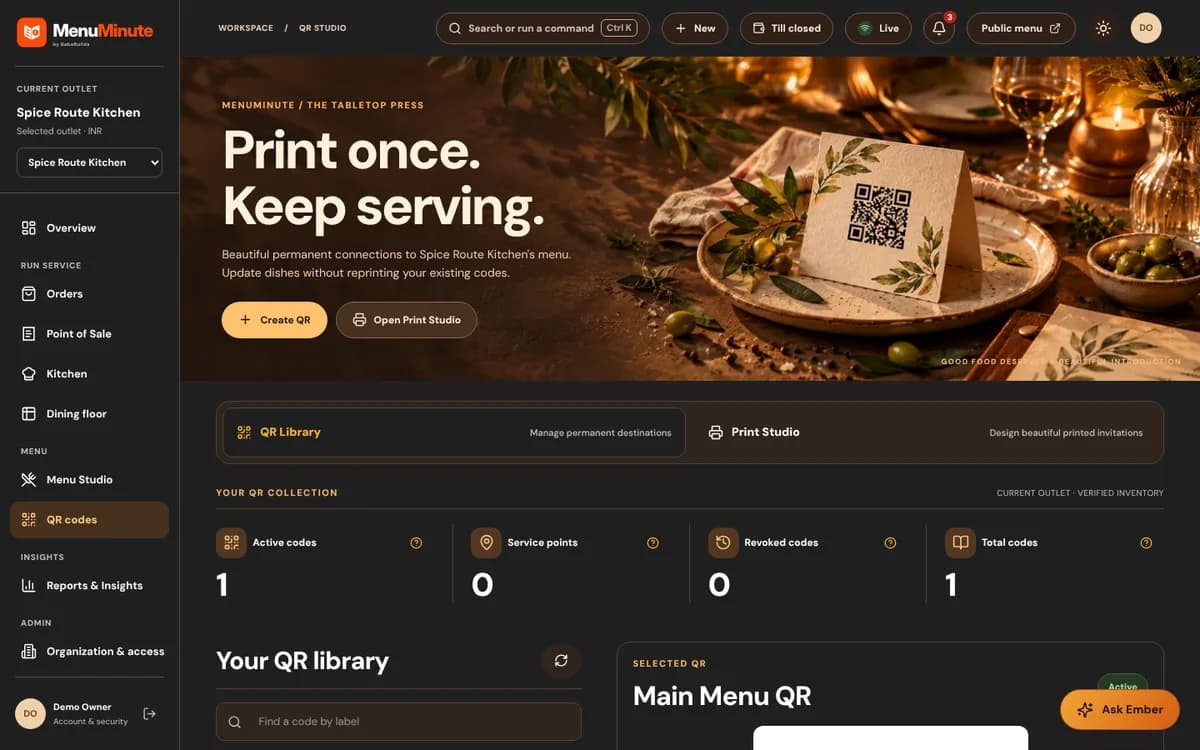
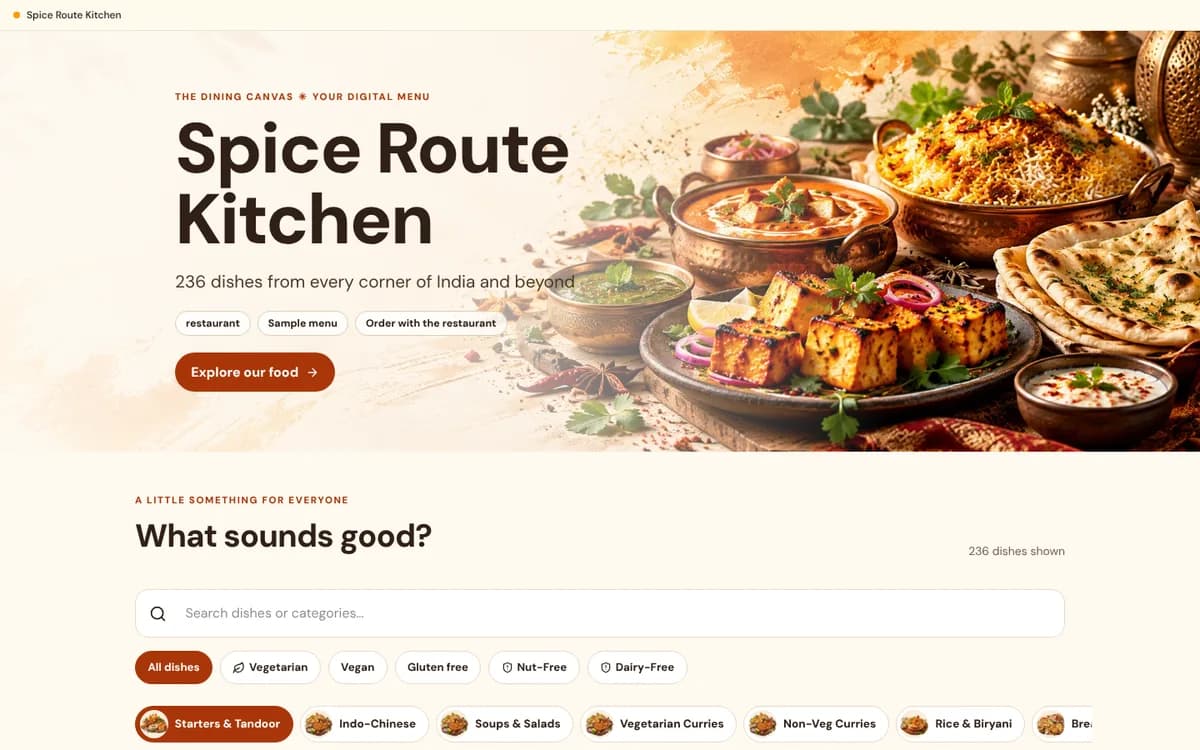
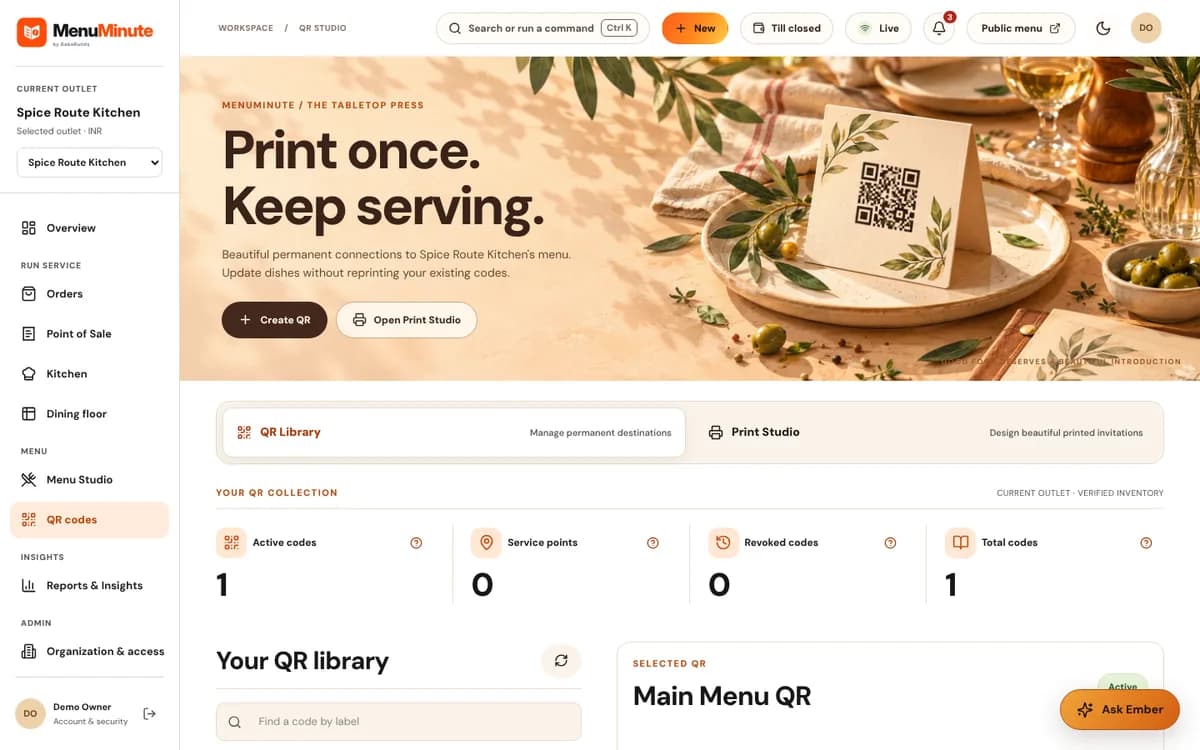
These screenshots come from the actual MenuMinute demonstration and documentation. The sample restaurant is illustrative; the screenshots do not indicate that every feature is active on every plan.
A fit for your workflow
Edit descriptions, categories, prices and supported variants in Menu Studio, then publish the reviewed changes.
Explore Menu StudioCreate lasting codes and design table-ready print materials without replacing the code whenever a dish changes.
See free QR menusOn the Ordering plan, receive dine-in orders through a separate ordering workflow, then coordinate staff acceptance and preparation.
Explore online orderingFrom idea to published menu
Create an account, name your restaurant and add the categories guests expect.
Verify descriptions, prices and allergen declarations. Open the live menu on a phone before printing.
Download the QR artwork and place it on tables, menus or counter displays. Ask about gated service tools only if you need them.
Important: The free QR menu does not include live order acceptance, online payments or Kitchen Pro. Ordering starts at ₹119 a month and Kitchen Pro at ₹499 a month.
Good to know
Need help choosing a setup? Ask our team, or explore pricing and access.
You can publish a mobile-friendly QR menu and provide the code on each table. You can still offer printed alternatives if guests prefer them.
You can use supported dish-availability controls to reflect an unavailable item. Review the public guest view after changing the status.
Only if the outlet has the separate online-ordering capability enabled. The free QR menu by itself is for browsing.
Start with the free QR menu, experience the demo, or contact MenuMinute about separately enabled tools for your outlet.