A menu your guests can browse
Create one published menu for the brand and update dishes, variants and prices as the offering changes.
Start with a free menuPublish a mobile-friendly menu for your delivery-first brand today, and explore controlled order acceptance and preparation stations when your outlet is eligible.
Start with MenuMinute’s free QR menu. Advanced service features are activated separately.

Delivery-first and pickup-first kitchens
The working day
Illustrative example: a pickup-first kitchen offers a short menu and receives orders during a busy evening.
This is an illustrative scenario, not a customer testimonial or measured result.
Before service
Keep a clear menu with prices, portions, spicy options and supported add-ons. Confirm packaging-friendly descriptions.
When an order arrives
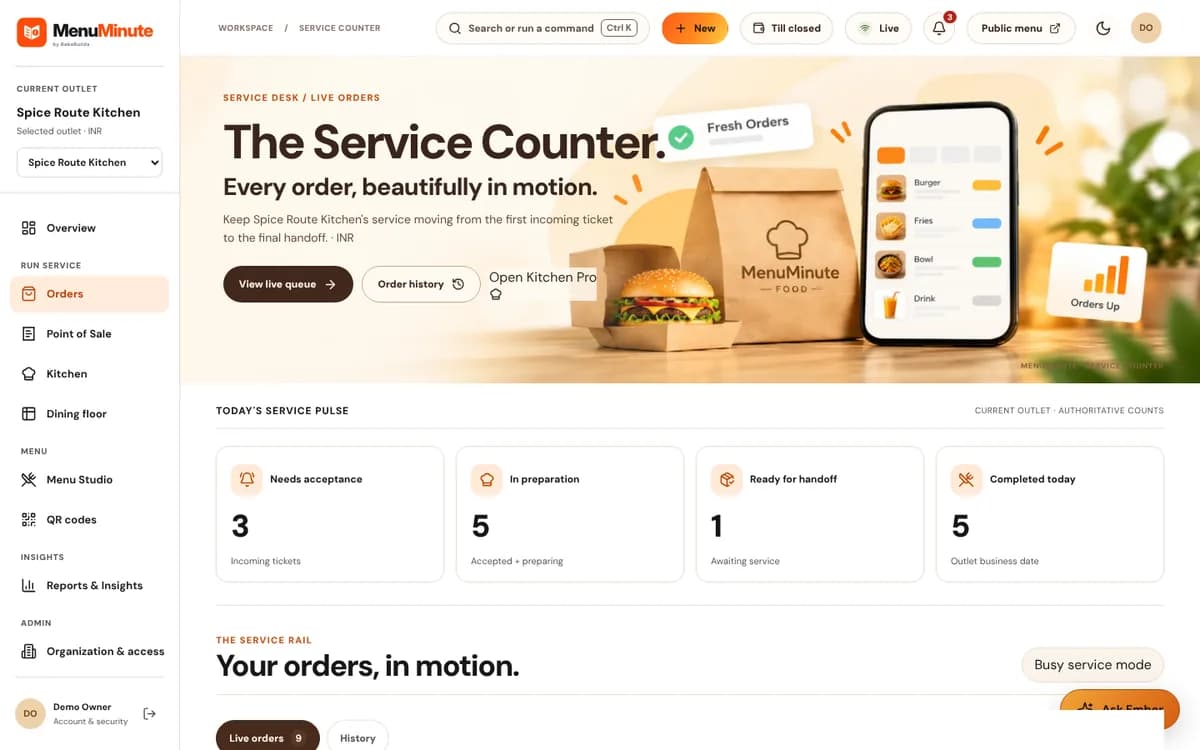
With the Ordering plan, staff review an incoming pickup order rather than treating submission as instant acceptance.
At preparation and handoff
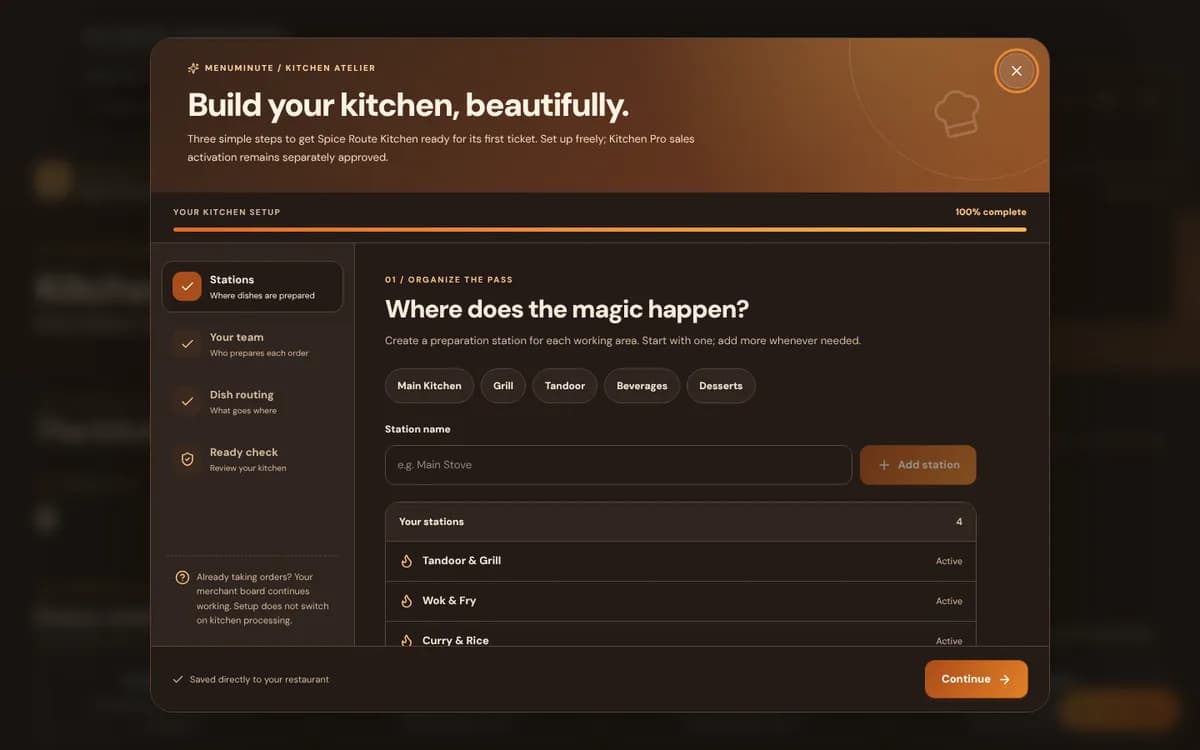
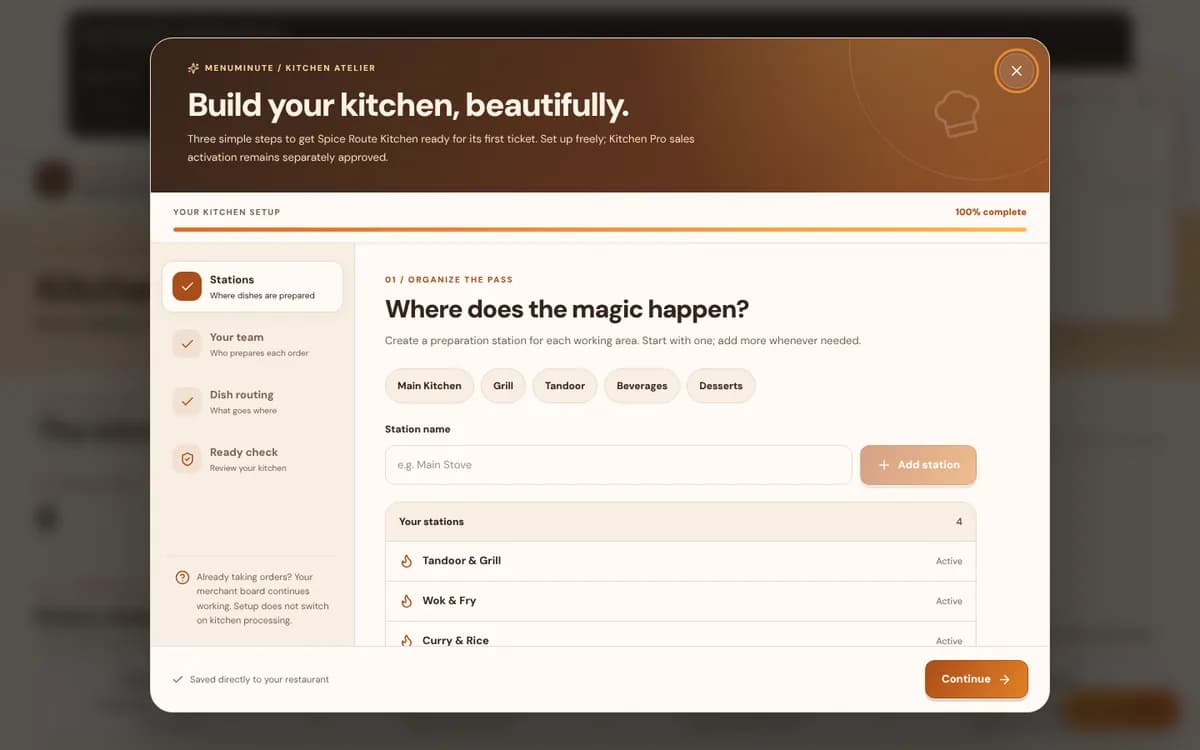
Where Kitchen Pro is activated, assigned stations can prepare and release items. Guest tracking reflects the order's progress.
Inside the product
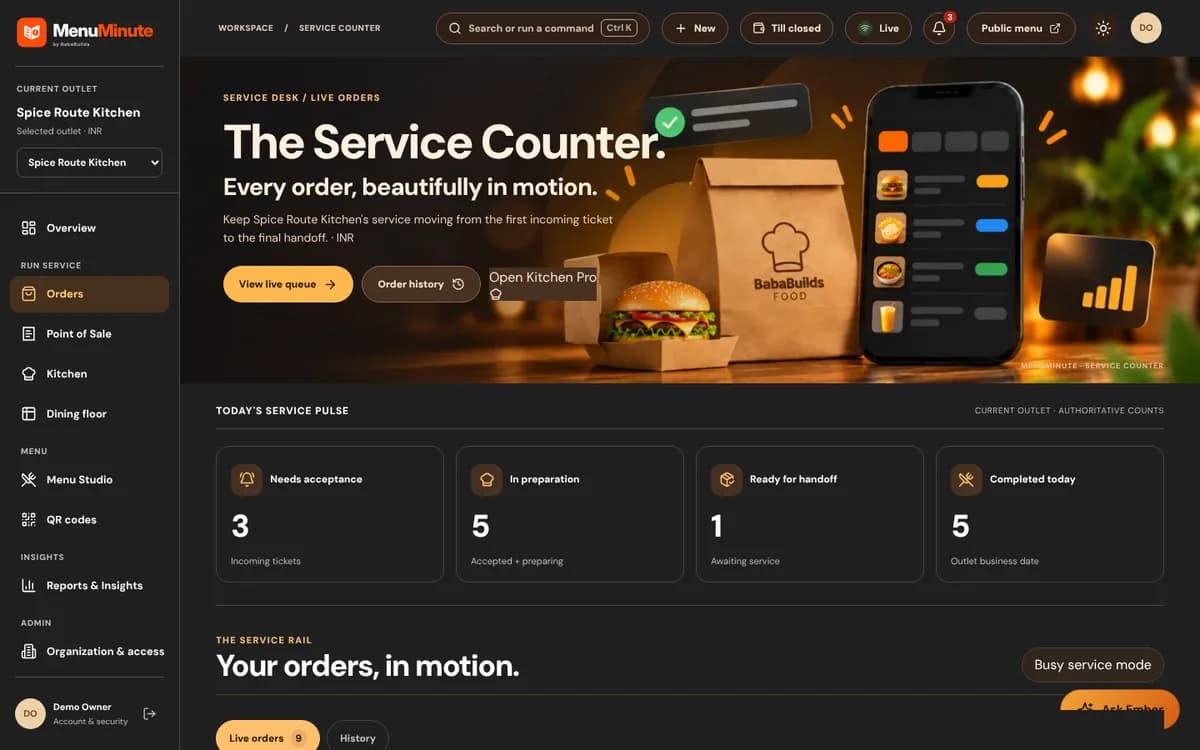
These screenshots come from the actual MenuMinute demonstration and documentation. The sample restaurant is illustrative; the screenshots do not indicate that every feature is active on every plan.
A fit for your workflow
Create one published menu for the brand and update dishes, variants and prices as the offering changes.
Start with a free menuOn the Ordering plan, guests submit pickup orders and staff accept or decline them in the Orders workflow.
Understand online orderingWhere separately enabled, Kitchen Pro shows tickets at assigned stations and supports final checks before release.
See Kitchen ProFrom idea to published menu
Organize the cloud kitchen's dishes, prices and supported choices, then verify the published customer view.
Use the permanent QR or browser link on your own permitted touchpoints. The free menu does not handle marketplace integrations.
Contact the team about approval for pickup ordering and station-based kitchen coordination.
Important: This is not an automatic integration with food delivery marketplaces, a payment gateway or third-party couriers. Ordering and Kitchen Pro are separate paid plans that you set up for each outlet.
Good to know
Need help choosing a setup? Ask our team, or explore pricing and access.
Yes. The public digital menu can present a delivery-first or pickup-first brand; physical dining tables are not required just to publish it.
Yes, on the Ordering plan. Guest submission alone does not mean an order is accepted: your team accepts or declines each one.
No marketplace integration is promised on this page. MenuMinute's own menu, ordering and kitchen workflows are separate plans.
Start with the free QR menu, experience the demo, or contact MenuMinute about separately enabled tools for your outlet.