

Sizes, choices and descriptions
Use supported dish variants and add-on groups for menu options, with owner-confirmed details and prices.
Explore menu editingShow the flat white, the iced drinks, the pastries and today's specials in a menu that is easy to scan, edit and share from the counter.
Start with MenuMinute’s free QR menu. Advanced service features are activated separately.

Coffee shops, tea rooms and small cafés

The working day
Illustrative example: a café starts with breakfast pastries and switches attention to cold drinks later.
This is an illustrative scenario, not a customer testimonial or measured result.
Opening shift
Arrange espresso, tea, cold coffee and bakery items into recognizable groups. Add sizes or supported add-on choices where configured.
Mid-morning
If a limited pastry sells out, update its availability rather than leaving guests with an out-of-date counter menu.
After lunch
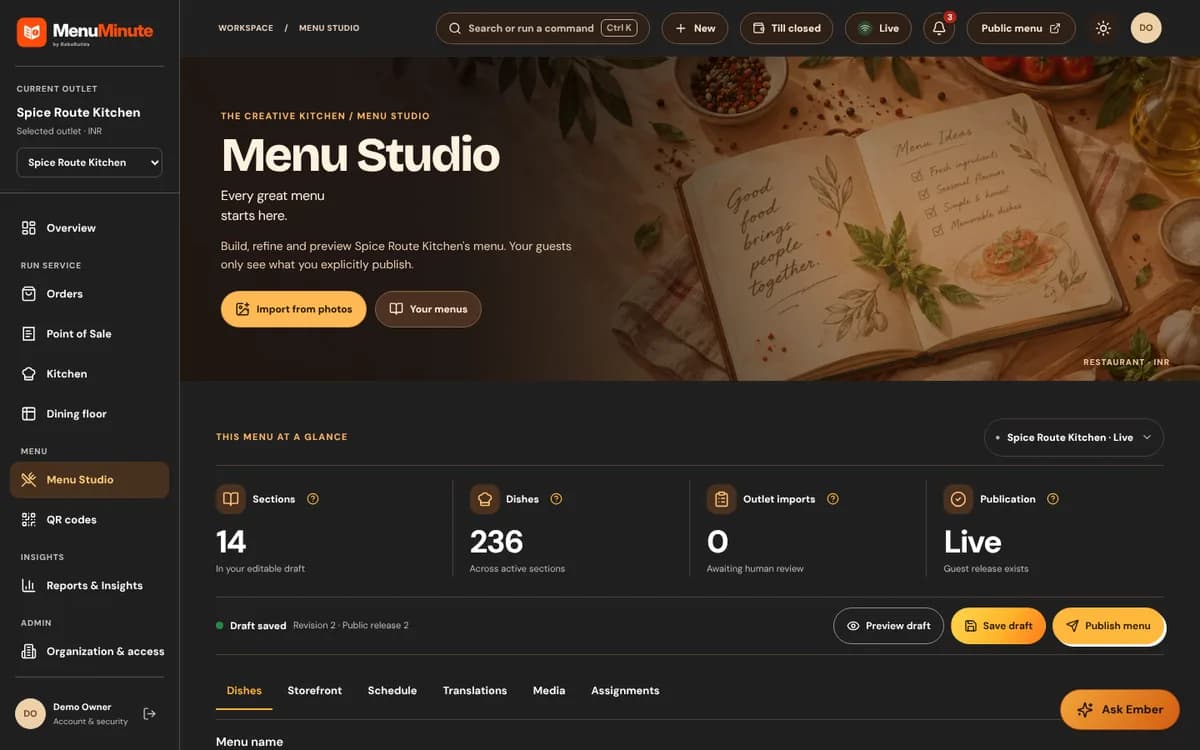
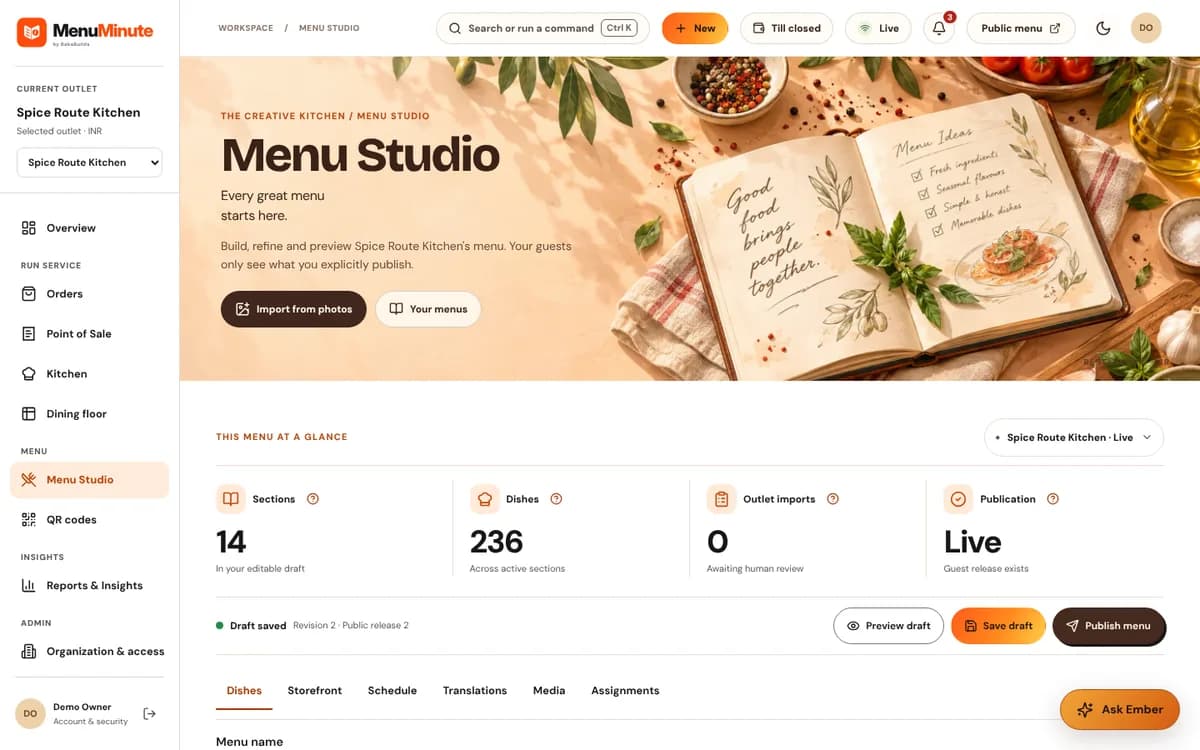
Update seasonal drinks and descriptions in the editor, review the draft and publish the approved menu.
Inside the product
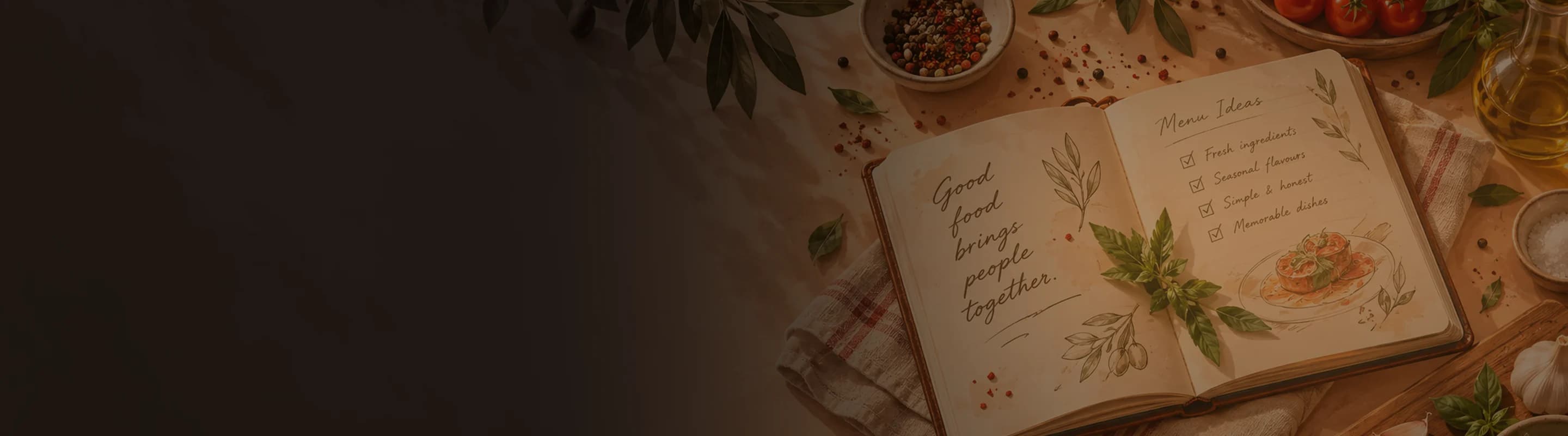
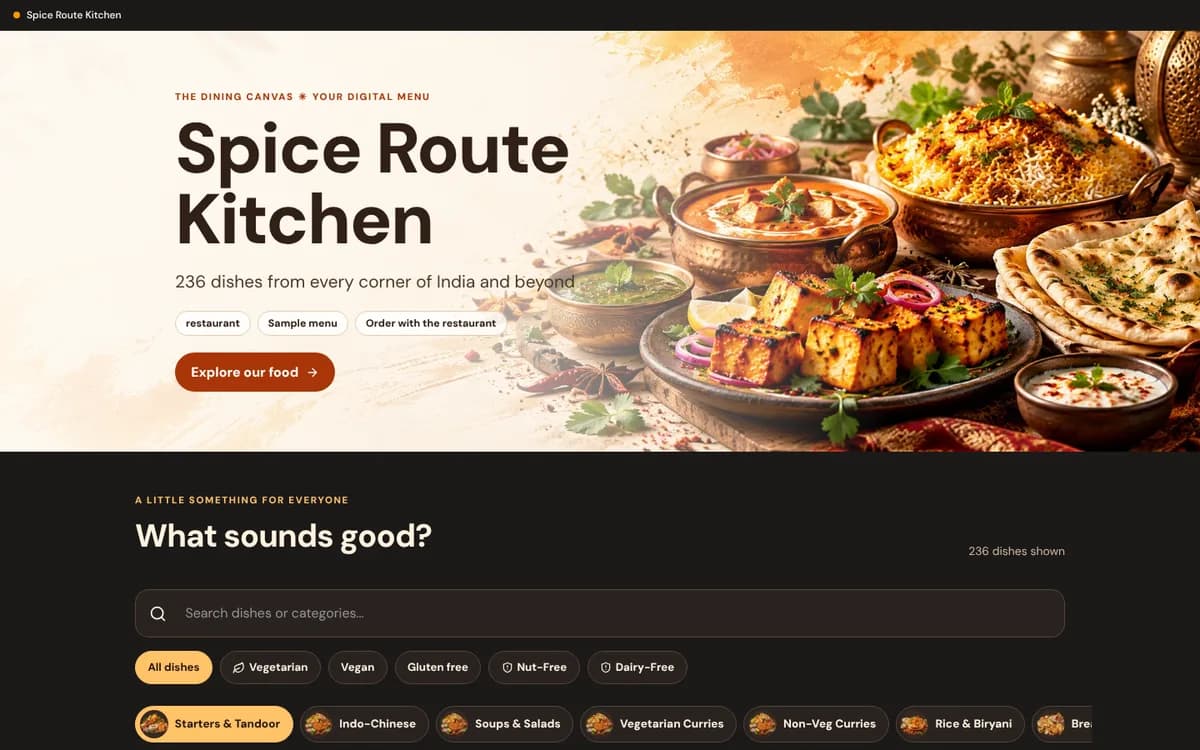
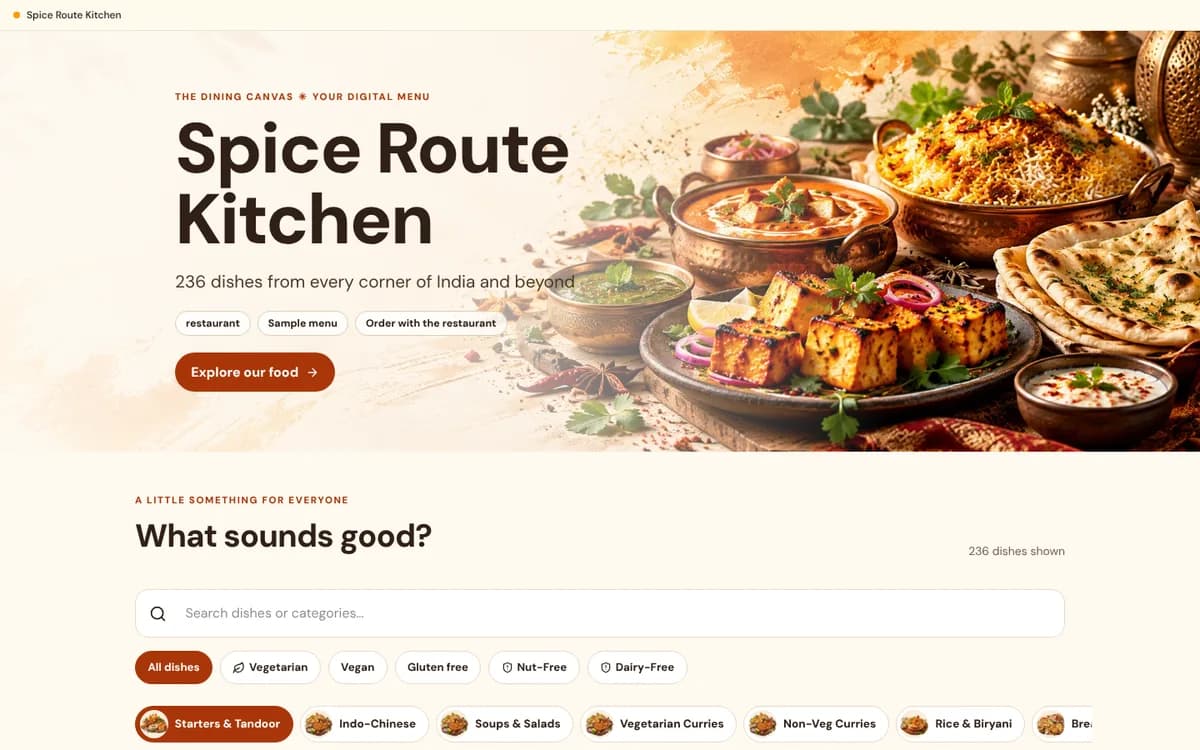
These screenshots come from the actual MenuMinute demonstration and documentation. The sample restaurant is illustrative; the screenshots do not indicate that every feature is active on every plan.
A fit for your workflow
Use supported dish variants and add-on groups for menu options, with owner-confirmed details and prices.
Explore menu editingA permanent QR code links visitors to the menu without asking them to install an application.
Design a free QR menuA responsive guest menu presents all-day drinks, bakery items and any published specials in one place.
See the digital menu builderFrom idea to published menu
Start with hot coffee, iced drinks, teas and food. Use plain names and clear pricing.
Where supported, set size variants or add-ons, then check the choices in the guest preview.
Keep your printed sign in place while you update the published menu behind it.
Important: A published café menu is not automatically a checkout or payment system. Ordering and the other paid tools are separate plans you add when you need them.
Good to know
Need help choosing a setup? Ask our team, or explore pricing and access.
Menu Studio supports dish variants, such as Small and Large, and supported add-on groups. Confirm the prices before publishing.
Yes. Edit the menu, review the changes and publish the updated guest view without changing your permanent QR code.
Not by itself. QR menu browsing is separate from activated ordering and any payment processing integration.
Start with the free QR menu, experience the demo, or contact MenuMinute about separately enabled tools for your outlet.